Participant
August 15, 2022
Question

Cannot insert images or see them in Dreamweaver Design panel anymore

  • August 15, 2022
  • 1 reply
  • 192 views

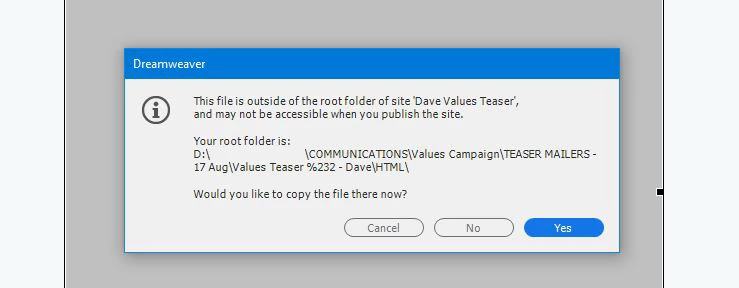
I just updated to DW v21.3 - has anything changed with the images root folders? I cannot insert images from my "images" folders without getting an error about it being outside of the root, when the images folder is sitting right next to my HTML file in my explorer?


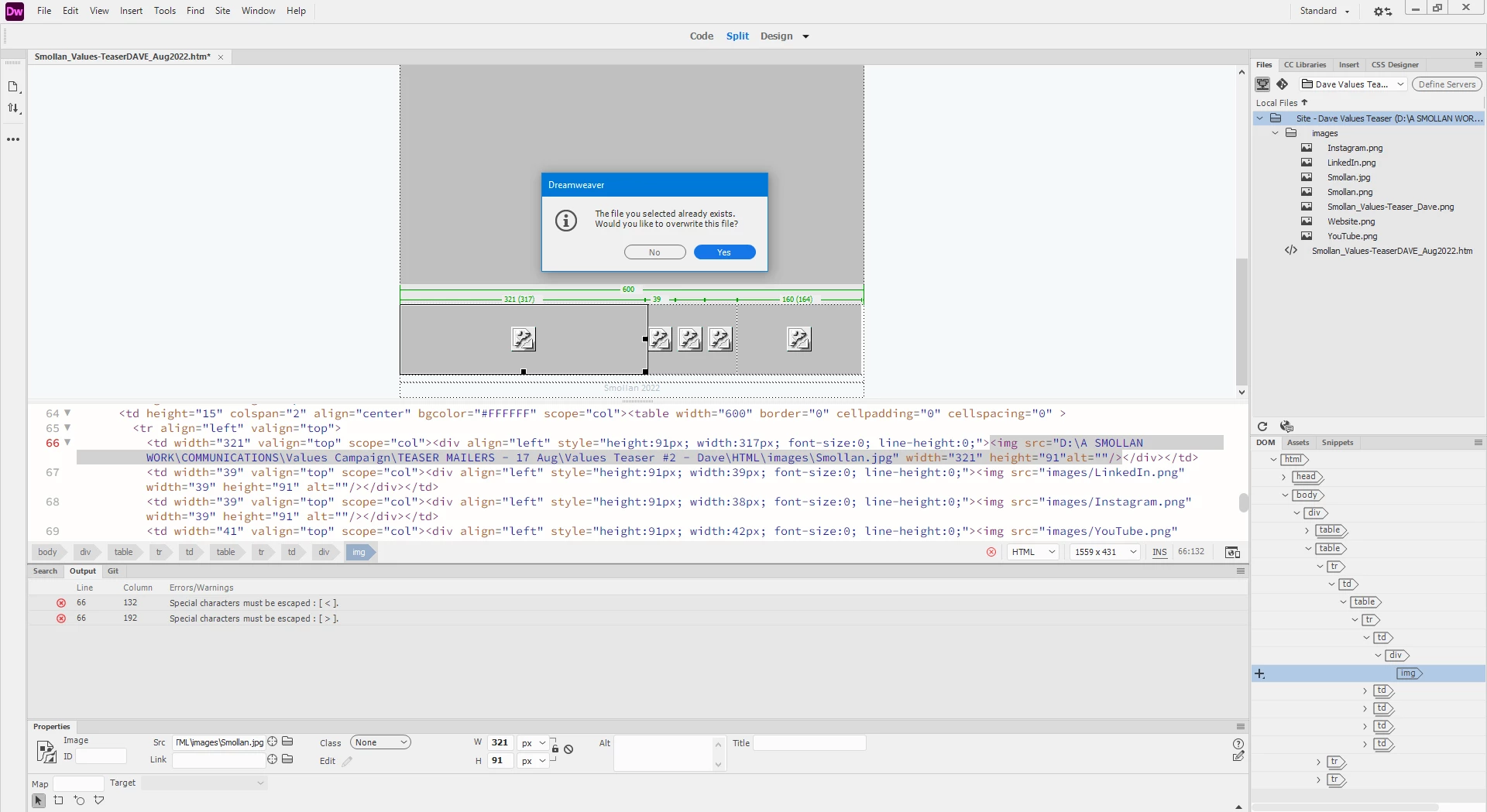
I can also not see any images / view them in my "Design" panel. This is SO frustrating - 20 years of HTML and this is the first time I cannot even link an image?! Also, when I try to relink via the "Source File" it asks me if I want to overwrite the file (?) and that the file I have selected already exists?

Please help me!

I need to HTML basic eMailers daily - and this is the first time that I have ever encountered any of this?


I am on Windows 10 - recently updated.


This topic has been closed for replies.

1 reply

Nancy OShea
Community Expert
Community Expert
August 17, 2022

First, remove spaces from folder & file names.  You may use hyphens or underscores between words but spaces & special characters are not allowed in HTML5.


Second, go to Site > New Site and create a new local site folder on your primary hard drive. 


Third, ensure that your system has full read/write/edit permission for files in your local site folder.   To avoid problems, don't store site files on external, cloud or networked drives.


Hope that helps.


Nancy O'Shea— Product User & Community Expert
Participant
August 17, 2022

Thank you so much for replying, but unfortunately none of the this helps me.

I do not have any spaces in folder / file names, and as you can see in my image - I only use underscores and hyphens.


Secondly - I did define the site on my local hard drive, and it gave me a long D\: address to each image - and they also did not display?


My permissions on all my folders are set to full control, and all files are on my local machine and not on any server / cloud / networked drives.


I really do not understand how suddenly if I open previous HTML sites / Mailers - their images too are now not displaying at all - when they worked fine and were published in full as live websites in the past. Now no images show.


Please see below:


I have nowhere else to go to ask - so please could you assist as a matter of urgency?

I appreciate.

Community Expert
August 17, 2022

It sounds as though something isn't being picked up correctly.  Since this is for email and I'm assuming it's not connected to a remote server, can you try just re-creating the site definition?  Also - as suggested remove any special characters from your site path (not image path).  In your site path you will see %232 which is the # symbol in your folder path.  Those characters could be causing an issue from either DW or from a recent OS update that conflicts with how DW is working.  So it's always best to make sure there are no spaces in names and use separting characters like - or _ instead of symbols like #$%^&*().