


Participant
February 1, 2017
Question

Code View - To Word Wrap or not to Word Wrap

  • February 1, 2017
  • 2 replies
  • 2039 views

OK, this is a relatively new problem, maybe since I got CC (or maybe from a more recent update) and I've decided I can't live with it anymore.

When coding an email with lots of nested tables (or anything with a few levels of nesting) my code, with Word Wrap enabled eventually starts showing as a column of one character down the right hand edge of the page:
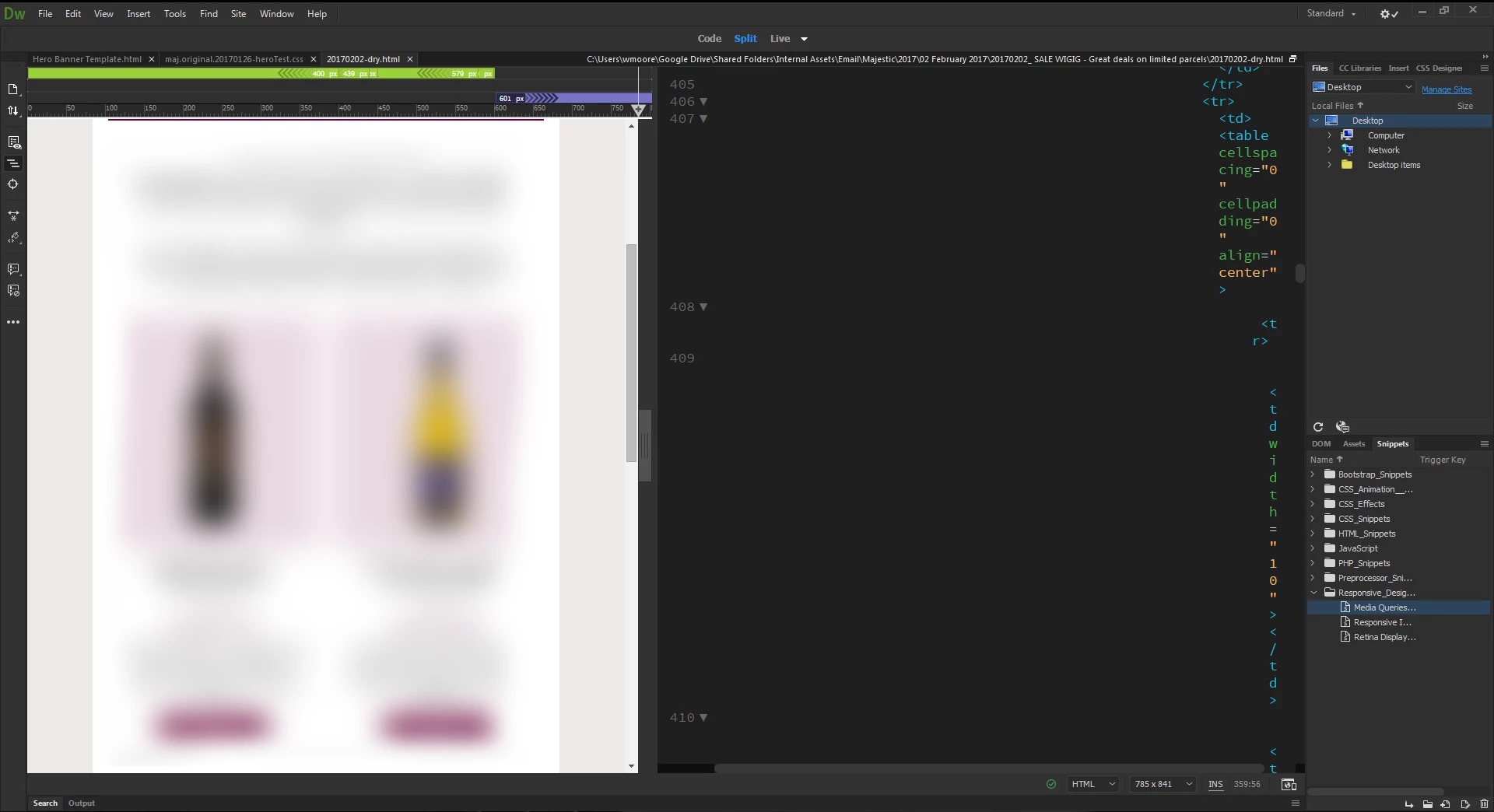
I've tried Word Wrap on and off and although turning Word Wrap off at least solves this it does mean I have to use a horizontal scroll bar when I'm sure older versions used to just bring your code back to the left when it stopped fitting in.

Has anybody got a solution to improve this situation. It's pretty much impossible to work on when it runs down the age in single characters.

This topic has been closed for replies.

2 replies

Nancy OShea
Community Expert
Community Expert
February 1, 2017

Click the Code Format icon on Common Toolbar.

Define code formatting in Edit Tab Libraries.  Afterwards, Apply Source Formatting.

I'm not a huge fan of indented code. So I keep word wrap on.

Nancy

Nancy O'Shea— Product User & Community Expert
Jon Fritz
Community Expert
Community Expert
February 1, 2017

Looks like your code has gone extremely indent happy.

Aside from taking out a lot of Tabs/indents by removing them from the Tag Libraries and using Apply Source Formatting, you might get some relief switching to an over/under positioning for the Split View.

Click View > Split > Split Horizontally if you're going to be working in Code View more than Live/Design.