New Participant
April 8, 2018
Answered

Edited meta coding not putting to site.

  • April 8, 2018
  • 1 reply
  • 786 views

I took on editing a website using Dreamweaver having zero coding experience but picking it up along the way as I am purely a means to an end in terms of editing the site.

Anyway, I recently created two new pages for the site based on existing pages and literally copying everything across and then changing the material on the page and the web address.

The new pages I have created have put everything else on the site EXCEPT for the meta tags. I have changed these in the coding, but for some reason they STILL won't put to the site.

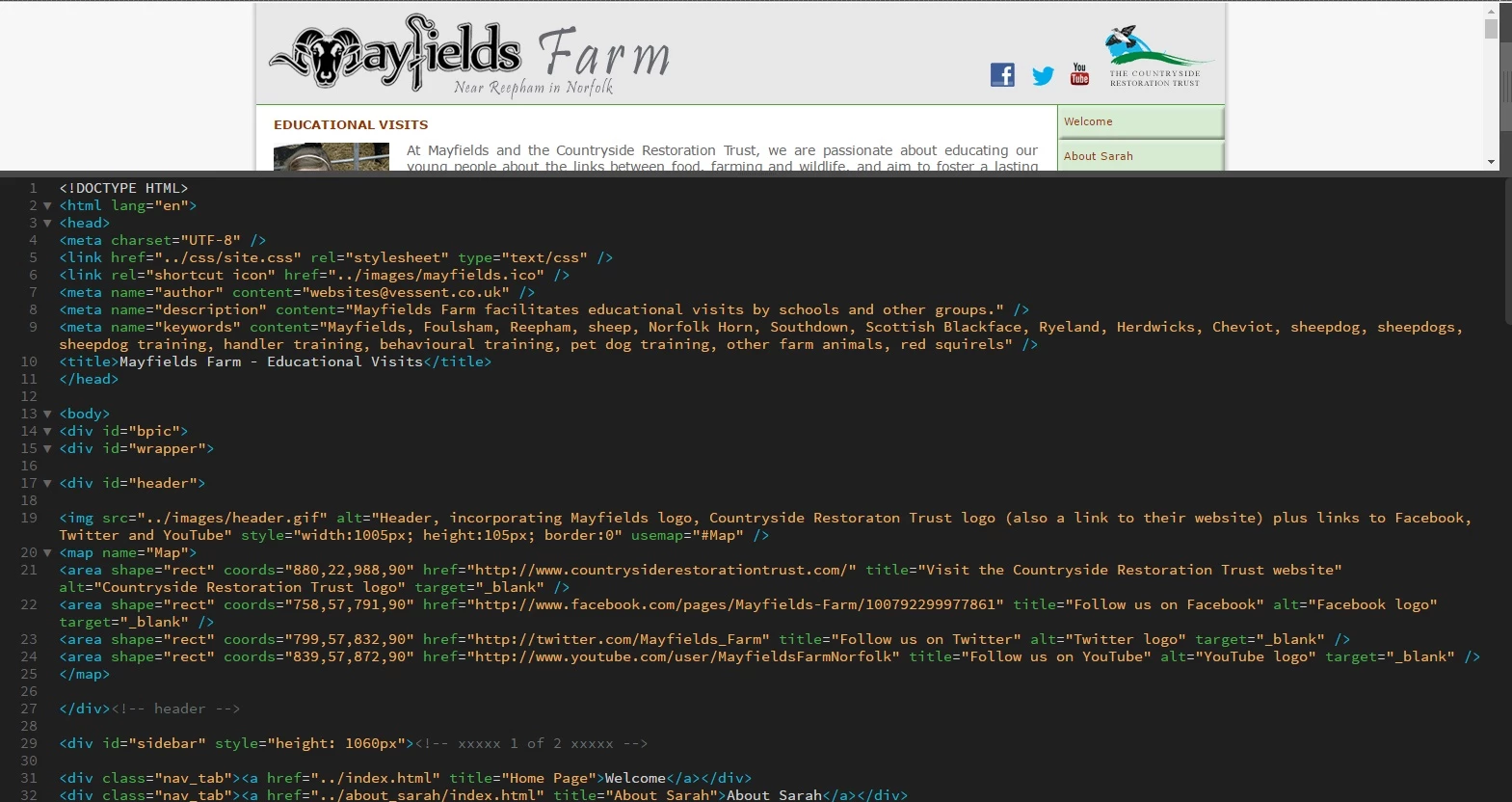
Example... This is what was left in the coding from another existing page that was created. NB: ** is hidden info I'd prefer to keep private.

<!DOCTYPE HTML>

<html lang="en"><head>

<meta charset="UTF-8" />

<link href="../css/site.css" rel="stylesheet" type="text/css" />

<link rel="shortcut icon" href="../images/mayfields.ico" />

<style type="text/css">

</style>

<meta name="author" content="**" />

<meta name="description" content="**">

<meta name="keywords" content="**" />

<title>

**</title>

</head>

The two ** are the only bits of coding on this I have tried to change and are the bits I want changing, but won't put to the site when refreshed.

Many thanks for your help!

This topic has been closed for replies.
Correct answer B i r n o u

So this is what it shows when I search the website with the details of Mayfields Farm events...

However, notice in my coding the details that should be in the title and the description, but they're not transferring across.

When I created the page 'Events' I copied this page to create it with the following coding that I have edited as above.

For example when I also paste the link onto social media, it comes up with the following.


this article can be interesting... to explain why sometimes Google override your own meta description

Why Doesn't Google Use My Title Tag and Meta Description In Search Results? | First Scribe Blog

1 reply

Brainiac
April 8, 2018

Are you sure you are not looking at a cached page in your browser. If possible look at the page in an alternative browser after you have changed the info in the meta tags and uploaded them to your site folder.

New Participant
April 8, 2018

Thanks for your answer - I've just tried with a different browser after refreshing and it still isn't changed.

What is happening is that for example...

Site Name - For Sale

www.website.com/events

Events happening at my company are...

Instead of

Site Name - Events

www.website.com/events

Events happening at my company are...

Because it is the 'For Sale' page I copied as the template to create 'Events' the tag line when I search for 'Site Name - Events' is the tag line of the old page that I replicated to edit.

Nancy OShea
Community Expert
April 8, 2018

Did you validate code and fix reported errors?

Nancy O'Shea— Product User & Community Expert