


alices74118196
New Participant
December 4, 2017
Question

Jquery Error Code: missing "use strict" statement and expected === and saw ==

  • December 4, 2017
  • 4 replies
  • 3498 views

I am trying to use Jquery to create click function on a menu.

using the google cdn library.

The jQuery is not working and shows the following errors:

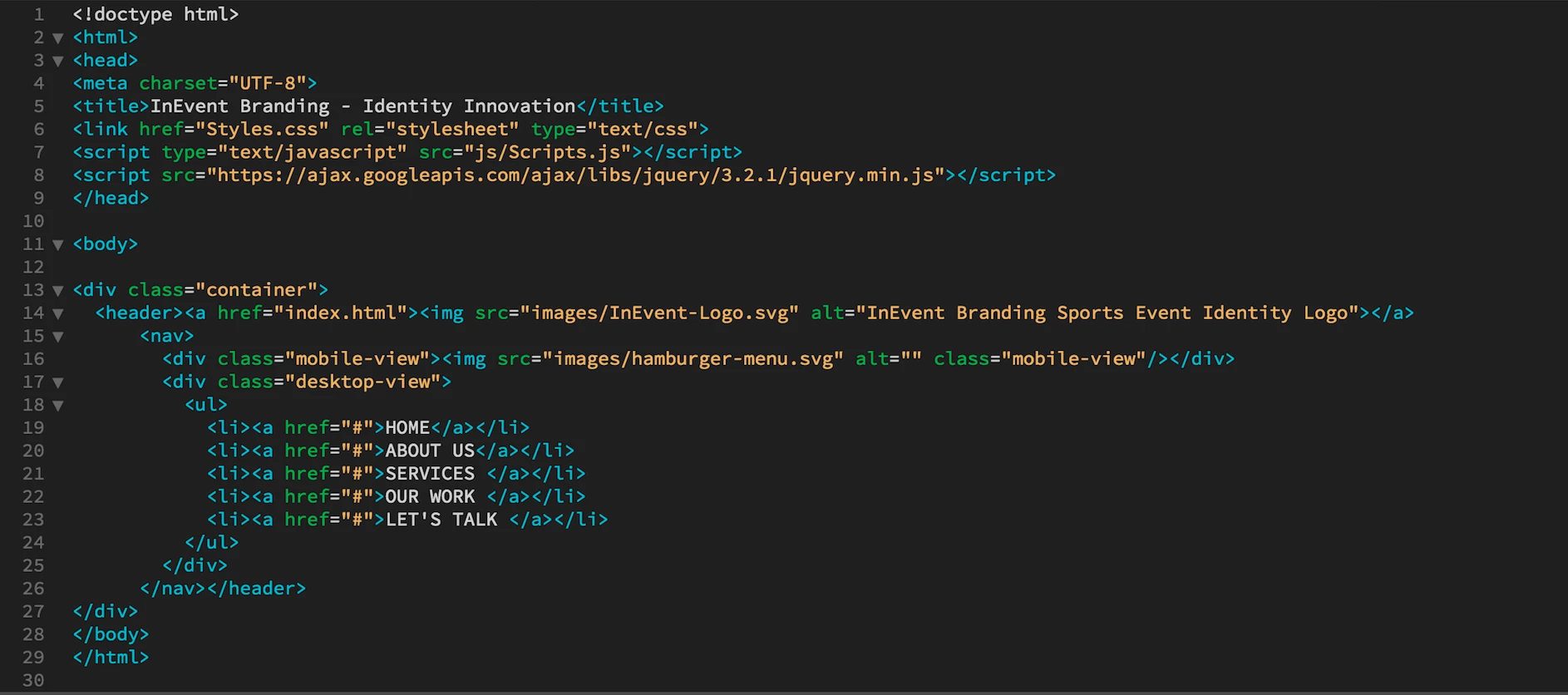
firstly here is the source code that shows the google library.
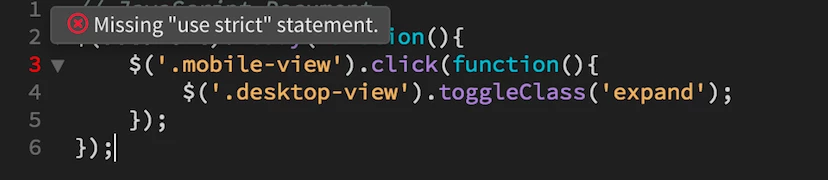
This is the error showing in my "scripts.js" file
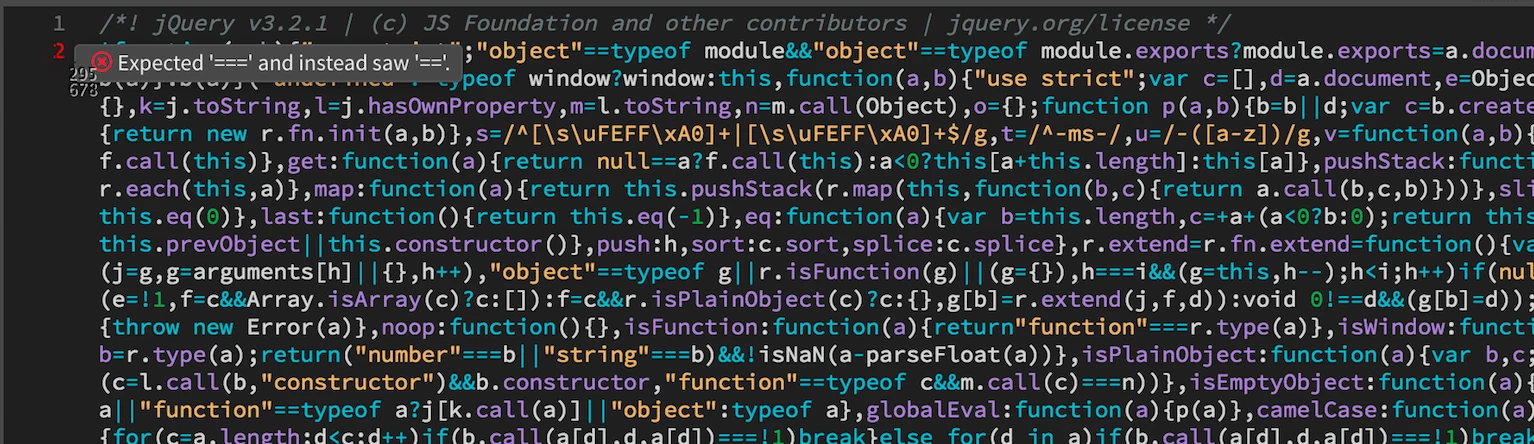
And in the jQuery.min.js file this error is showing
This topic has been closed for replies.

4 replies

New Participant
September 13, 2020

problem fixed here : https://youtu.be/khmBtMlST9Q

B i r n o u
Community Expert
December 4, 2017

well there multiple way to answer... so

1 - concerning the error... the strict use of JS is nothing else than invoquing the strict mode either from the global script either from each function

to invoque the stric usage simply add as a first line

'use strict'

you can learn more there

Strict mode - JavaScript | MDN

2 - now concerning both error 'strict' and strictly equal... concerning jquery... never mind anbd live with...

any way you can get read of those statement by going on DW preferences category Linting

select JS and then edit... you can now edit

line 21 and replace by

"strict"        :false,  

and line 6

 "eqeqeq"        : false, 
B i r n o u
Community Expert
December 4, 2017

and last you didn't tell us what is not working in your script...

1 - first you could send us the script and tell what's not working

2 - as you use jquery... probably you will use it in your script... so it will recommand to swap line 7 and 8... load jquery before using it

Nancy OShea
Community Expert
December 4, 2017

Thank you for your help; I have edited the listing as advised which has helped with the "use strict" error, but has incidentally caused many more errors in the jquery.min.js:

I have also changed the lines 7&8 over in source code.

In the browser (google chrome) preview the click function on my hamburger menu is not working, it is supposed to reveal the menu when clicked.

Source Code

Jquery (click function doesn't work in preview)

     Stylesheet showing the .expand class.

I am hoping this shows enough information.

Thank you so much for helping.

Much appreciated.


In the future, never edit your jQuery library.

Replace your link to jQuery with this one hosted on the CDN.

<!--latest jQuery 3-->

<script src="https://code.jquery.com/jquery-3.2.1.min.js" integrity="sha256-hwg4gsxgFZhOsEEamdOYGBf13FyQuiTwlAQgxVSNgt4=" crossorigin="anonymous"></script>

Ignore all "code errors" reported in the jQuery library.  They are meaningless.

Nancy

Nancy O'Shea— Product User, Community Expert & Moderator
BenPleysier
Community Expert
December 4, 2017

I wouldn't worry about the so-called errors yet.

Have a look at JavaScript "use strict" and  Strict mode - JavaScript | MDN

The errors in the code do not contribute to your function(s) not working, it must be something else in your code. Without seeing your full code, I cannot help any further.

Wappler is the DMXzone-made Dreamweaver replacement and includes the best of their powerful extensions, as well as much more!
pziecina
Brainiac
December 4, 2017

Ignore them, or go into preferences and turn off linting.

Dw's linting option is an all or nothing selection, and gives a number of false errors across all documents that it supports.