


Adobe Expert
September 14, 2020
Answered

Localhost problems with Safari

  • September 14, 2020
  • 2 replies
  • 9608 views

Updated to OSX 10.14.6 and Safari 13.1.2, and now when I turn on MAMP and try to go to http://localhost I get a cannot connect error. 
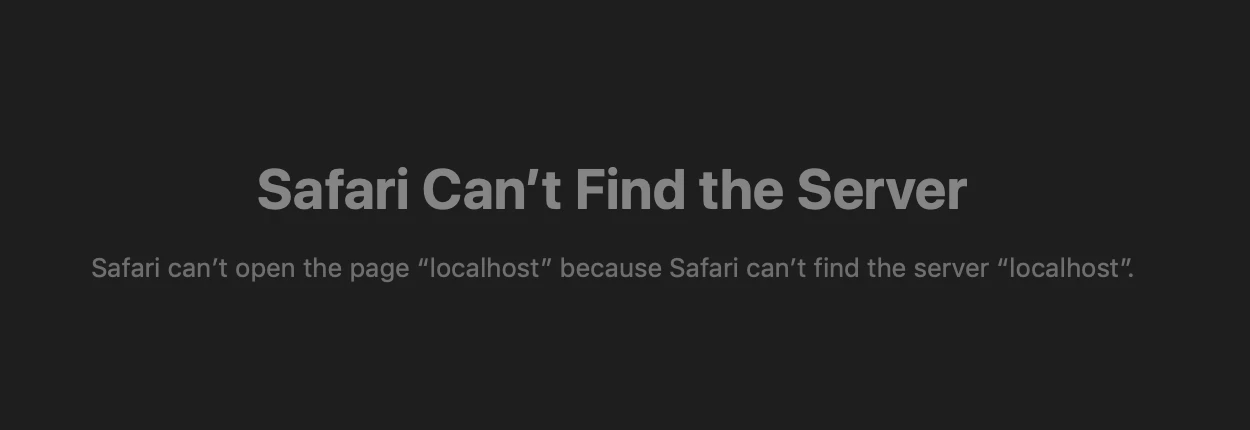
Chrome and Firefox work just fine. I've gone through a couple of dozen fixes suggested by various forums but the only thing that will work is to use http://127.0.0.1


I don't think I am the only one in the community that has run into this problem. Any ideas?

This topic has been closed for replies.
Correct answer Rick Gerard

The problem can only be solved by changing the local host pointer in the site definitions to HTTP://127.0.0.1


Localhost is broken. 

2 replies

Rick GerardAuthorCorrect answer
Adobe Expert
September 21, 2020

The problem can only be solved by changing the local host pointer in the site definitions to HTTP://127.0.0.1


Localhost is broken. 

Nancy OShea
Adobe Expert
September 21, 2020

If this only happens in Safari, that means your version of Safari is broken; not DW and not MAMP localhost. 


Nancy O'Shea— Product User, Community Expert & Moderator
Adobe Expert
September 14, 2020

What does your config of MAMP look like?  I just tested my local server and the localhost address works fine for me. MAMP 5.7, Apache, default ports, PHP 7.4.2.  I am also using OSX 10.15.6.  Could this be an OS specific issue with that version?

Adobe Expert
September 14, 2020

Nothing changed. MAMP 5.7, 80 & 3306, PHP 7.,3.0, Apache. I have tried all settings, Safari is the only browser that won't work. I even rolled back a couple of versions of MAMP. Localhost will not work in Safari, I cannot 


I am not running Catalina because my primary job is video and motion picture production and visual effects and I still have software that I depend on that is not 100% compatible with Catalina. 


I found a workaround. I changed the testing server link to  http://127.0.0.1/myFolderPath in all of my site definitions. I have to use http://127.0.0.1/phpMyAdmin/?lang=en to get to phpMyAdmin in Safari. Apple screwed something up. I even tried a XAMPP. Localhost is just not working at all in Safari. 


I'm not happy with how Dreamweaver is working either. See this thread: PHP previews are a mess - What is going on


Adobe Expert
September 14, 2020

I just found out that editing your post is broken in the forum on all browsers. This is all you get: