



MarekMularczyk
Adobe Expert
October 8, 2017
Answered

Real Time Preview doesn't work

  • October 8, 2017
  • 9 replies
  • 18755 views

It's all started when Real Time preview appeared in Dreamweaver CC 2017 last year and it hasn't been working right since then.

Very often when I try to preview page in a browser I'm getting this problem:
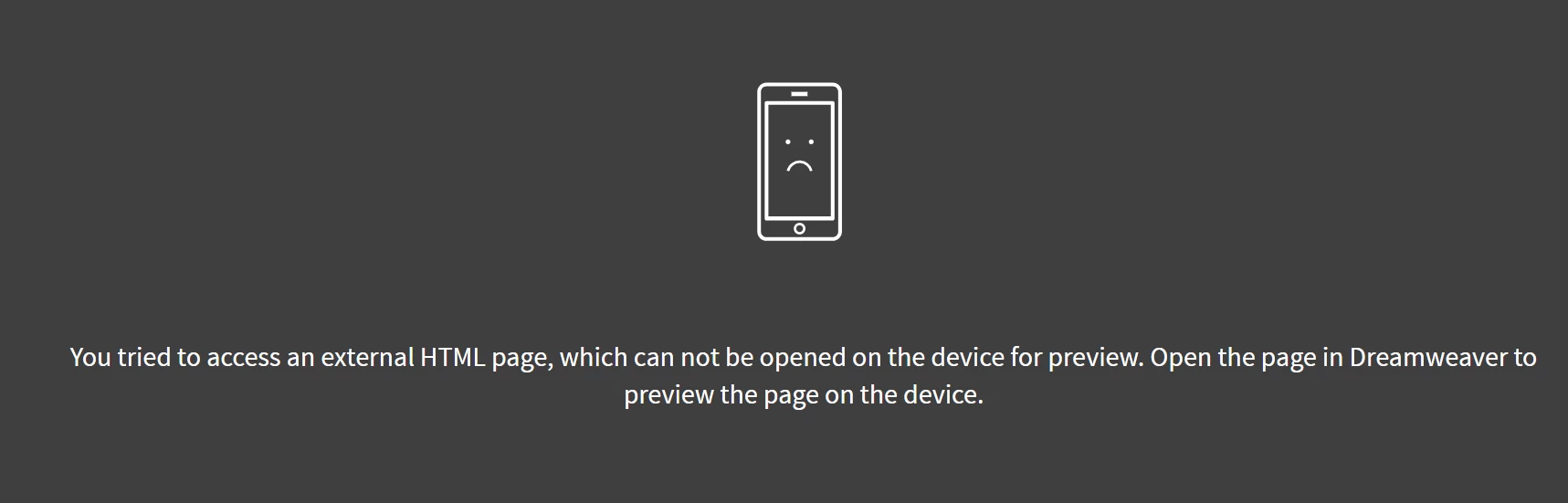
and nothing sorts it out unless I close the browser and Dreamweaver and restart them, which is very frustrating.

And yes, the page is opened in Dreamweaver despite the error above...

Any ideas?

    This topic has been closed for replies.
    Correct answer MartinL_Alza

    I verified this as a bug, Adobe PLEASE fix it. Temporarily it can be solved like this:

    "If you choose live preview from the bottom right corner it works"

    9 replies

    Hans JF
    Participating Frequently
    November 17, 2021

    It's Nov 2021, live preview still doesn't work both in Dreamweaver and in a browser regardless if I use F12, the button in the lower right corner or "Real time preview" in the file menu. It worked yesterday. I'm on a new $8000 PC with a fresh installation of Windows 10 and Dreamweaver. It was depressing enough it doesn't work, then I google it and find out people have been angry about this for years. I've already tried everything mentioned in this thread, nothing works. How on Earth is this possible? It even says in this thread if I pirated an earlier edition of Dreamweaver, I wouldn't have these problems. I'm paying for the master suite exactly to avoid these kinds of problems, this is just unbelievable.

    Jon Fritz
    Adobe Expert
    November 17, 2021

    Go to Edit > Preferences > Real Time Preview and check the box for "Default to Static Browser Preview".


    This was not an option in 2018 and earlier versions (what this thread is about).

    That will make it so DW opens your page in the chosen browser without going through Adobe's servers. Rather than seeing an IP address in the browser's location bar when you go to preview, you will see the file path to your local page.

    Just make sure you have any local testing server the site is assigned (if any) to turned on first.

    Hans JF
    Participating Frequently
    November 17, 2021
    I did what you said, but it changed nothing. I'm not sure why, but during
    the day, the browser has started updating more and more without me having
    to change focus to the browser with a click, and the occasional F5, now the
    browser updates almost all the time. It seems Dreamweaver doesn't want to
    send an update notice to the browser unless you write code it sort of
    considers logical, not what makes the webpage look logical, but what's
    structurally logical in the code inside a too narrow definition. But that
    theory doesn't always add up all the time. Just a minute ago I positioned a
    grid and I had to save and hit F5, changing focus wasn't enough. I just
    don't get what makes this problem come and go like this.
    MysticKnight
    Known Participant
    November 30, 2018

    I can this possible still be an issue a year after the workaround was identified and posted here?

    Thank you MartinL_Alza for posting the workaround. At least I can get some work done now.

    Bill

    Known Participant
    September 29, 2018

    I just installed a new fast pc and widescreen monitor and downloaded Adobe CC. And yes, the same problem with me. Live View doesn't work. After closing both browser and DW I was able to see the content of the page using Live preview but.... Not loading the images and not loading CSS. In other words, still useless and I downgraded to version 2015 which works fine.

    Nancy OShea
    Adobe Expert
    September 29, 2018

    Sounds like your local site folder is not properly defined.  Go to Site > Manage Sites and check your settings to ensure they are the same as in 2015 version.   If all that checks out, Validate your code and fix reported errors.

    Even small code errors can cause the latest versions of DW to hiccup.

    Nancy O'Shea— Product User, Community Expert & Moderator
    Known Participant
    September 30, 2018

    I had the files on a NAS. Removed to desktop and that it worked. Will try to work it out. Thanks!

    Community Manager
    August 21, 2018

    Hi,

    We have addressed this issue in our latest Prerelease build. The fix is available to try out in prerelease build.

    Please go to the link Adobe Prerelease and install the latest build 11167.

    https://forums.adobeprerelease.com/dwalpha/discussion/367/dw-latest-build-11167-is-availab le

    Thanks

    Kratika

    Dreamweaver Team

    New Participant
    May 2, 2018

    Same issue, this is annoying. I had to use preview by going to the bottom right. Why isn't this fixed yet?  As expensive as adobe is!

    MartinL_Alza
    MartinL_AlzaCorrect answer
    Participating Frequently
    December 15, 2017

    I verified this as a bug, Adobe PLEASE fix it. Temporarily it can be solved like this:

    "If you choose live preview from the bottom right corner it works"

    New Participant
    December 19, 2017

    I find if I right click the tab and 'Preview in Browser' it works ok and afterwards F12 works too.  If I go straight for F12 I get the black, device error page.

    Odd?!?

    New Participant
    December 9, 2019

    It works for me if I right click the tab. The other solutions DO NOT WORK. I am just happy to get it to work though, so I will take what I can get. Would be nice of course to make it work via the menu. Thanks - vh

    MartinL_Alza
    Participating Frequently
    December 15, 2017

    Well that was a very short success. Now it just continuously fails and I constantly see the damn error message Cannot solve it what ever I do. Very dissappointed with the Dreamweaver. I have a complete CC package, I'm paying for Adobe services and this is what I get.

    Niharika Jha
    Adobe Employee
    Adobe Employee
    October 12, 2017

    Hi,

    Is this issue intermittent or you are seeing this consistently on your machine? We have been trying to reproduce and fix it in-house but since it is intermittent we have been been struggling to corner the cause. Please help us with the following details-

    1. On which platform and Dw version are you seeing the issue?

    2. Is there any specific file on which the issue occurs?

    3. Were you in CodeView/Split/Live/Design when you saw this?

    4. In which workspace were you working?

    5. Which browser are you using?

    6. Are there any specific workflow steps in which you see the issue?

    Regards,

    Niharika Gupta

    Adobe Dreamweaver

    MartinL_Alza
    Participating Frequently
    December 12, 2017

    Happened to me also.

    Or to be more precise I was constantly unable to run the live preview mode. I was always seeing this message no matter what I did. I've tried the same approach at my colleagues PC and everything was super okay. Don't actually know what could cause this and I'm unable to tell you any more useful information as my PC is relatively normal. I'm running a corporate notebook Lenovo T470p with Windows 10 Pro. I don't have admin rights (these have our admins). We are connected to the company network and that was my first thought where the problem could be. That it has problems with (e.g.) "http://127.0.0.1:62393/", that certain amount of ports are not accessible. But after trying to ask several colleagues I found out that I was the only one dealing with this kind of problem. I'm running the latest version of Dreamweaver for Windows. Every driver is up-to-date, everything seems to be okay. I was forced to use other ways how to preview the web page but these weren't that comfy as the live preview unfortunately.

    One other day I realized that my colleague has every of his web page located (or set in Dreamweaver) in the C drive. I have my web pages on the D drive. I've tried to copy my web to the Desktop (located on the C drive) and suddenly after setting a new webpage in the settings of Dreamweaver the live preview started to work and the error message was no more. And more over when I've opened the web page on the D disc again it suddenly works. This is a real mystery for me and I don't believe it will last long. For now at least I have a way to make it work... may be.

    So from my side to answer your question:

    1. answered above
    2. no, it could be whatever, for example newly created HTML5 "*.html" file.
    3. it happens after running the live preview in a browser and it does not depend on what type of view I currently have. I've tried all of them and even switched to the Developer mode.
    4. don't really know what is meant by this. There can be more things related to namespaces. But I think it could be "no workspace" even.
    5. tried several ones, assigning them as default, nothing worked. It doesn't depend on the kind of browser I used.
    6. Not really. Create new web in web settings, create new HTML file, hitting F12 and seeing this error message in the newly opened browser window.

    Regards

    Martin

    Nancy OShea
    Adobe Expert
    October 8, 2017

    Are you trying to follow links on your page?  If yes, don't use Real-Time Preview.

    Instead, use right-click, Open in Browser.

    Nancy O'Shea— Product User, Community Expert & Moderator
    MarekMularczyk
    Adobe Expert
    October 11, 2017

    No, I'm just trying to preview the page in a web browser.

    What's the point of having this feature if it doesn't work?

    Adobe Community ExpertAdobe Certified Professional
    Nancy OShea
    Adobe Expert
    October 11, 2017

    Real-Time Preview is supposed to work.  It works for me, although I prefer not to use it with my local testing server.  

    Nancy

    Nancy O'Shea— Product User, Community Expert & Moderator