


Where to paste HTML, CSS & Javascript code from an external source into Dreamweaver 2020 (Mac)
Hello Adobe Community,
***I am absolutely sorry if this post already exists and if it does can you PLEASE redirect me to it or atleast the right direction***
Note: WARNING: Level 1000 Noob/Stupidity. I already created a "Site Folder" and within it, I already have the index.html page created.
I am completely NEW to web designing/development and I have the most embarrassing problem that I cannot figure out for the life of me. I am trying to copy/paste HTML, CSS & JS code from this website/artist https://codepen.io/paulnoble/pen/yVyQxv into Dreamweaver. I have googled/youtube on "where to paste HTML, CSS, Javascript codes in Dreamweaver” and I ended up with all sorts of results and majority of them did not work (most definitely my fault).
Search results:
HTML code can be placed anywhere in between the <body> tags (which worked for me when i pasted the HTML code from the website mentioned above) and the results ended up looking like this:
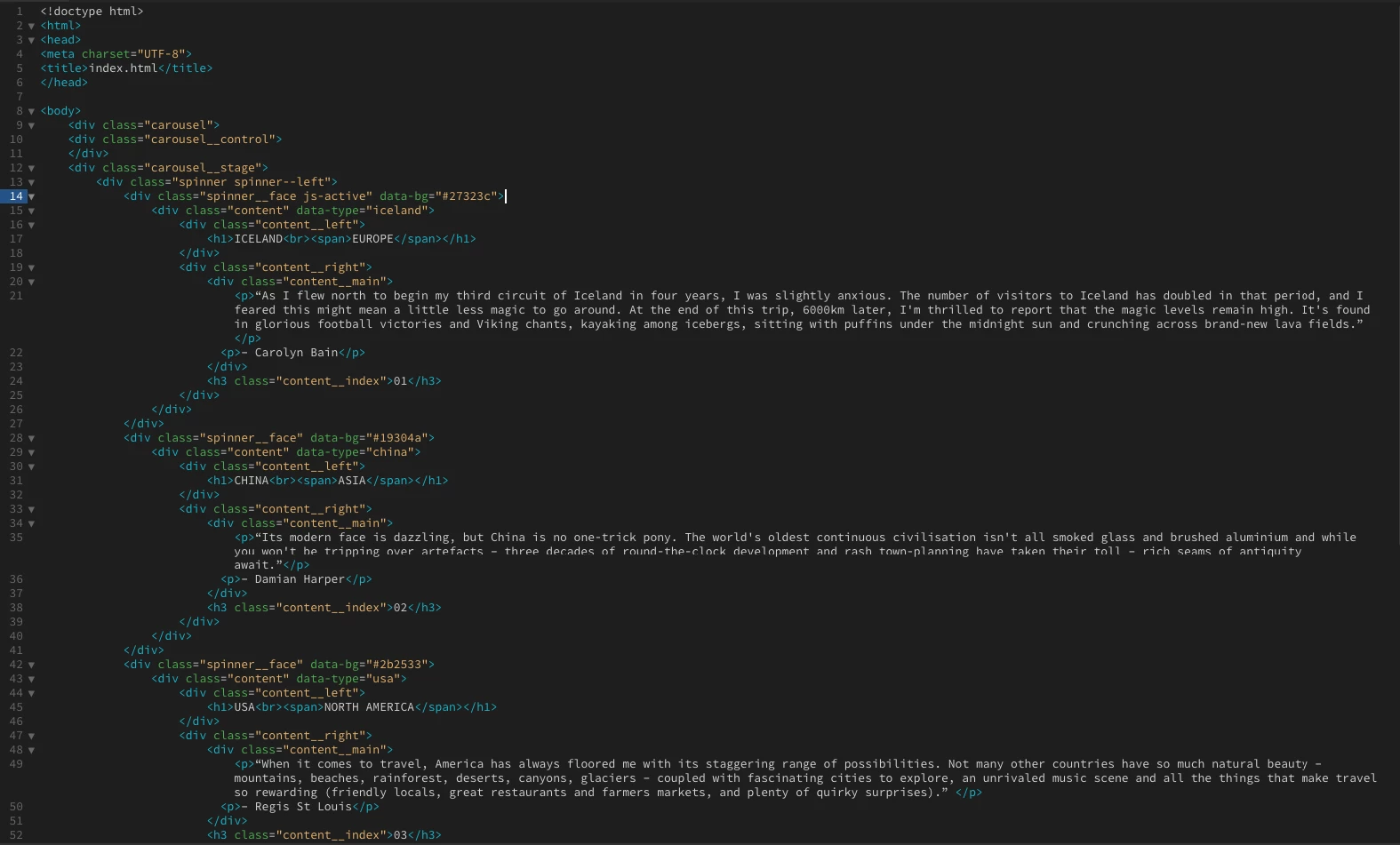
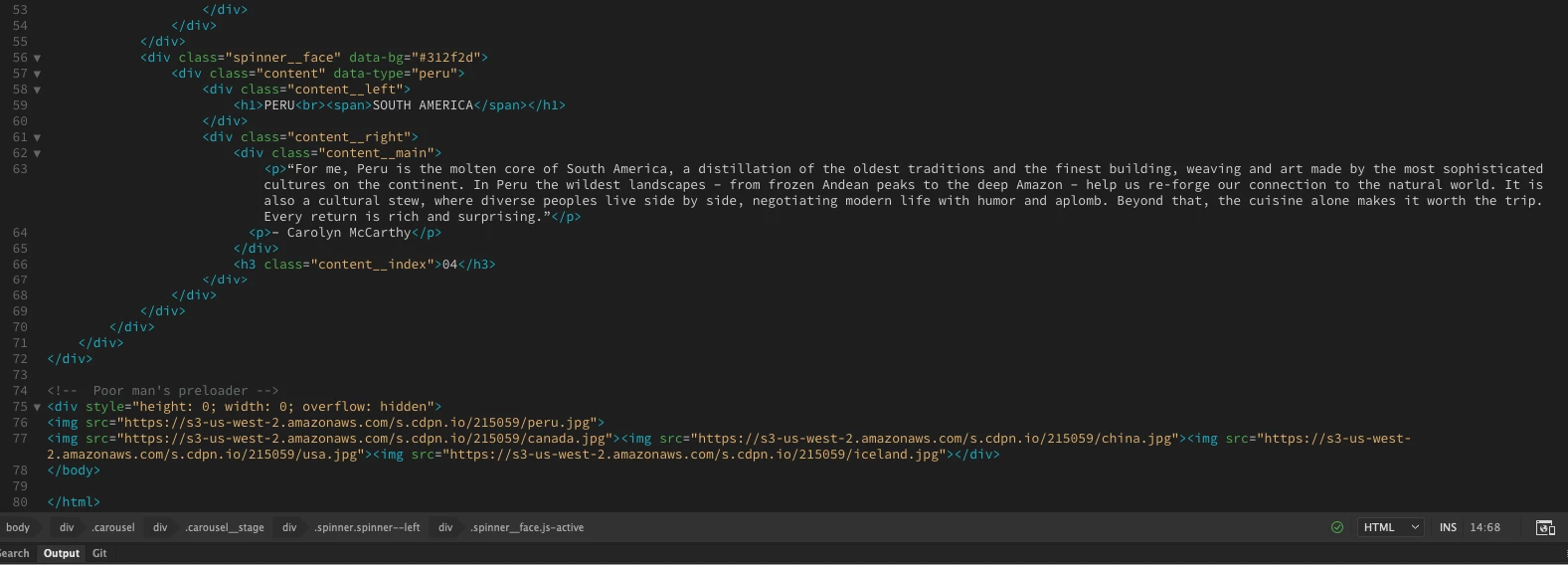
(Just in case the screenshots are to small here is the code of the above)
<!doctype html>
<html>
<head>
<meta charset="UTF-8">
<title>index.html</title>
</head>

<body>
    <div class="carousel">
    <div class="carousel__control">
    </div>
    <div class="carousel__stage">
        <div class="spinner spinner--left">
            <div class="spinner__face js-active" data-bg="#27323c">
                <div class="content" data-type="iceland">
                    <div class="content__left">
                        <h1>ICELAND<br><span>EUROPE</span></h1>
                    </div>
                    <div class="content__right">
                        <div class="content__main">
                            <p>“As I flew north to begin my third circuit of Iceland in four years, I was slightly anxious. The number of visitors to Iceland has doubled in that period, and I feared this might mean a little less magic to go around. At the end of this trip, 6000km later, I'm thrilled to report that the magic levels remain high. It's found in glorious football victories and Viking chants, kayaking among icebergs, sitting with puffins under the midnight sun and crunching across brand-new lava fields.” </p>
                          <p>– Carolyn Bain</p>
                        </div>
                        <h3 class="content__index">01</h3>
                    </div>
                </div>
            </div>
            <div class="spinner__face" data-bg="#19304a">
                <div class="content" data-type="china">
                    <div class="content__left">
                        <h1>CHINA<br><span>ASIA</span></h1>
                    </div>
                    <div class="content__right">
                        <div class="content__main">
                            <p>“Its modern face is dazzling, but China is no one-trick pony. The world's oldest continuous civilisation isn't all smoked glass and brushed aluminium and while you won't be tripping over artefacts – three decades of round-the-clock development and rash town-planning have taken their toll – rich seams of antiquity await.”</p>
                          <p>– Damian Harper</p>
                        </div>
                        <h3 class="content__index">02</h3>
                    </div>
                </div>
            </div>
            <div class="spinner__face" data-bg="#2b2533">
                <div class="content" data-type="usa">
                    <div class="content__left">
                        <h1>USA<br><span>NORTH AMERICA</span></h1>
                    </div>
                    <div class="content__right">
                        <div class="content__main">
                            <p>“When it comes to travel, America has always floored me with its staggering range of possibilities. Not many other countries have so much natural beauty – mountains, beaches, rainforest, deserts, canyons, glaciers – coupled with fascinating cities to explore, an unrivaled music scene and all the things that make travel so rewarding (friendly locals, great restaurants and farmers markets, and plenty of quirky surprises).” </p>
                          <p>– Regis St Louis</p>
                        </div>
                        <h3 class="content__index">03</h3>
                    </div>
                </div>
            </div>
            <div class="spinner__face" data-bg="#312f2d">
                <div class="content" data-type="peru">
                    <div class="content__left">
                        <h1>PERU<br><span>SOUTH AMERICA</span></h1>
                    </div>
                    <div class="content__right">
                        <div class="content__main">
                            <p>“For me, Peru is the molten core of South America, a distillation of the oldest traditions and the finest building, weaving and art made by the most sophisticated cultures on the continent. In Peru the wildest landscapes – from frozen Andean peaks to the deep Amazon – help us re-forge our connection to the natural world. It is also a cultural stew, where diverse peoples live side by side, negotiating modern life with humor and aplomb. Beyond that, the cuisine alone makes it worth the trip. Every return is rich and surprising.”</p>
                          <p>– Carolyn McCarthy</p>
                        </div>
                        <h3 class="content__index">04</h3>
                    </div>
                </div>
            </div>
        </div>
    </div>
</div>

<!--  Poor man's preloader -->
<div style="height: 0; width: 0; overflow: hidden">
<img src="https://s3-us-west-2.amazonaws.com/s.cdpn.io/215059/peru.jpg">
<img src="https://s3-us-west-2.amazonaws.com/s.cdpn.io/215059/canada.jpg"><img src="https://s3-us-west-2.amazonaws.com/s.cdpn.io/215059/china.jpg"><img src="https://s3-us-west-2.amazonaws.com/s.cdpn.io/215059/usa.jpg"><img src="https://s3-us-west-2.amazonaws.com/s.cdpn.io/215059/iceland.jpg"></div>
</body>

</html>
Below is what displayed almost immediately after I pasted the HTML code from the website between the <body> tags.
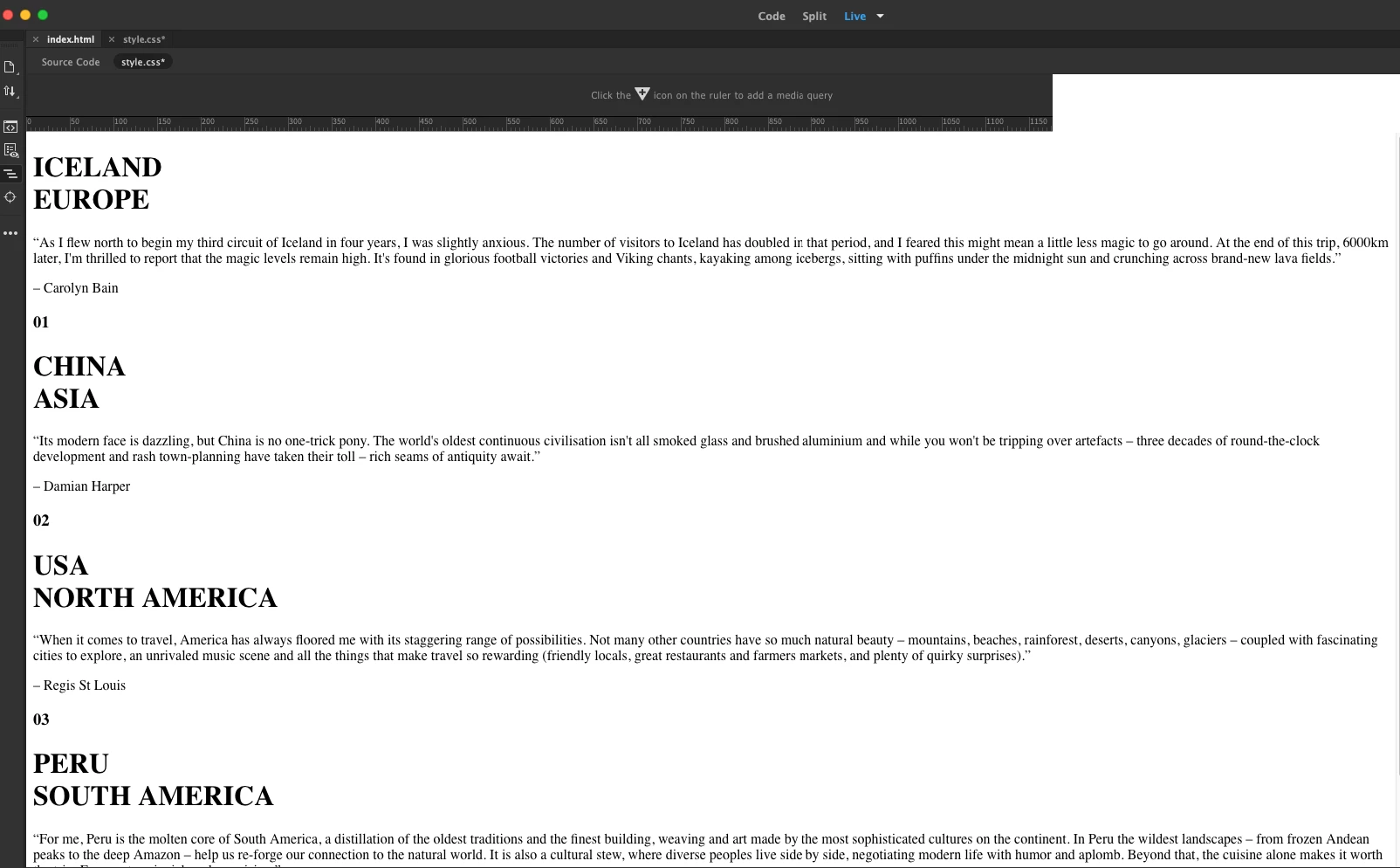
(I am assuming this is how its suppose to look like without CSS & Javascript, unless I already messed this up which is a HUGE probability)
Next...
I then tried adding the CSS code with the following methods: using the tags <style> within the <head> tags (which DID NOT work for me at all).

(Just in case the screenshot is too small. Here is how the code looks like)
<!doctype html>
<html>
<head>
<meta charset="UTF-8">
<title>index.html</title>
    <style>$page-margin-y = 20px
$page-margin-x = 20px

$width = "calc(50vw - (%s))" % $page-margin-x
$half-width = "calc(50vw - (%s))" % ($page-margin-x / 2)
$neg-half-width = "calc(-25vw + %s)" % ($page-margin-x / 2)

$height = "calc(100vh - %s)" % ($page-margin-y * 2)
$half-height = "calc(50vh - %s)" % $page-margin-y
$neg-half-height = "calc(-50vh + %s)" % $page-margin-y

$transition-dur = 1s

html
body
    height: 100%
    padding: 0
    margin: 0

body
    background: #fff
    font-family: 'Helvetica Neue', Helvetica, Arial, sans-serif

// -- Carousel
It displayed no change after inputting the code directly into the HTML page. I also clicked on the "Save All" button and then displayed it on Safari which ended up looking like this:
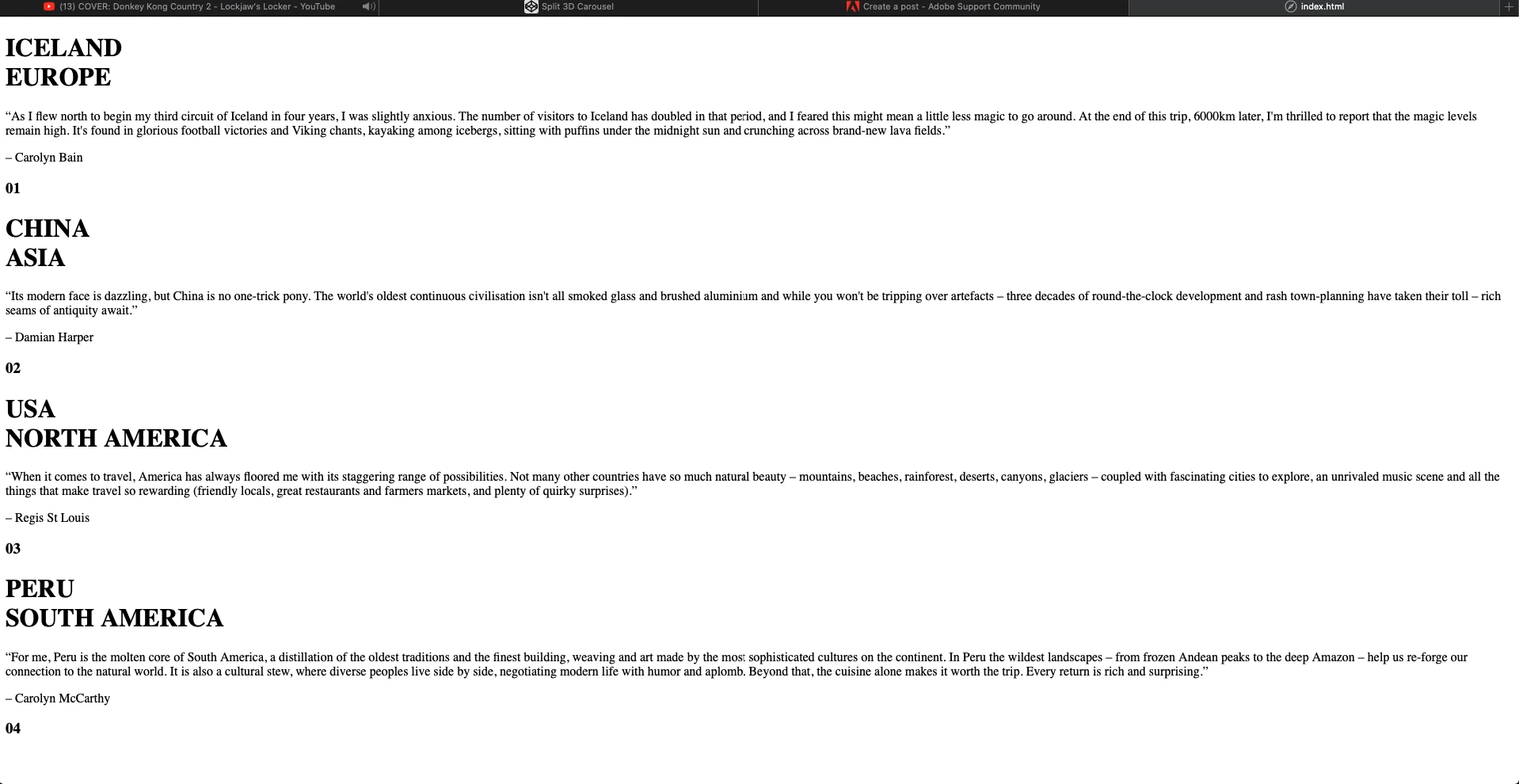
(I possibly pasted the code in the wrong area but I was only following what I researched and Youtube's instructions)
After...
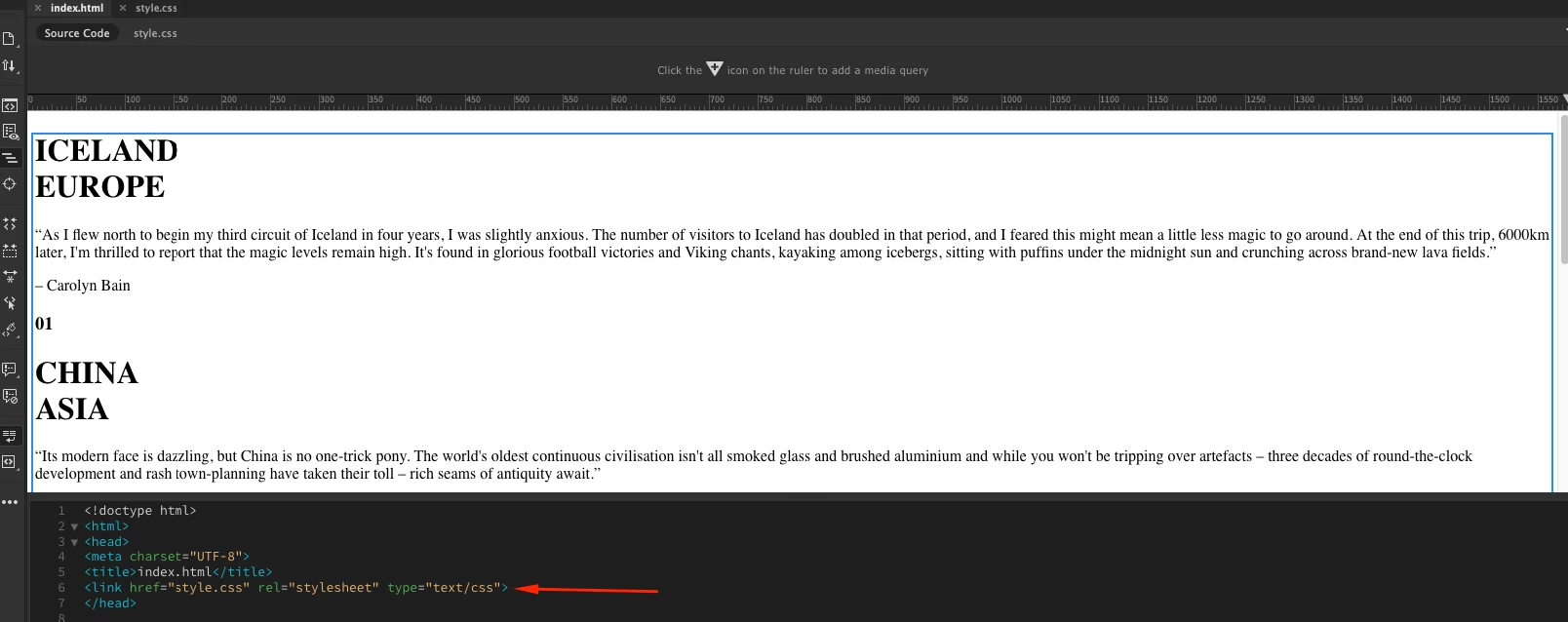
Since this method did not work, I also used another method mentioned in my research using the <link> tags. I created a CSS page (since this is one of the options) within Dreamweaver which resulted in this: (This is where i most likely butchered the living hell out of this method)

(Here is how it is displayed on my Dreamweaver)
<!doctype html>
<html>
<head>
<meta charset="UTF-8">
<title>index.html</title>
<link href="style.css" rel="stylesheet" type="text/css">
</head>
Here is a screenshot of the "WARNINGS"

As you can probably tell I am no expert, in fact, a complete idiot at this but anything highlighted "red" usually means somethings wrong. Of course, my ignorance got the better of me and I chose to ignore these warnings and ended up using the <link> tags anyways, which resulted in this:
A great pile of nothing.
At this point, I am sure nothing is working because of the CSS error codes which I decided to ignore or could be that I pasted things all wrong.
I also used the exact same methods as CSS for JavaScript and it also ended up more or less the same thing with the "bland look".
To tell you the truth I am most likely not going to use this in my final webpage but I would still love to know why the methods I was using did not work.
 AdChoices