


Answered
Work on hidden divs in wysiwyg editor
Hi there,
I am creating a website in Dreamweaver containing some javascript functions, like accordions.
The content divs of these accordions are hidden by css instructions and displayed via javascript/jQuery functions.
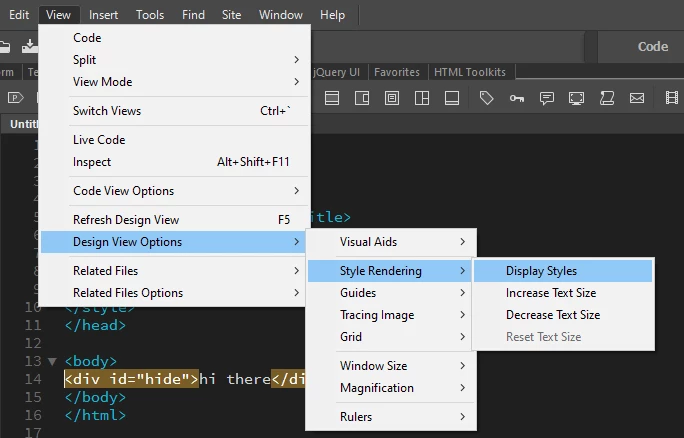
How can user change the content in these hidden divs via the wysiwyg editor? I was searching for hours now, but couldn't find any solution 😞
Regards Niko

 AdChoices