

How to activate Asp.net Cotrole in DW CC 2018
Hi everybody;
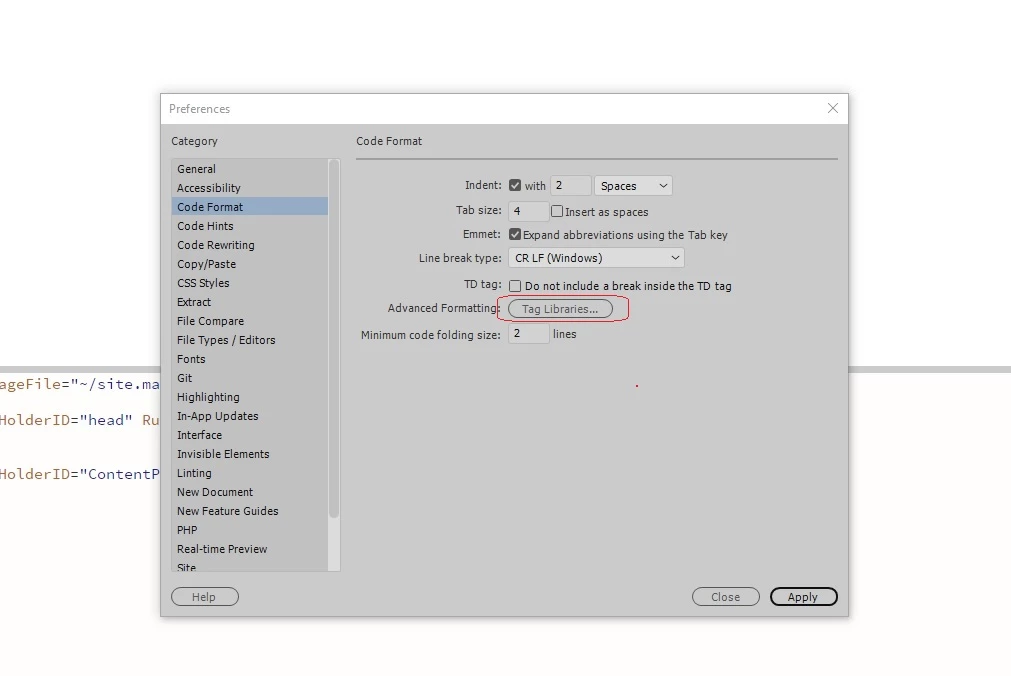
I installed Dreamweaver cc 2018 recently & find out that in address -> Preferences/Code-format there is an option called "Tag Library", & in this library There is collection of ASP.net controls. so logically it must be able to have full intellisense(the word mwe use in visual stuido & I dont know what is equal in adoe products) asp.net controls(with their property) in dream weaver. but When i try to add for example `<asp:Button ID="btn1" runat="server" />` I must write it all by my hand and there is no intellisensce that help me by guessing or auto completing my control declaring.
I have set the "used in" property for Html,Xml,Html Template,ASP JavaScript, ASP VBScript, ColdFusion, ColdFusion Component, JSP, ASP.Net VB, ASP.Net C#, VBScript, C#, VB & Text to Make it sure that it will apply in my code. but it doesnt effected in my ASP.Net Project.
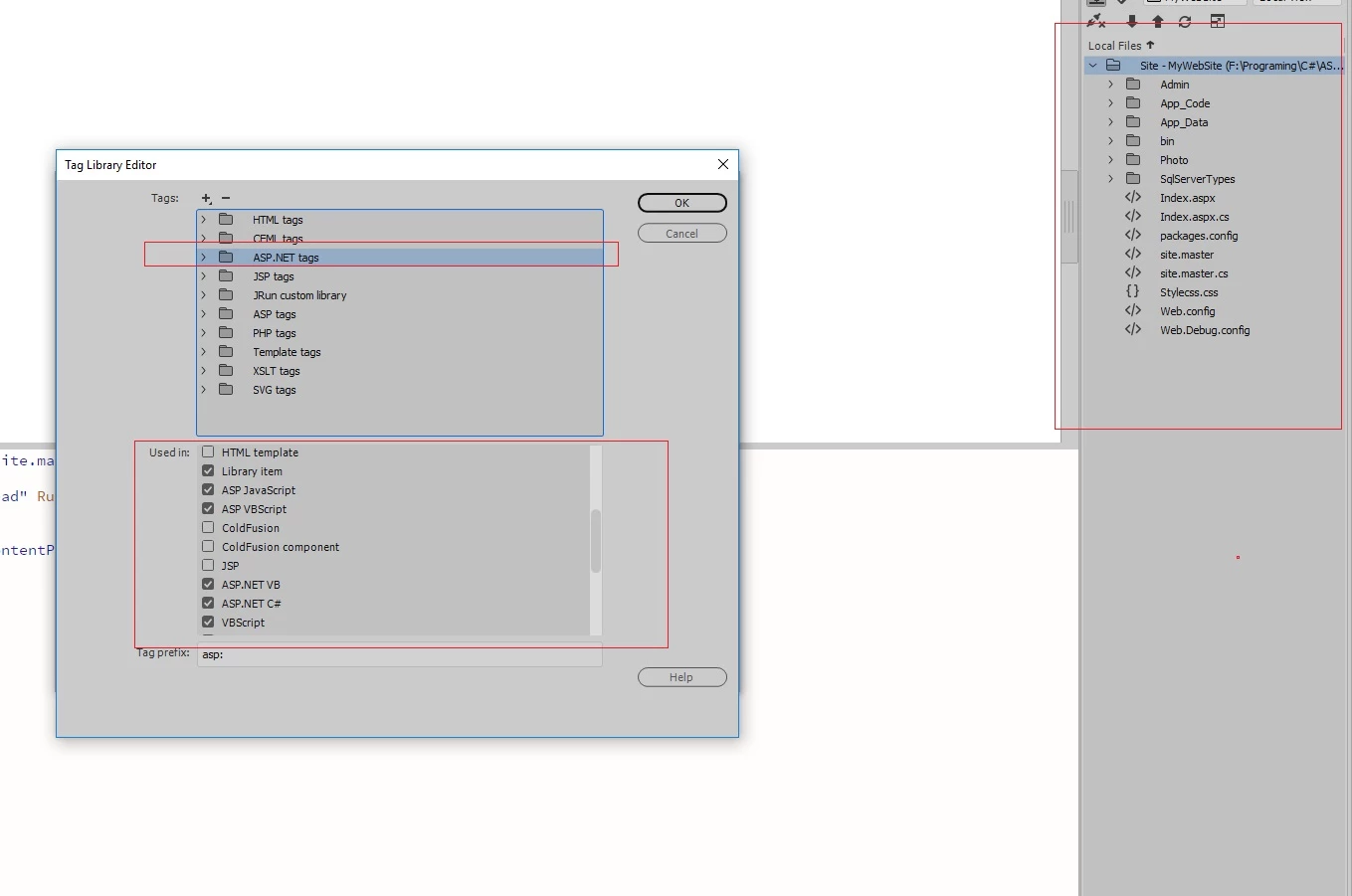
Now the main Question is : How to make it work in Dreamweaver CC Since it exist in app Core.
by the way I have tow sub Question .
1: is there any way that we could see design view or live view for master files in Dreamweaver CC.
2: Why I can not see the controls I add in my master file in the page that is linked and referenced to the master file in Dreamweaver CC?
Thanks, Heydar 


 AdChoices