
Active Fonts missing from Creative Cloud Desktop app
I just moved to a new PC, reinstalled all the necessary apps but cannot get the fonts working.
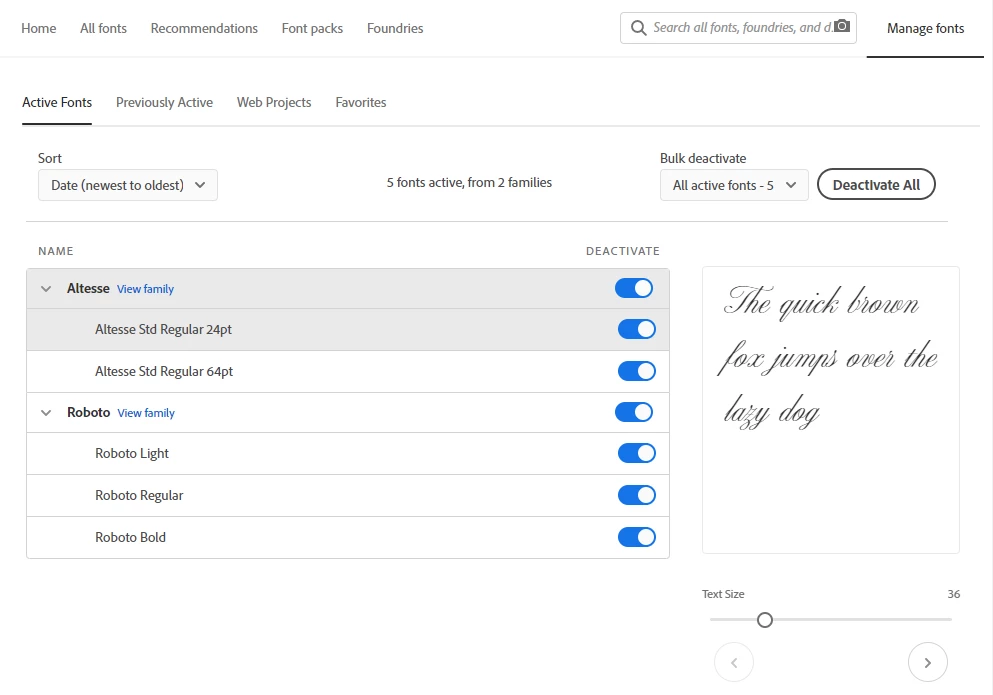
- On my web account page I can manage fonts as I wish - activate, de-activate from Previously Active or any font from the All Fonts and so on. All the active fonts are nicely shown on the Active Fonts page:
- In the Illustrator for instance, when I open a file with missing fonts, Activation of them leads to nowhere. Loader icon revolves for a few minutes but fonts still do not activate. At least for the Illustrator itself.
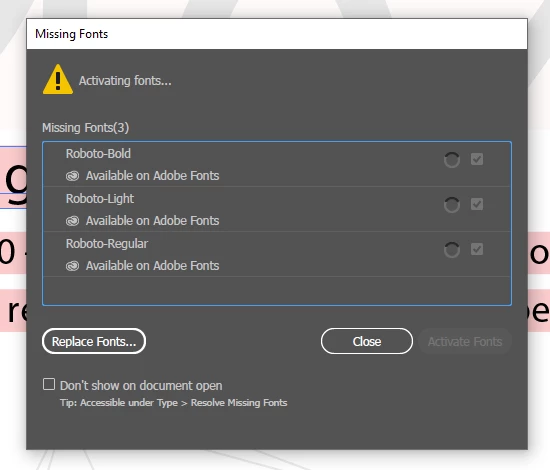
They, however, get added to the Activated Fonts list under the Manage fonts on my account's web page.
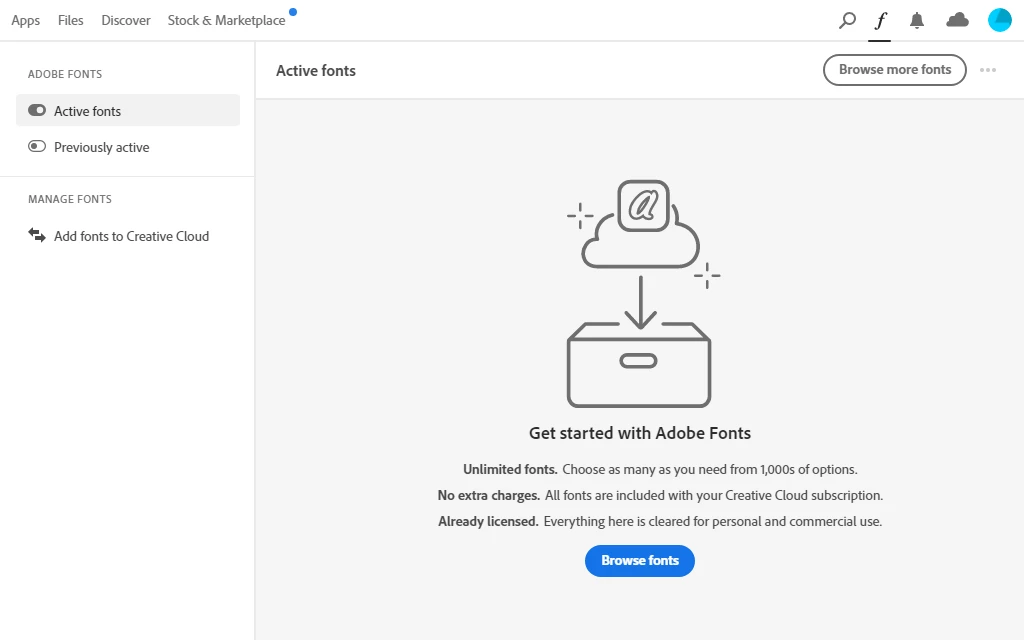
3. In the Creative Cloud Desktop app I don't see any of the activated fonts:
Also here in the Creative Cloud Desktop app I can activate them from Previosly active page, but fonts still keep away from the Activated fonts page.
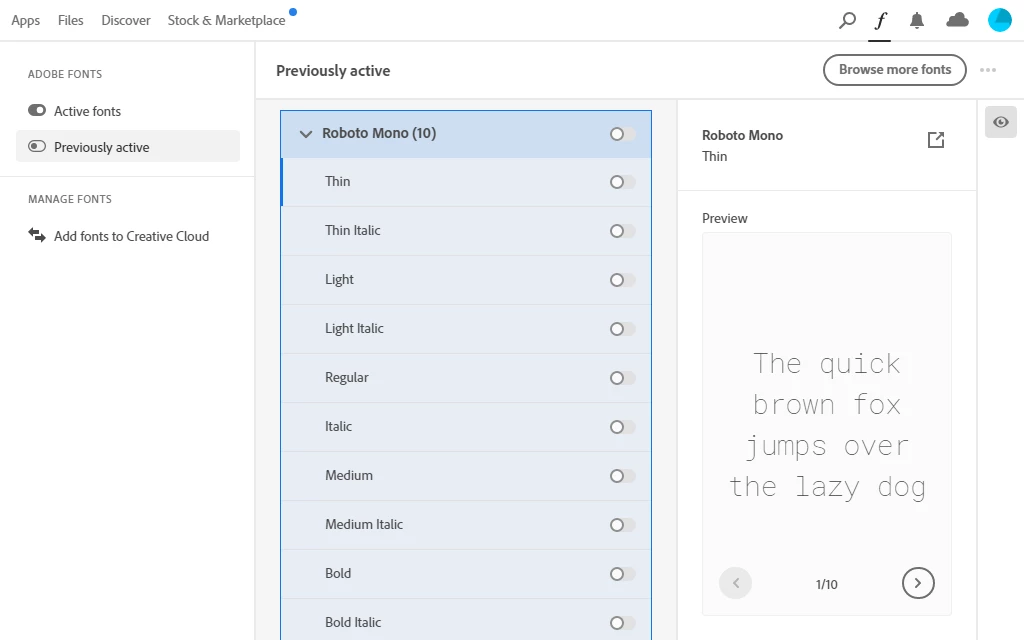
So, no fonts are available in any of Adobe programs I use.
Conclusion:
I've loged-out and loged-in, and restarted PC for countless times, deactivated font services, cleaned font cash, re-installed Creative Cloud with Cleaner Tool, changed the default browser; as someone mentioned before, checked the Untrusted Font Blocking settings, etc. I tried everything I was able to find on the Internet, and many hours were spent for nothing except frustration and hoplesness. Project deadlines are all gone. I've lost the customer confidence in me and my company. Now I must use the old PC but with working fonts. The issue still remains and would love to hear some real advice.


 AdChoices