 Adobe Community

- Home
- Enterprise & Teams
- Discussions
- Adobe CC Package Failing to Install on M1 Mac
- Adobe CC Package Failing to Install on M1 Mac

Copy link to clipboard
Copied
I cannot get a package from the Adobe Admin Console to install on an M1 Mac. I built the package for named user license and picked self service. I downloaded the package downloader, then downloaded the installer package. Then I followed the steps located here: https://helpx.adobe.com/enterprise/kb/deploy-packages-to-arm-devices.html. I get an installation failed when installing. Here are some screenshots and install.log excerpt.
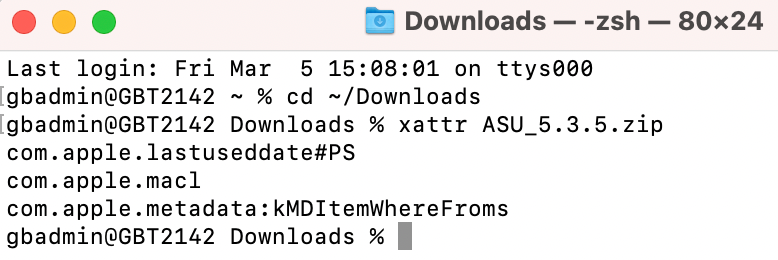

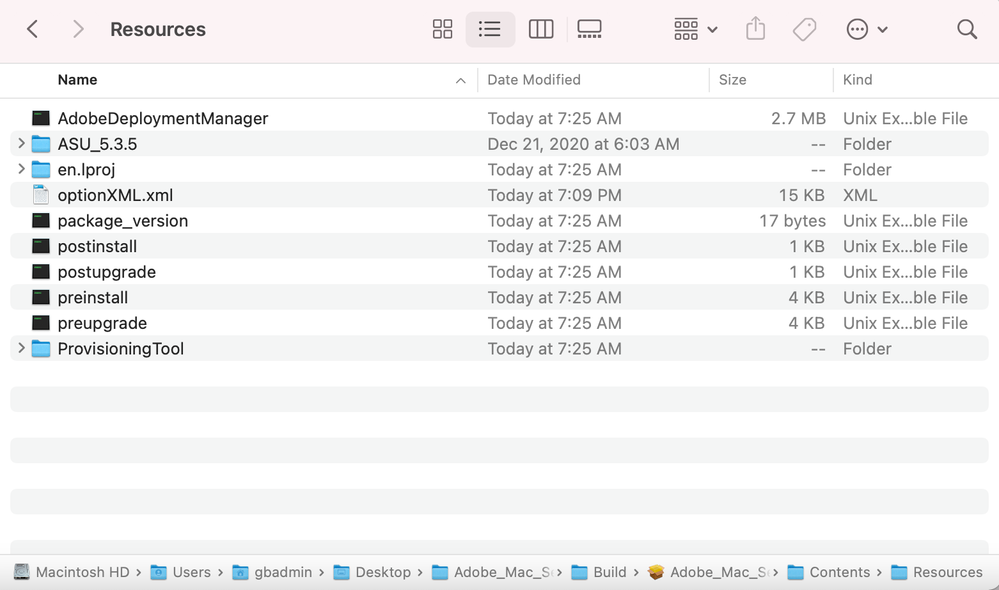


 1 Correct answer


Hello ryanl22862139,
Kindly try to create a new package from the admin console as it seems an additional option is now available for M1-chip devices and check if you are still facing issues in installing it.

 6
Replies
6
6
Replies
6

Copy link to clipboard
Copied
Kindly confirm if you are deploying the package using any deployment tool. Try using the Root account and check if you are getting the same behavior. If yes, I would recommend collect the logs using the log collector tool and share them with us so that we can investigate the issue.
Copy link to clipboard
Copied
I deployed the packaged with Jamf Pro and it failed. It said installation failed; the package could not be verified. I used the Adobe Log Collector, but when I try to share the file through this post, it says .zxp files are not supported. Is there another place to submit the log?
Copy link to clipboard
Copied
Please try to install it without any deployment tool on the Mac device by copying the package locally on the machine and check the status.
Copy link to clipboard
Copied
Installation failed when running the pkg locally on the M1 MacBook using Terminal and root. When I just double-clicked the pkg to install, it failed at the verifying package part.
Copy link to clipboard
Copied
Hello ryanl22862139,
Kindly try to create a new package from the admin console as it seems an additional option is now available for M1-chip devices and check if you are still facing issues in installing it.
Copy link to clipboard
Copied
The new M1 version of the Self Service installer from Adobe Admin Console worked. Thanks!


 AdChoices