Participating Frequently
April 24, 2023
Answered

adobe creative cloud - files - files synced - preview

  • April 24, 2023
  • 2 replies
  • 1231 views

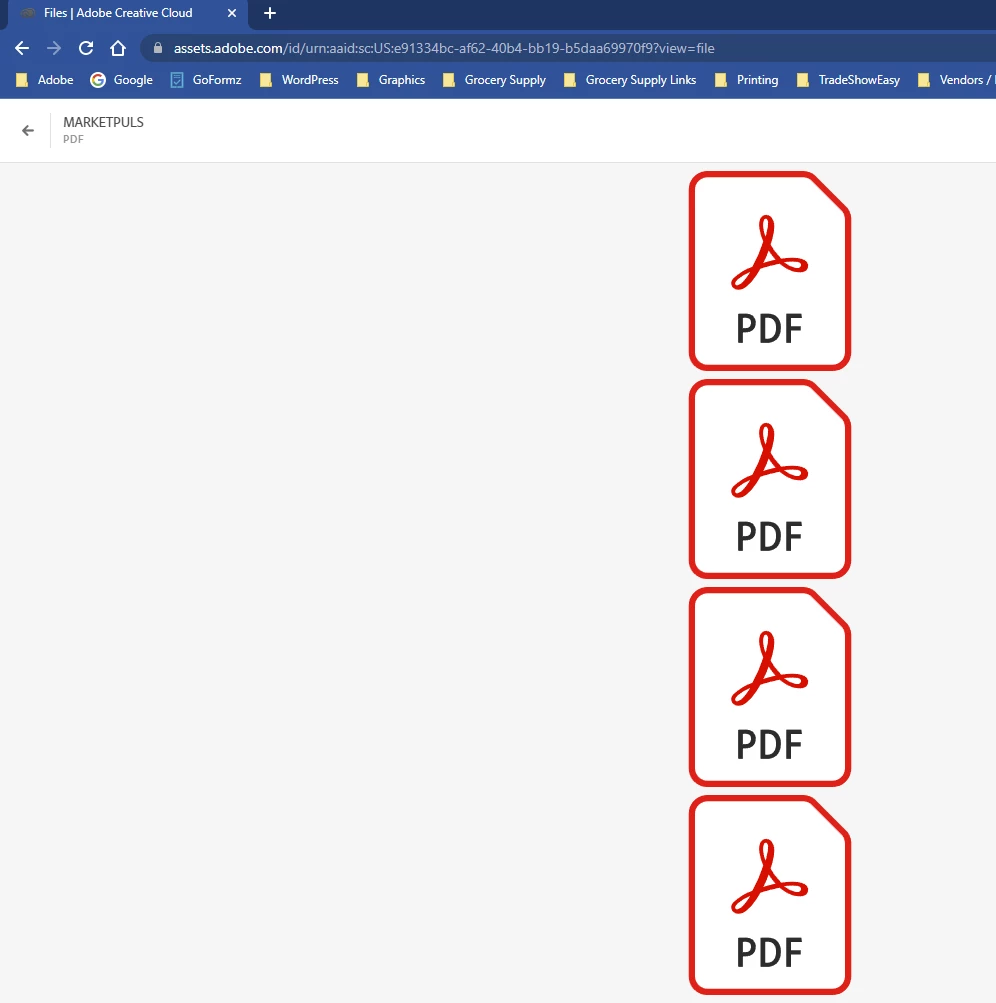
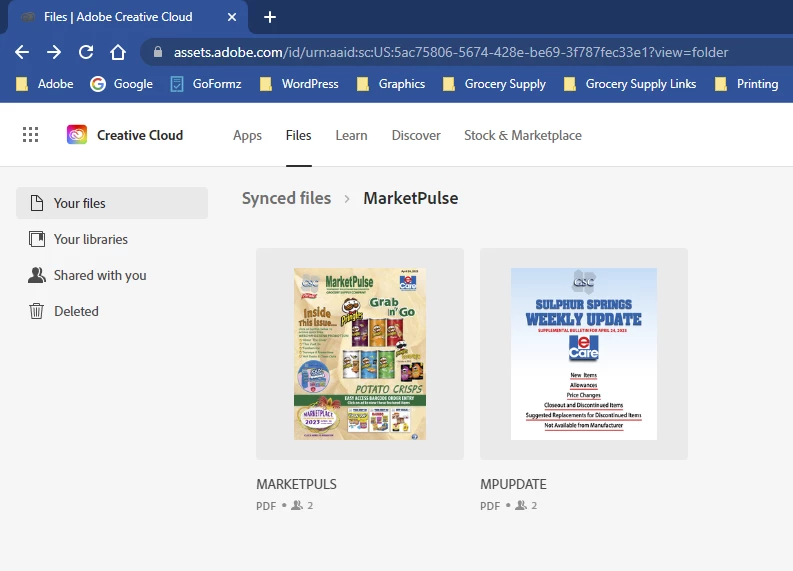
I have synced files in assets.adobe.com  When i click on file i get the adobe pdf icon instead of page preview.  Any suggestions why i am not able to see preview of pages?  I am on a pc and have contact adobe and they have not came up with a solution.  This recently started with admin changed me from person to team account.   
 

https://shared-assets.adobe.com/link/b38b1722-0447-499d-4982-ee6f41acab4d


This topic has been closed for replies.
Correct answer Ashish_Harrison

Hi @kayharrington could you please remove and then re-add the PDF files?
If in case the issue persists, please create a case from the admin console so that we can investigate it further. Thanks!

2 replies

Ashish_Harrison
Adobe Employee
Adobe Employee
April 24, 2023

Hi @kayharrington this is an expected workflow with assets.adobe.com, in order to view the PDF File you need to add the PDF files under https://acrobat.adobe.com/ then you'll be able to view the PDFs. Please try thank you!


Regards,Ashish Harrison
Participating Frequently
April 24, 2023

I have used creative cload assets.adobe.com for a while and have not had this issue.  This is where i load to share as link so other can click on and see link at anytime.  I have been able to preview in past. 

Ashish_Harrison
Adobe Employee
Ashish_HarrisonCorrect answer
Adobe Employee
April 25, 2023

Hi @kayharrington could you please remove and then re-add the PDF files?
If in case the issue persists, please create a case from the admin console so that we can investigate it further. Thanks!

Regards,Ashish Harrison
kglad
Community Expert
Community Expert
April 24, 2023

<moved from cc services>

Participating Frequently
April 24, 2023

I don't understand what this meant, plesae advise. 

kglad
Community Expert
Community Expert
April 24, 2023

(it just means i feel you have a better chance of getting help in the enterprise&teams forum because of the problem timing, and moved your message.)