
New Participant
December 11, 2022
Question

Adobe is blocked

  • December 11, 2022
  • 1 reply
  • 1257 views

Hello.

When I try to open Creative Cloud after the download, the window is blocked, and i can't use the Adobe software.
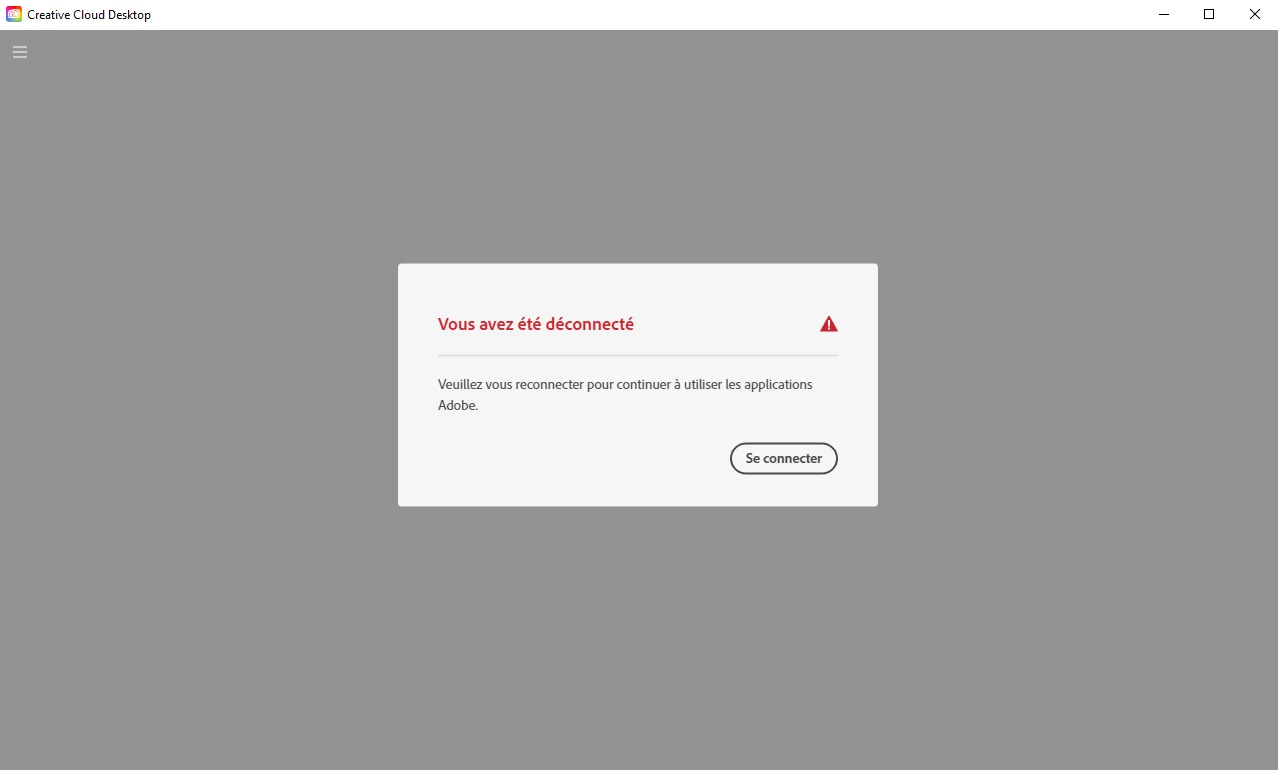


When I click on "connction", the little window load and show me the same.


I tried to unistall all the software many times, Creative Cloud too, but nothing works.


Anyone know what I can do ?

This topic has been closed for replies.

1 reply

kglad
Adobe Expert
December 11, 2022

if you have a non-current os, your default browser must support tls 1.2, https://helpx.adobe.com/x-productkb/multi/eol-tls-support.html


to test your default browser's tls you can use , https://clienttest.ssllabs.com:8443/ssltest/viewMyClient.html


otherwise, confirm that you can connect to the secure adobe servers by reading, http://helpx.adobe.com/x-productkb/policy-pricing/activation-network-issues.html


do you see both logos after clicking "link"?


if you can and still see a connection error try these steps, https://helpx.adobe.com/download-install/kb/common-network-connectivity-issues.html


if those all fail, white list the adobe network endpoints, https://helpx.adobe.com/enterprise/kb/network-endpoints.html

New Participant
January 4, 2023

I tried everything, but nothing works. Maybe I will try to reset my computer completely, but it's really annoying...

kglad
Adobe Expert
January 4, 2023