
Participant
December 7, 2022
Answered

Cancelation of Teams subscription

  • December 7, 2022
  • 1 reply
  • 1228 views

I want to cancel my Teams subscription. Adobe made it really difficult to cancel my subscription.

I cannot cancel my subscription in my account, I have to contact Adobe support by phone.

This I have done 4 times now and everytime after waiting 20 minutes to talk to someone then they transfer me to another department where the call gets disconnected! This is really a shame for a company like Adobe making it very easy to subscribe but making it impossible to unsubscribe.


Does anybody know how I can cancel my subscription without calling them?


Kind regards,


Thomas
This topic has been closed for replies.
Correct answer Abambo

Using a different browser or a different device, like a tablet, may help too. If that doesn't help, you will need to call Adobe, using the number shown in the upper-right corner.


1 reply

Community Expert
December 8, 2022

Hi @T.R.J.2745409863hh,

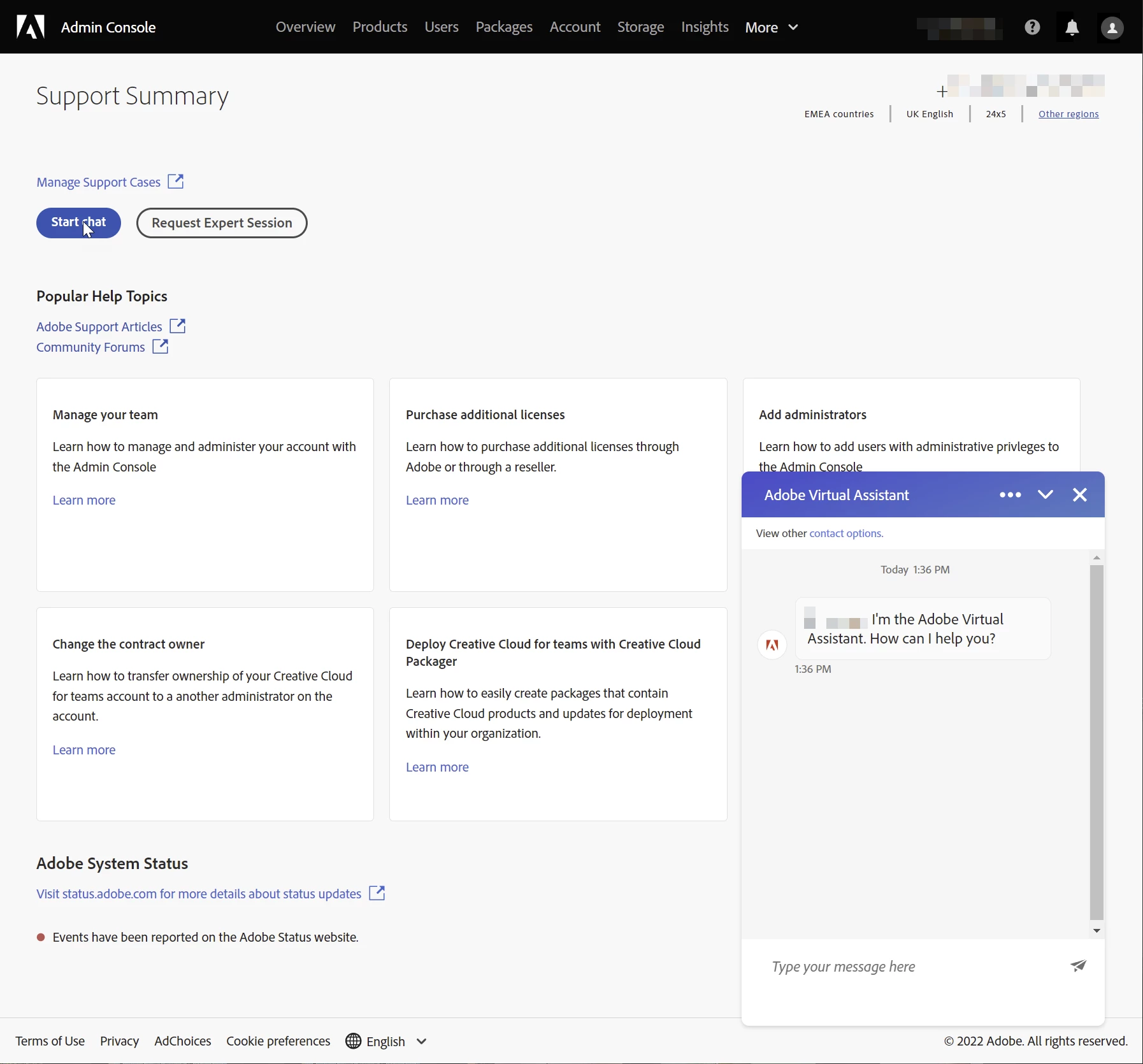
Aren't you able to contact Adobe using the chat option, navigate to "Adobe Admin Console > Support"

-Manan

-Manan
Participant
December 8, 2022

Hi Manan,

I don't have the chat as a option.


kglad
Community Expert
Community Expert
January 4, 2023

Hi Thomas

How were you able to cancel?
I've tried to login in another browser but I can't find a button to cancel our subscription.

Wouter


@ACS5CEA 


make sure you're aware of the cancellation terms by selecting your plan type (at the top of the page here), https://helpx.adobe.com/manage-account/using/creative-cloud-subscription-terms.html

for info on how to cancel your subscription, this page describes the few steps involved, https://helpx.adobe.com/manage-account/using/cancel-subscription.html

if you want to cancel but are unable to follow the steps described in the "how to cancel page", contact adobe support.

there are 3 ways to contact adobe; chat, phone and twitter:

chat:
use a browser that allows popups and cookies, and click here, https://helpx.adobe.com/contact.html?rghtup=autoOpen
in the chat field (lower right), type AGENT
be patient, it can take quite a while to reach a human.

phone:
https://helpx.adobe.com/contact/phone.html

twitter:
tweet @AdobeCare

p.s. if you're contacted by anyone (via email or private message), it's much more likely to be a scammer than an adobe representative. ie, double check for an employee badge if contacted in the forums and look for an adobe.com domain in the email address if you click reply to an email. then check again and be very suspicious. any other method of contacting (or offering to contact you) is almost certainly a scam, https://community.adobe.com/t5/using-the-community-discussions/staying-safe-in-the-adobe-support-community/td-p/12919684/redirect_from_archived_page/true