Participant
September 4, 2022
Answered

CC Library Sync Error

  • September 4, 2022
  • 1 reply
  • 411 views

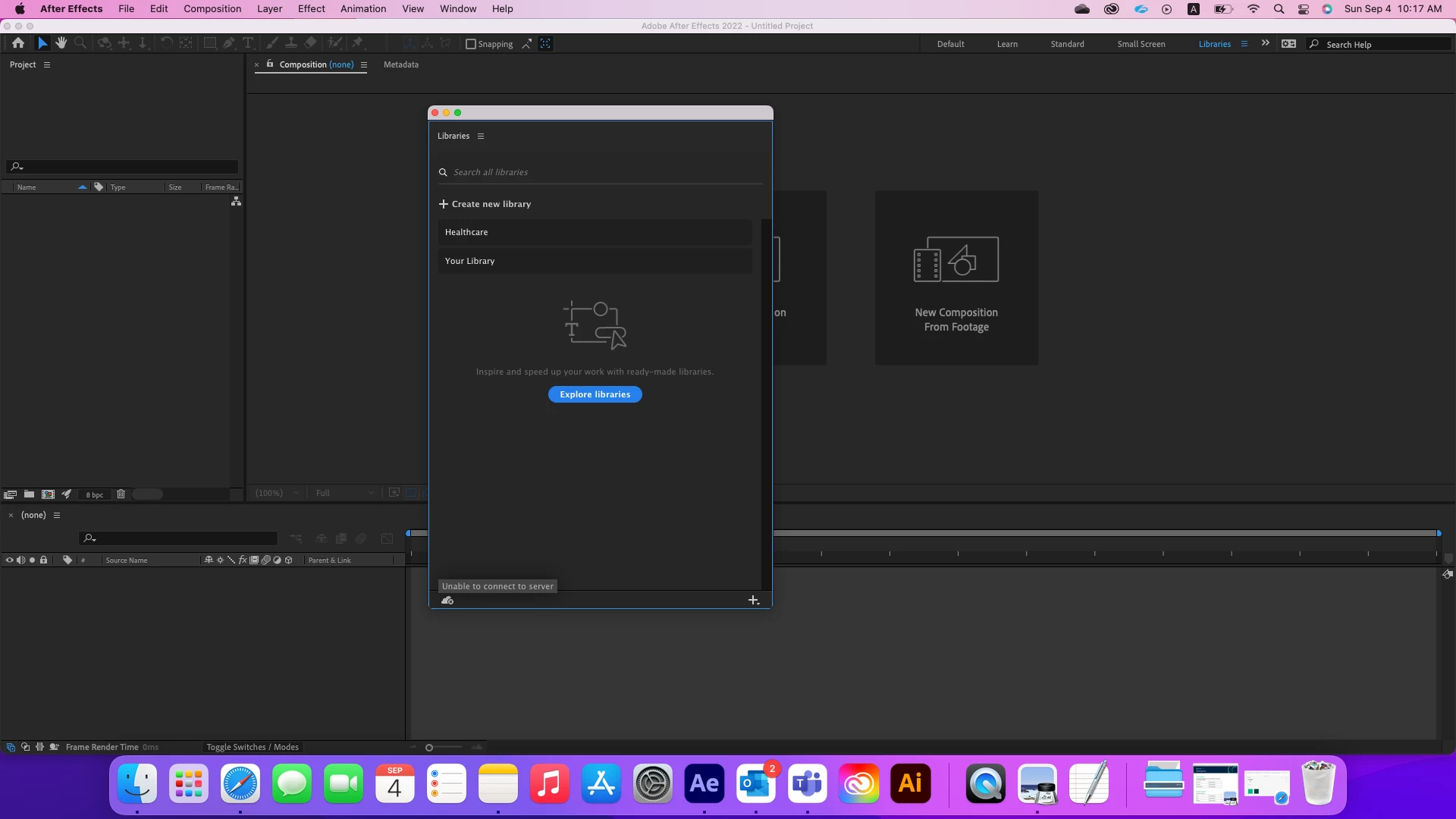
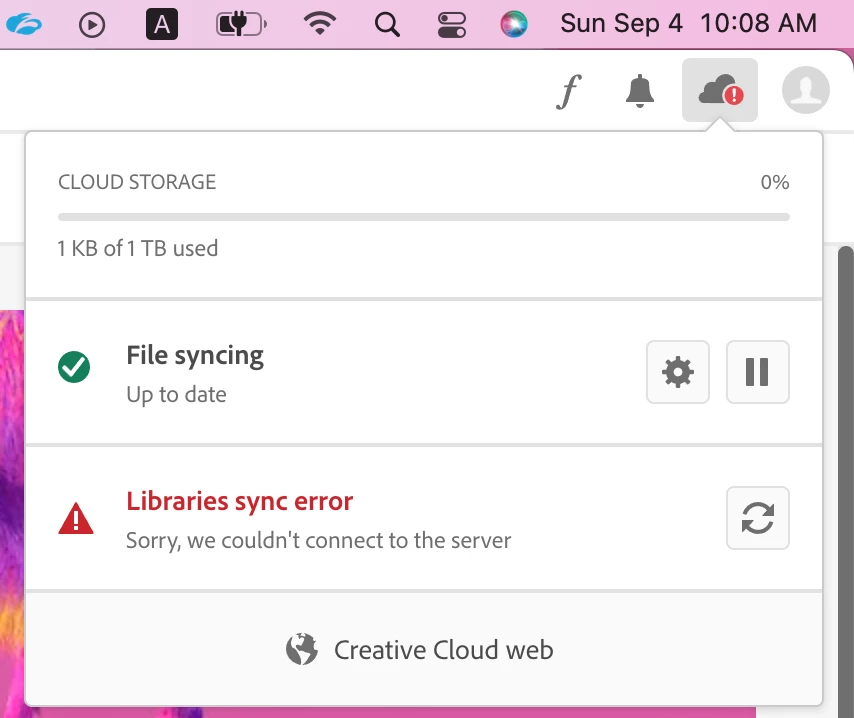
Whenever I get invited to cc library, I never get access to it in the adobe applications. It shows in the browser thought. But I can't access it in the applications. For an odd reason and after couple of days, one of the libraries showed in the application but the other one won't. 


I get these two error messages 
This topic has been closed for replies.
Correct answer iCharles

Hi @25951496zz94 ,


Sorry for the inconvenience caused, could you please try the following steps:


1. Delete all folders that start with “CC_LIBRARIES_PANEL_EXTENSION_xx_xx_xx” in this location:

WIN: C:\Program Files (x86)\Common Files\Adobe\CEP\extensions

MAC: Macintosh HD⁩ ▸ ⁨Library⁩ ▸ ⁨Application Support⁩ ▸ ⁨Adobe⁩ ▸ ⁨CEP⁩ -> extensions


2. Follow the steps of Solution 2 in this helpx document.
Before trying the steps - please, make sure you close all the CCLibraries processes in Task Manager / Activity Monitor, as well as you have quit all Adobe-related products. 

Thank you,
Charles

1 reply

iCharlesCorrect answer
Legend
September 5, 2022

Hi @25951496zz94 ,


Sorry for the inconvenience caused, could you please try the following steps:


1. Delete all folders that start with “CC_LIBRARIES_PANEL_EXTENSION_xx_xx_xx” in this location:

WIN: C:\Program Files (x86)\Common Files\Adobe\CEP\extensions

MAC: Macintosh HD⁩ ▸ ⁨Library⁩ ▸ ⁨Application Support⁩ ▸ ⁨Adobe⁩ ▸ ⁨CEP⁩ -> extensions


2. Follow the steps of Solution 2 in this helpx document.
Before trying the steps - please, make sure you close all the CCLibraries processes in Task Manager / Activity Monitor, as well as you have quit all Adobe-related products. 

Thank you,
Charles