
Creative Cloud Activation on High Sierra
Goodmorning everybody,
I'm a teacher at school and we have 12 iMac in the Graphics Lab. On 2 of them I upgraded OS to High Sierra but I have problem with Adobe CC. I created a package for installing the suite on different devices (device licenses). Everything seemed normal but after 1 week of constant use I get this error message before opening ANY Adobe program:
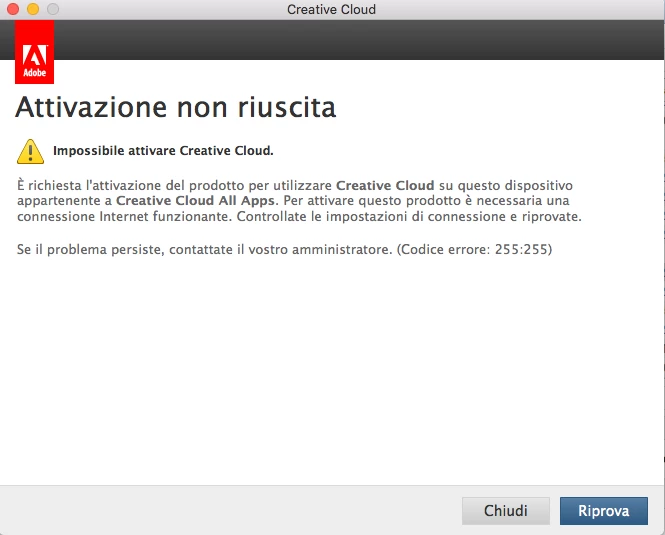
Translation from Italian:
Activation failed
You can not enable Creative Cloud.
Product activation is required to use Creative Cloud on this Creative Cloud All Apps device. A working Internet connection is required to activate this product. Check the connection settings and try again. If the problem persists, contact your administrator. (Error Code: 255: 255)
I already tried to contact the customer service but they just suggested to create a new package again. After 1 week of normal use, I again get the same error message. What is blocking it to connect? Firewall is disabled. Clean installation of High Sierra just done. All other iMac with Sierra, same installation method, same package, are 100% working.
Thanks for any kind help from you.
 AdChoices