
Creative Cloud Packager success, but install fails.
My situation: I have been attempting to "Create Package" for "Device License" machines utilizing Creative Cloud Packager. I've been successful with the Mac version, but I'm completely failing with the Windows version.
Let me list some of my obvious variables I've looked for:
- I have Available Licenses out of my Purchased Licenses available
- This is being done, currently, on a Windows 7 environment
- For the CCPLauncher I did download the "Device Licenses" Windows .exe

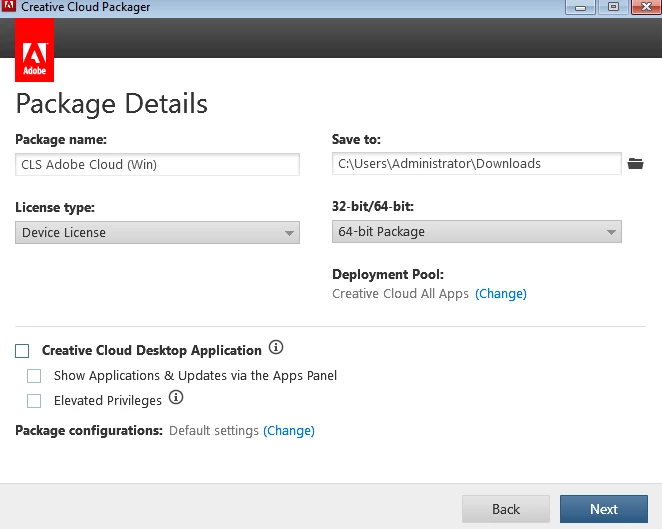
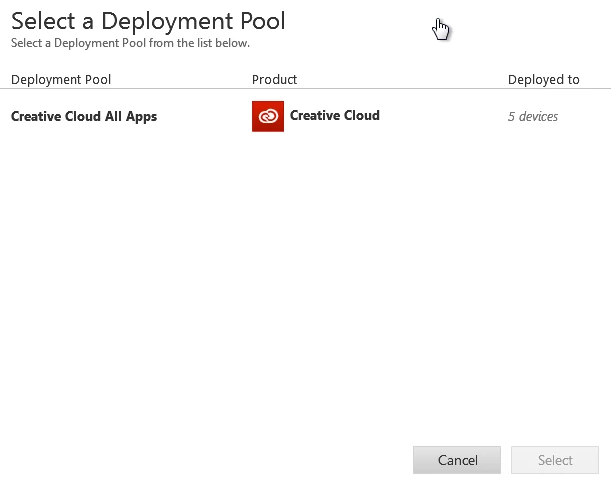
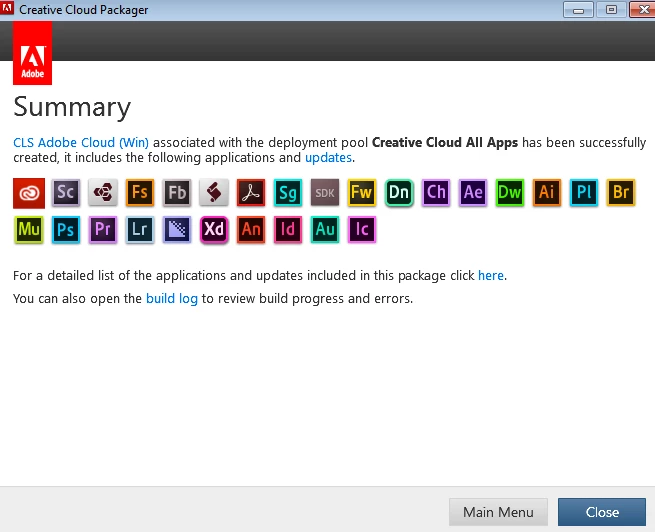
So, I'm building the package properly. I get no errors after building it.
When I go to the development Windows 7 machine to test the install, I run the .msi as a local machine admin, it seems to install properly. It takes a long while to go through the install, and then somewhere near the end of the install it's as if the .msi uninstalls EVERYTHING it just installed. Completely frustrating.
I could really utilize some pointers, or insight, on what to look for and how to resolve this.
Thanks!
 AdChoices