Hi AN,
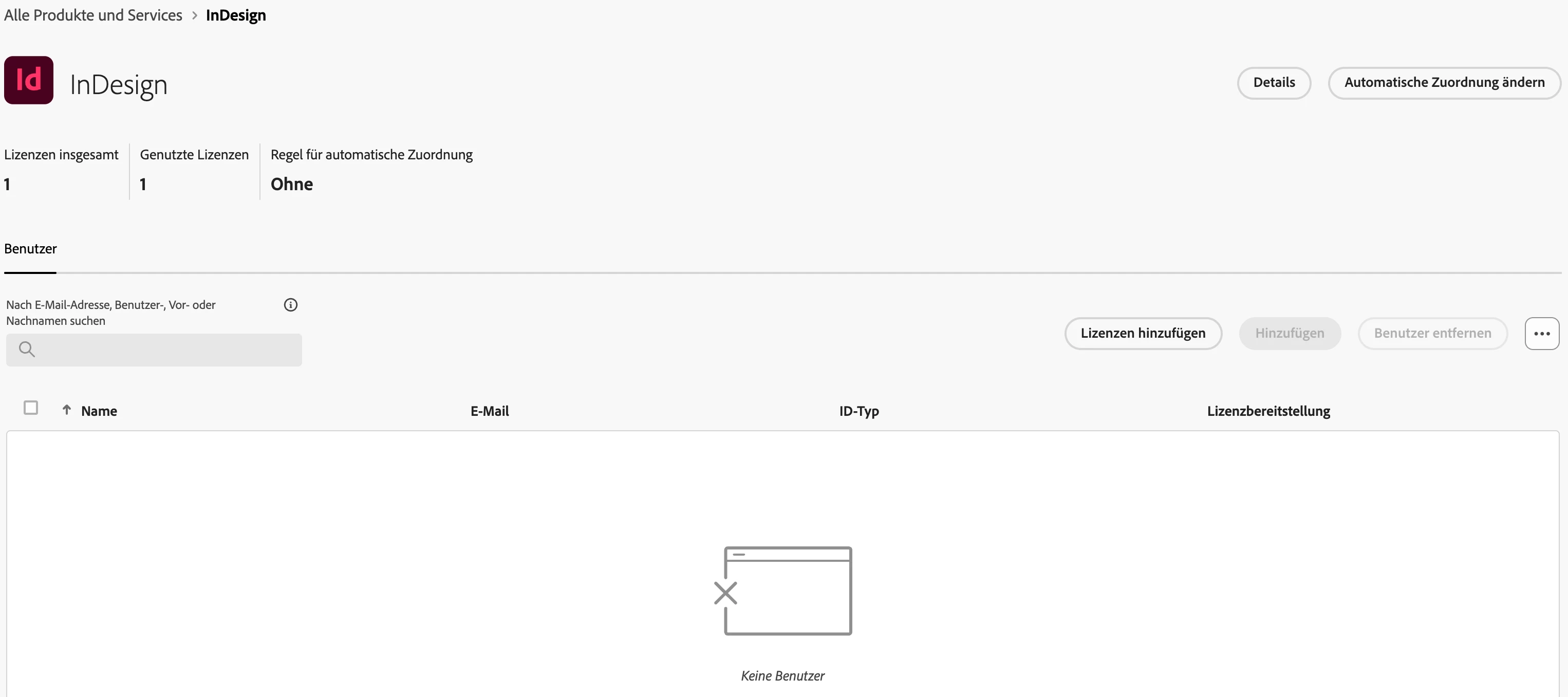
the user is able to access the application. I tried both: clearing the browser cache and using different browsers, but it didn’t help. Should I maybe delete the user? That should release the license, and in the admin console, the license should then be displayed as available again, right?
Hi @atelier-522,
If the user can access the application but the license isn't displaying correctly in the Admin Console, the issue may stem from a display glitch or data synchronization problem. Try the following steps:
Unassign and Reassign the License:
Remove the InDesign license from the user in the Admin Console. Wait a few minutes, then reassign the license to the same user. Verify whether this resolves the display discrepancy. For detailed guidance, refer to Adobe's documentation on assigning licenses.
If the issue persists, consider deleting and re-adding the user in the Admin Console. This process may help resolve any underlying synchronization errors while ensuring the license allocation updates correctly.
If the issue persists, please let us know, and we will assist you further.
Regards,

 AdChoices