
Media Failure during install from known good source
Our corporate environment does not allow our users to install the core Creative Cloud application & subsequently download & install packages. Our third party license management company has downloaded and created an installation package (using the creative cloud packager) for the entire suite.
I tested this installation package by copying it to my workstation and running through it via an admin command prompt. This worked without issue.
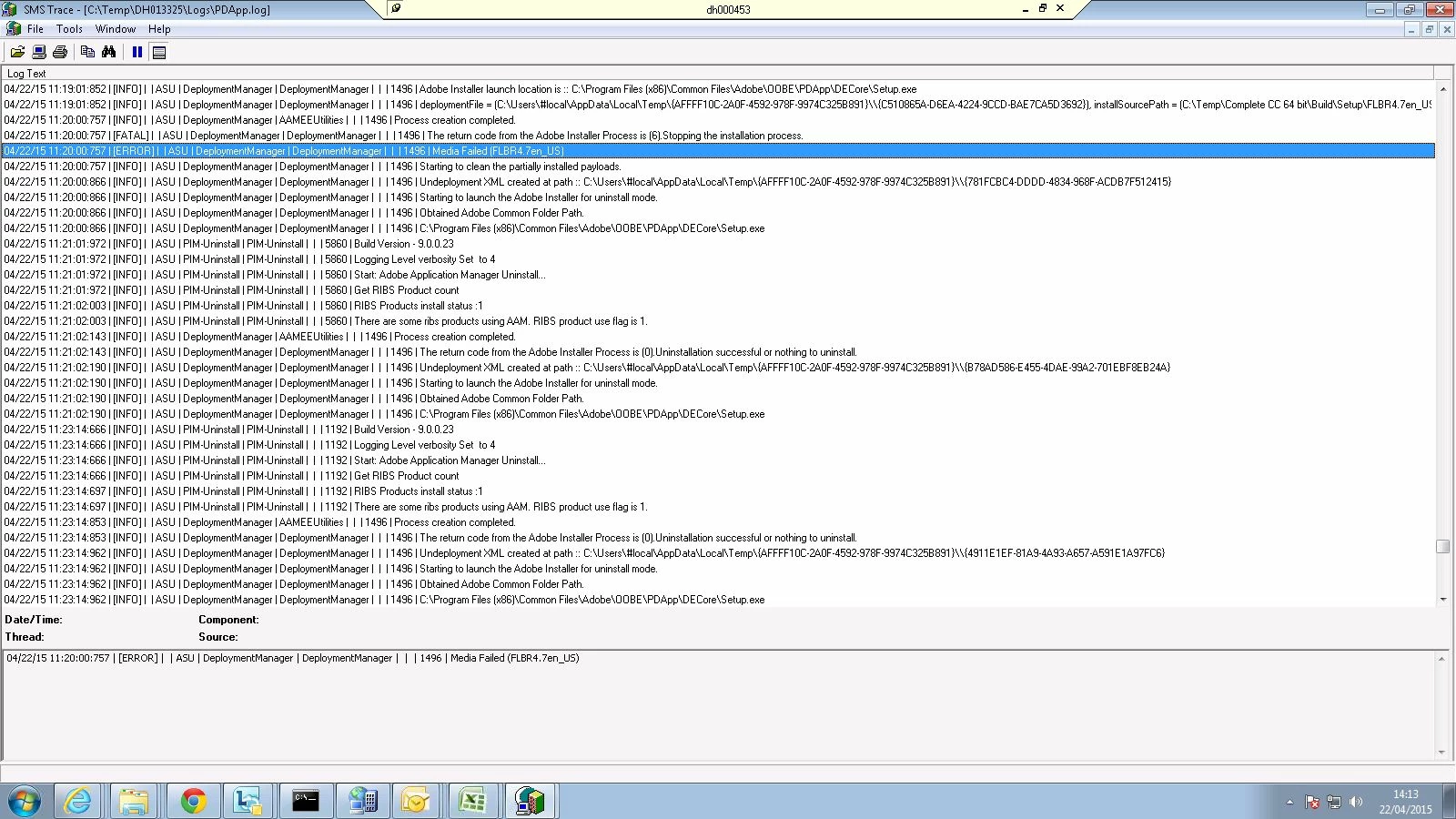
When I came to run through the install on a series of 4 Production workstations, I followed the same process - copied the package to the local drive (from the same source media) & ran the install from an admin command prompt. On the production workstations, the installation failed (Error message 1496 Media Failed (FLBR4.7en_US)). This was also the case after I copied the offending folder directly from the known working local copy on my workstation.
I have a couple of questions...
What is this component? (Presumably I can identify this, exclude it from the package & create a standalone install for this if required?);
Is there any way of validating the folder or content prior to the install in order to avoid this in future (the failure occurs around 90 minutes into the install and the installer subsequently spends a further 90 minutes reverting the installation - so avoiding the 3 hour failure cycle would be great)?;
Any help or suggestions would be greatly appreciated...
 AdChoices