Question
sync hangs
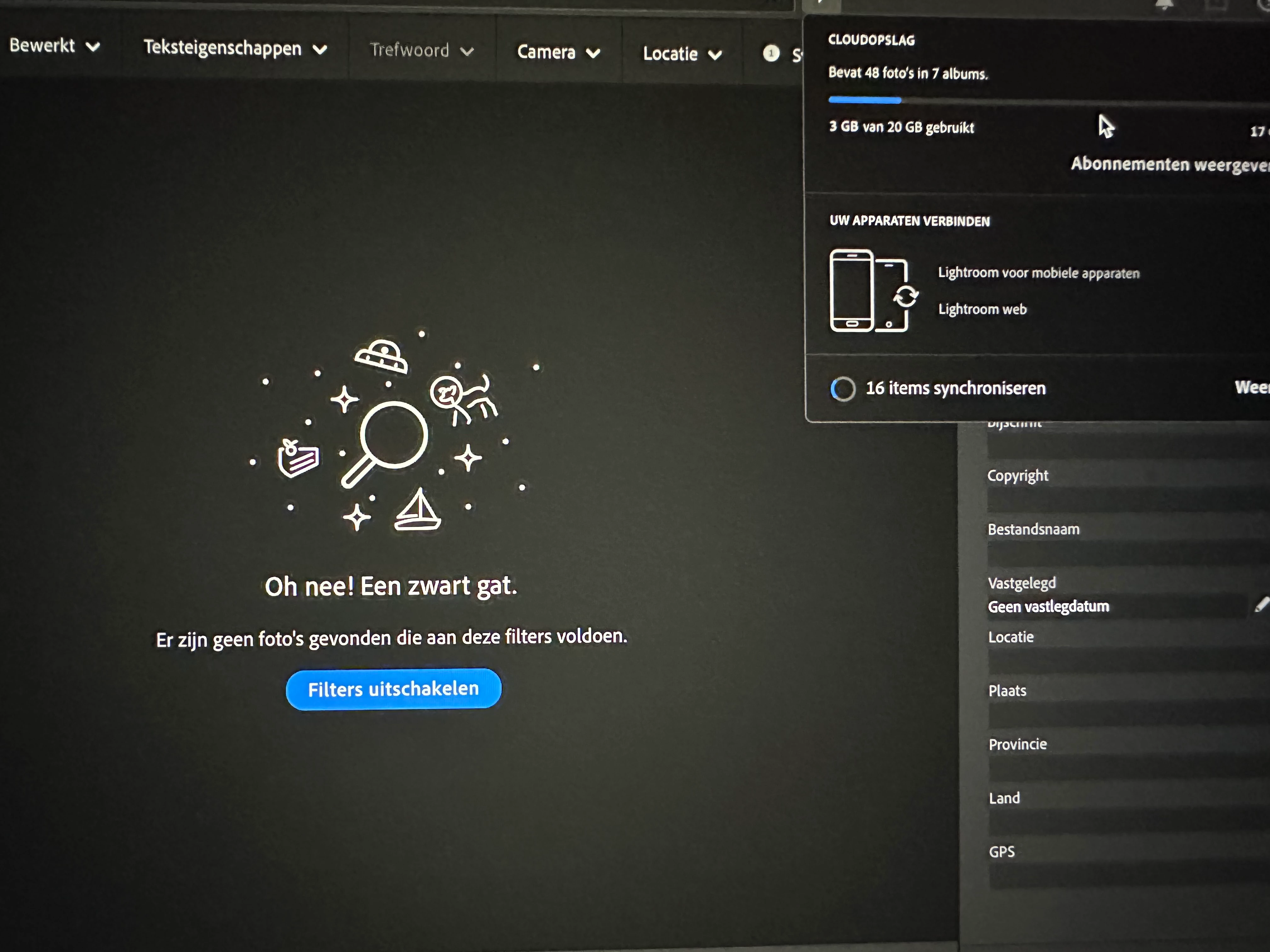
the synchronization in lightroom hangs while there are no photos in the queue, I have already tried everything such as reinstalling and deleting folder in my images

the synchronization in lightroom hangs while there are no photos in the queue, I have already tried everything such as reinstalling and deleting folder in my images
Already have an account? Login
Enter your E-mail address. We'll send you an e-mail with instructions to reset your password.
 AdChoices