
Participant
July 25, 2024
Answered

To have option/parameter to disable Adobe Creative Desktop App automatic updates

  • July 25, 2024
  • 2 replies
  • 268 views

It is difficult to manage the Creative Cloud Desktop Application uninstallation in enterprise environment for multiple versions. Hence we are looking for an available parameter/solution to disable the Automatic updates of CCDA so that we can install/update the CCDA application latest version in our environment on quarterly basis.
This topic has been closed for replies.
Correct answer Kevin Stohlmeyer

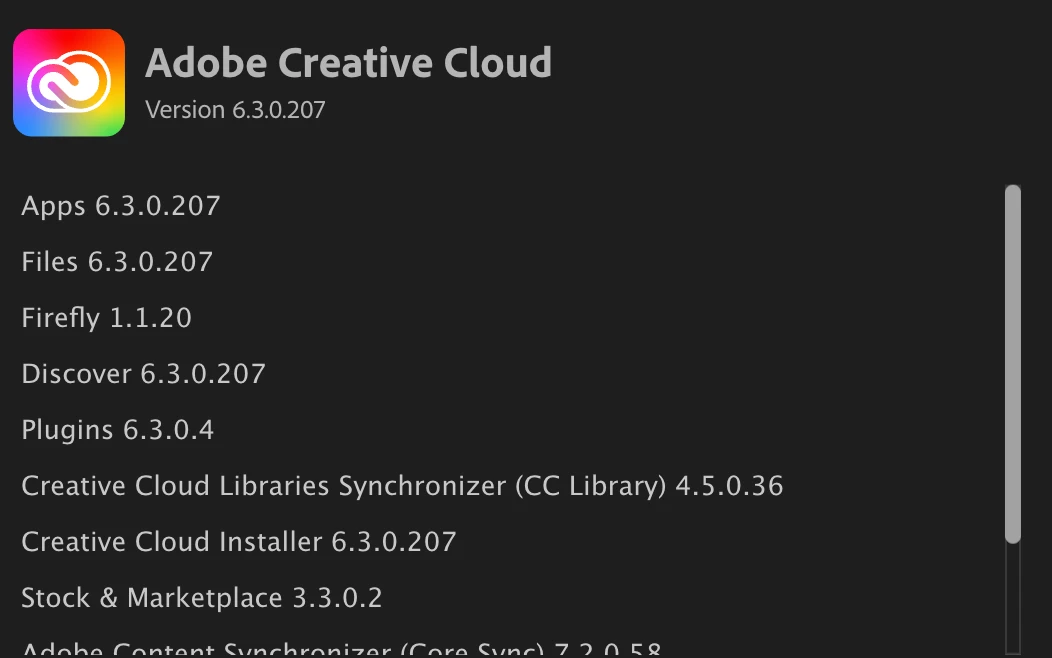
@Cherygan the CCDA is handled differently than other desktop apps - there is the main App itself which has a version number, but then also inside there are supported components that have versions as well.


If you were to disable the auto updates - services like sync or libraries could fail. Updating on a quarterly basis would cause users to experience errors when using these services.

2 replies

Kevin Stohlmeyer
Community Expert
Kevin StohlmeyerCommunity ExpertCorrect answer
Community Expert
July 25, 2024

@Cherygan the CCDA is handled differently than other desktop apps - there is the main App itself which has a version number, but then also inside there are supported components that have versions as well.


If you were to disable the auto updates - services like sync or libraries could fail. Updating on a quarterly basis would cause users to experience errors when using these services.

Community Manager
July 25, 2024

If you want to update the app, you can deploy a new package with only CCD. Uninstalling it is not required. All the updates of CCD are critical and mandatory and we do not recommend disabling the option.