
Adobe Employee
June 22, 2022
Question

Unable to manage apps in the desktop app

  • June 22, 2022
  • 1 reply
  • 515 views

Hi team. I am unable to access my creative cloud apps. I get the below error: 
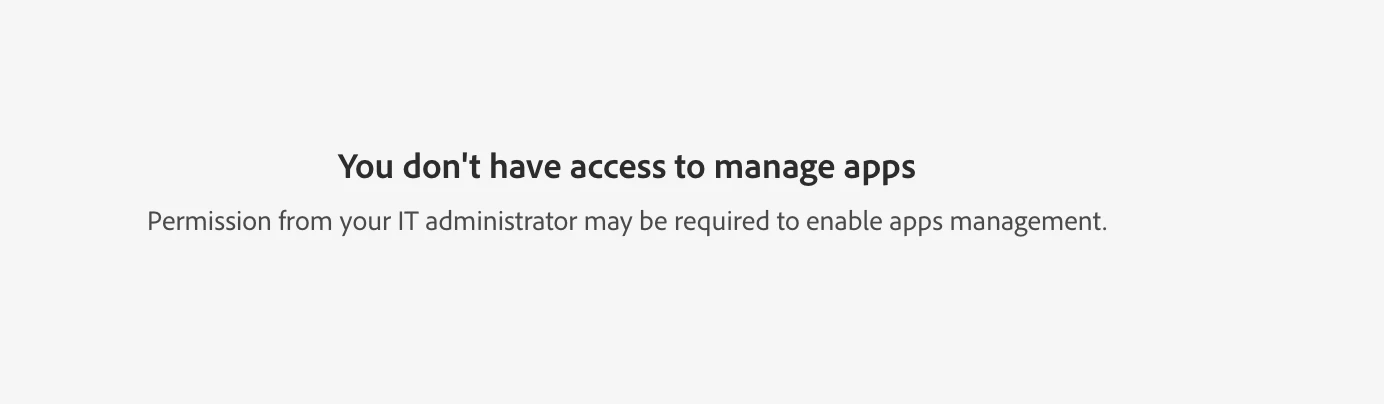
This topic has been closed for replies.

1 reply

Vikrant R
Inspiring
June 22, 2022

This happens if your IT Admin has set up your system with restricted settings. You'll need to work with your Admins to install the latest/required apps. Admins can create a package and share that with you or deploy the packages to your machine.


Are you part of a teams or enterprise account? 

Rishi5E50Author
Adobe Employee
June 22, 2022

Hi Vikrant. I do not have any restrictions on my account as it is all accessible from the web. It is just the creative cloud app. It also works on my other system, just not on my Macbook. 


Can you let me know who my Admins would be? Or how I could resolve this?

Vikrant R
Inspiring
June 22, 2022

Try this: https://helpx.adobe.com/enterprise/kb/apps-tab-disabled.html

There are instructions to delete a file called serviceconfig.xml. Because this is working on your other computer, it's most likely the settings on your package that's blocking it. Give this a try and let me know how it goes. However, I'd recommend that you check with your admins and ensure that you're compliant with your org policies etc.
