Participant
May 9, 2017
Answered

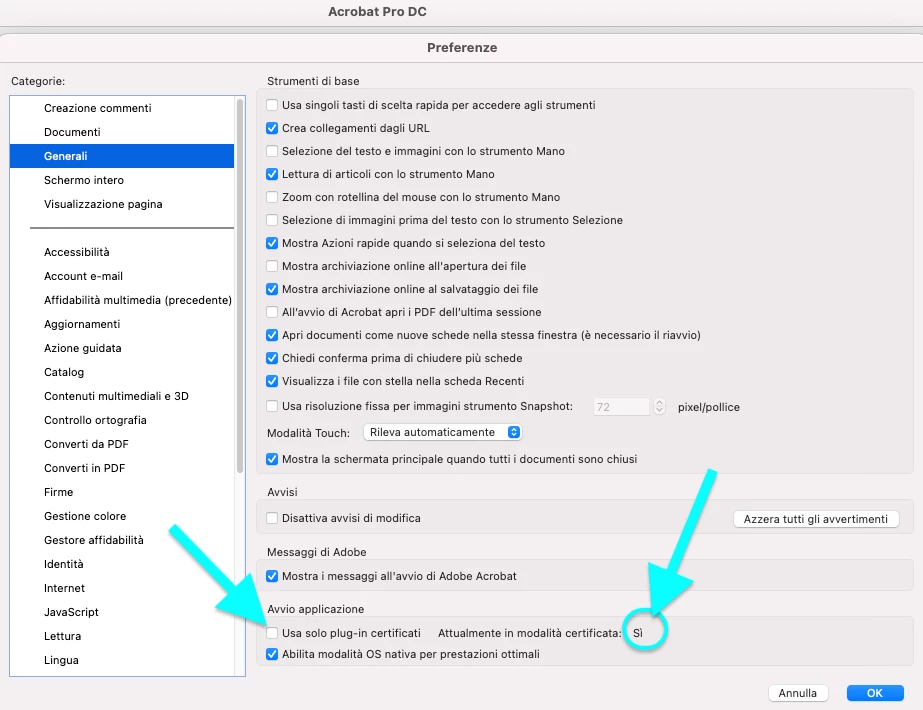
How can we change the Certified Plugins option to NO?

  • May 9, 2017
  • 1 reply
  • 5859 views

How can we change the Certified Plugins option to NO?  It's randomly changing to YES on some of our machines and not allowing Adobe Reader or Acrobat to open when EMC IRM plugin is installed.  Registry option is preferred as checking the box, saving, restarting app, unchecking, saving and restarting the app does not resolve the problem.

Thanks!
This topic has been closed for replies.
Correct answer asolana

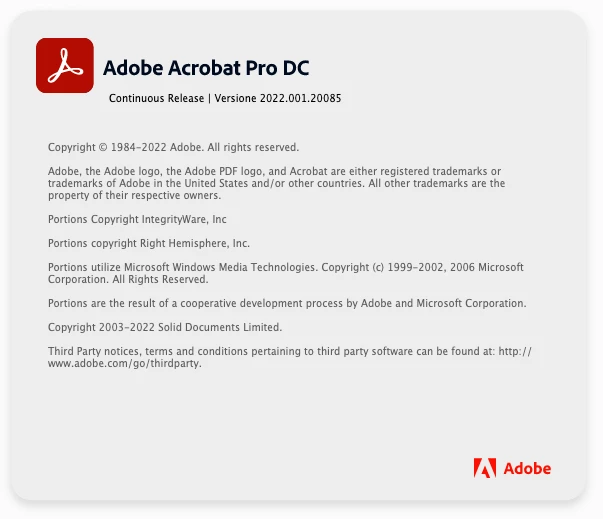
Hello, I have the same problem with Acrobat DC Pro. Thanks

1 reply

Legend
May 14, 2017

You would not be the first person to misunderstand the preferences display. From what you describe, you are, since you say you are checking the box. If you needed to check the box, the option is OFF, and you do not need to touch your preferences.

If it says Currently in Certified Mode this is not just repeating your preference, which would be pointless. It is telling you that no non-certified plug-ins were loaded. This may be because (a) the option was ON (b) there were no plug-ins to load (c) plug-ins were found but were incompatible with this product (d) errors occurred loading plug-ins.

You need to focus on why the plug-ins don't load; the preference is a red herring.

asolanaCorrect answer
Participant
April 1, 2022

Hello, I have the same problem with Acrobat DC Pro. Thanks

Legend
April 1, 2022

Sure, this means no plugins were loaded. You have 64-bit Acrobat, so make sure all your plugins are 64-bit.