


Inspiring
Nov 8, 2023 8:27 PM UTC
Answered

Map Module not working

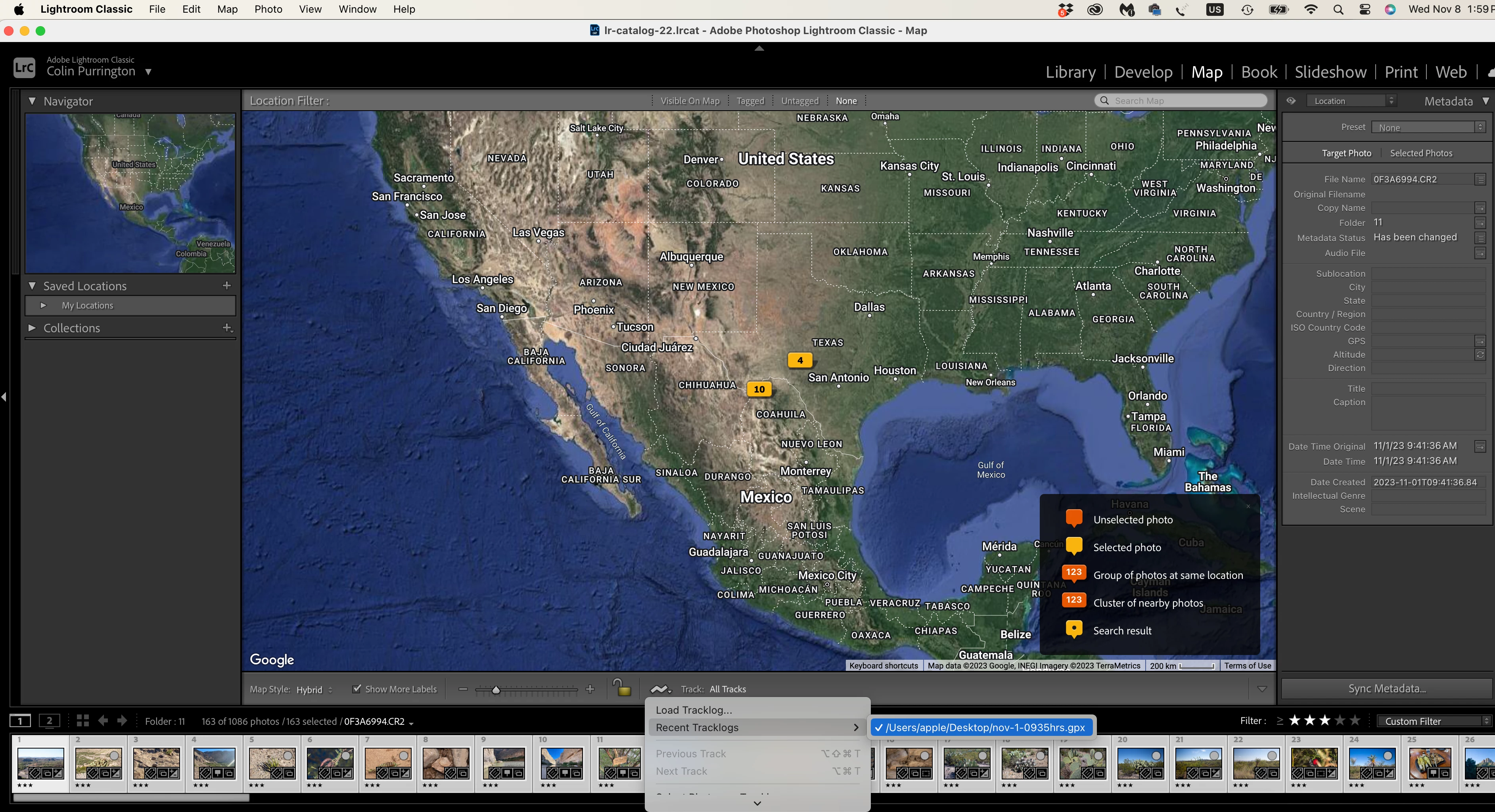
I have lost the ability to load GPX tracklogs. I.e., no track is displayed on the map and I cannot invoke the "Set tracklog offsett time," either. And of course, Auto-tag shows a status bar that doesn't move (because no tracklog to use). I've tried (1) switching to the Library module and restarting, (2) resetting preferences, (3) updating to latest version, 13.01, and (4) restarting my computer. I've also tried (1) and (2) multiple times. I have confirmed that my connection to Google Maps is fine. My computer is a MacBook M2 Pro running Sonoma 14.0. Thanks for suggestions on how to fix.
 

colinpurringtonCorrect answer
Inspiring
Nov 9, 2023 3:41 PM UTC

Turns out the GPX files were the problem.

4 replies

Inspiring
Nov 9, 2023 11:31 AM UTC

In case useful for diagnosing, when I attempt to load a track log, LRC displays "Loading Tracklog" alert for approximately 1/10 of a second. I could only read the alert after recording my monitor with my phone in slow-motion mode.

Translate
colinpurringtonAuthorCorrect answer
Inspiring
Nov 9, 2023 3:41 PM UTC

Turns out the GPX files were the problem.

Translate
Participant
Dec 14, 2023 2:58 AM UTC

I'm having the same problem. What specifically was the problem with GPX file? As far as i know the app I'm using to record the GPS log is outputting perfectly valid GPX files, and I've loaded tracklogs from this app into Lightroom previously, so it seems weird.

Translate