


Known Participant
July 29, 2018
Question

Flash Player Plugin fails to load

  • July 29, 2018
  • 1 reply
  • 3714 views

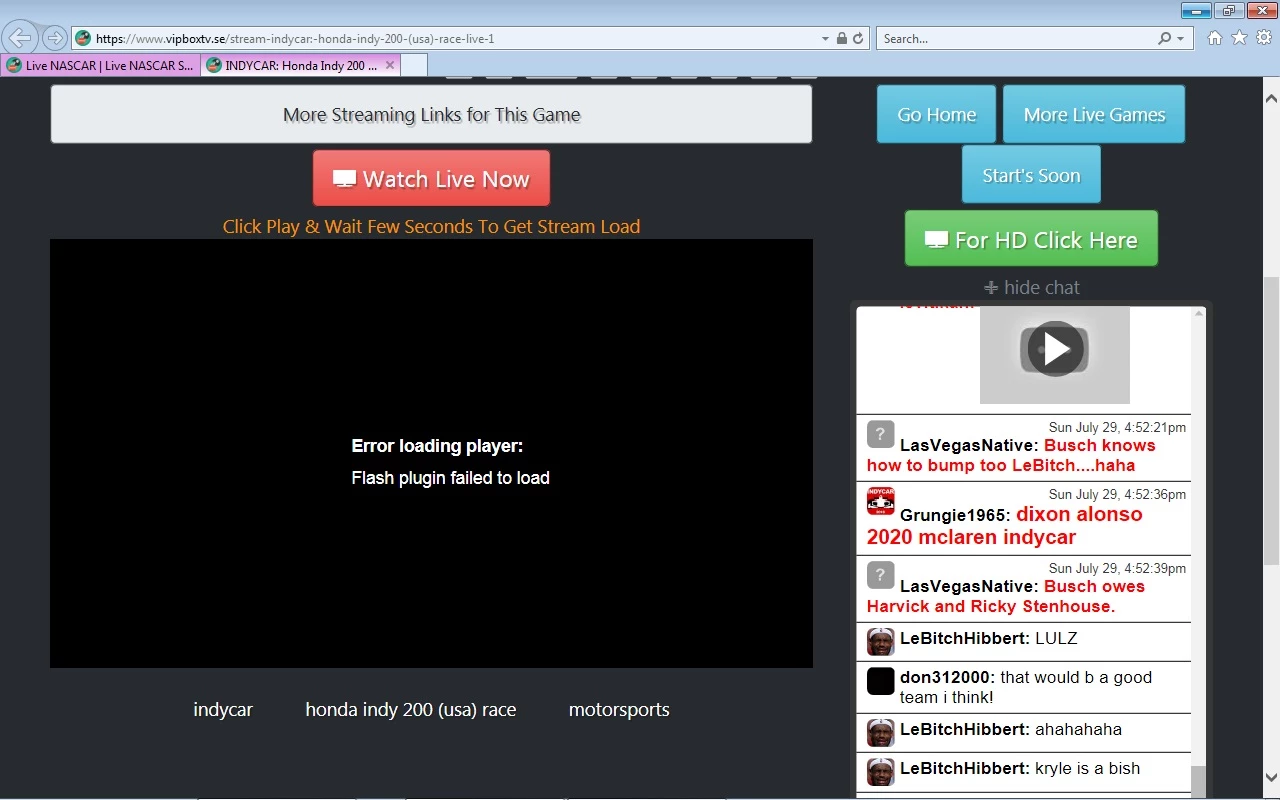
  Hi- I am running Windows 7 & Mozilla Firefox & Internet Explorer 11 on my personal computer.  I have Flash version 30.0.0.134 installed on both browsers.  I have a problem with a website using I.E. 11 only.  I get a message as shown in attached screen shot.  The particular website works fine in my Firefox Browser, but not in I.E. 11.  I have reset the browser to default settings & still get same results.  The website had been working with Flash Player in the past, but not now.  It seems to me that something is blocking the player from loading. 
This topic has been closed for replies.

1 reply

jeromiec83223024
Community Manager
Community Manager
July 30, 2018

All of the major browser vendors block Flash Player by default at this point.  Their mechanisms for doing so are all a little different.

You need to enable Flash Player in each browser:

Flash Player Help

If you already have Flash Player enabled, then the content provider is making assumptions about how Flash Player worked in a world where Flash was always able to run at the page launch.  Those assumptions no longer hold true, and they're going to have to update their site to adjust to the new reality.

hgw53tAuthor
Known Participant
July 30, 2018

  Hello & thanks for the reply.  I'd like to ask what I could try to diagnose this little glitch in that website.  In your opinion, should I contact Microsoft about I.E. 11 or should I try to contact the particular website for help (which I find no help section anywhere on the site)?

jeromiec83223024
Community Manager
Community Manager
July 30, 2018

In terms of things that you personally can control, experimenting with available browsers and choosing to use what works is probably the path of least resistance.

Contacting the site is probably your next best bet....