



flash player problems with al internet browsers
Hi,
I'm having troubles with some websites and adobe flash player after an update from windows 10.
I helper from microsoft looked at my problem and tried to solve it, but couldn't. She says the problem situates with adobe flash player and she advised me to contact adobe. I have the following problems:
- * on one website I would like to open a booklet with flash player, but when I click on it, it gives me the message that i need to update flashe player.
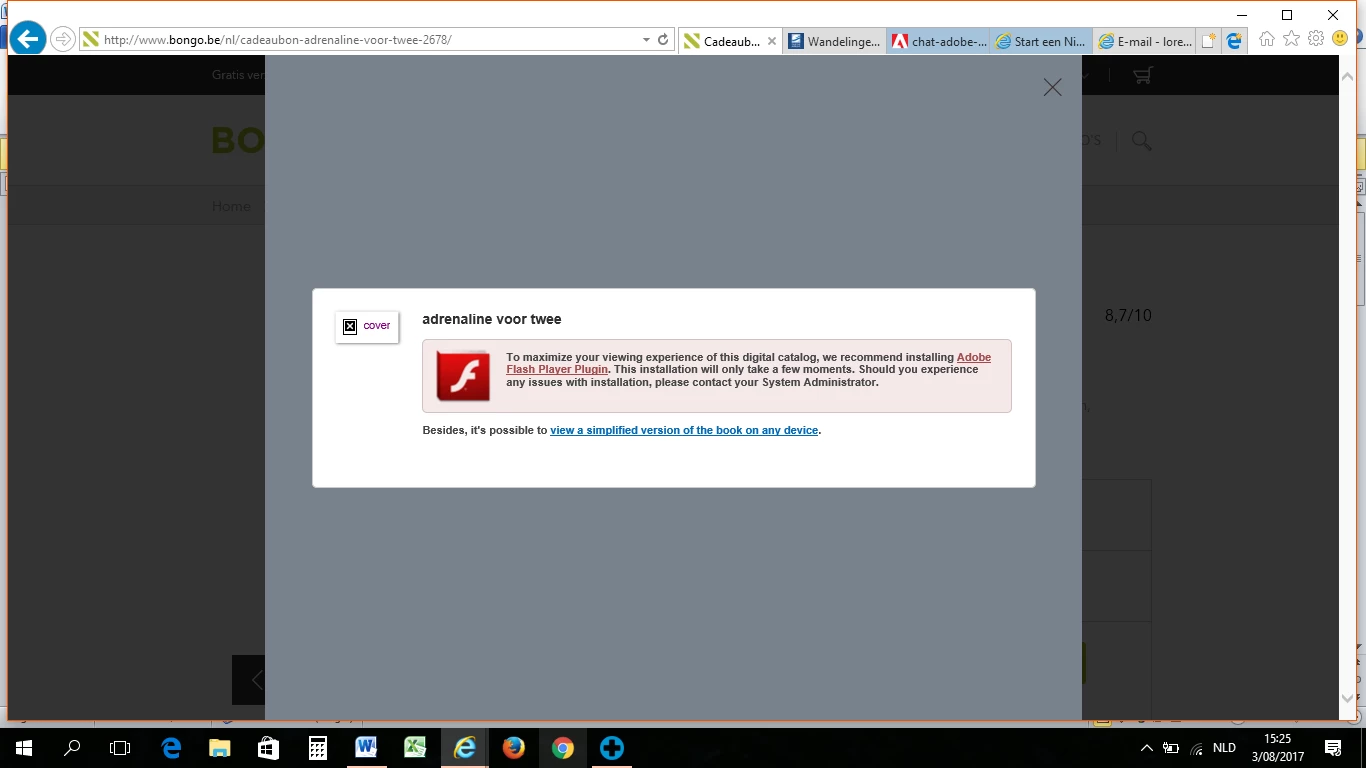
When I click on that link, i get the message that flash player is integrated for internet explorer in windows ten and i do'nt have to install it. It tells me to check my setting options but everything is set rightly.
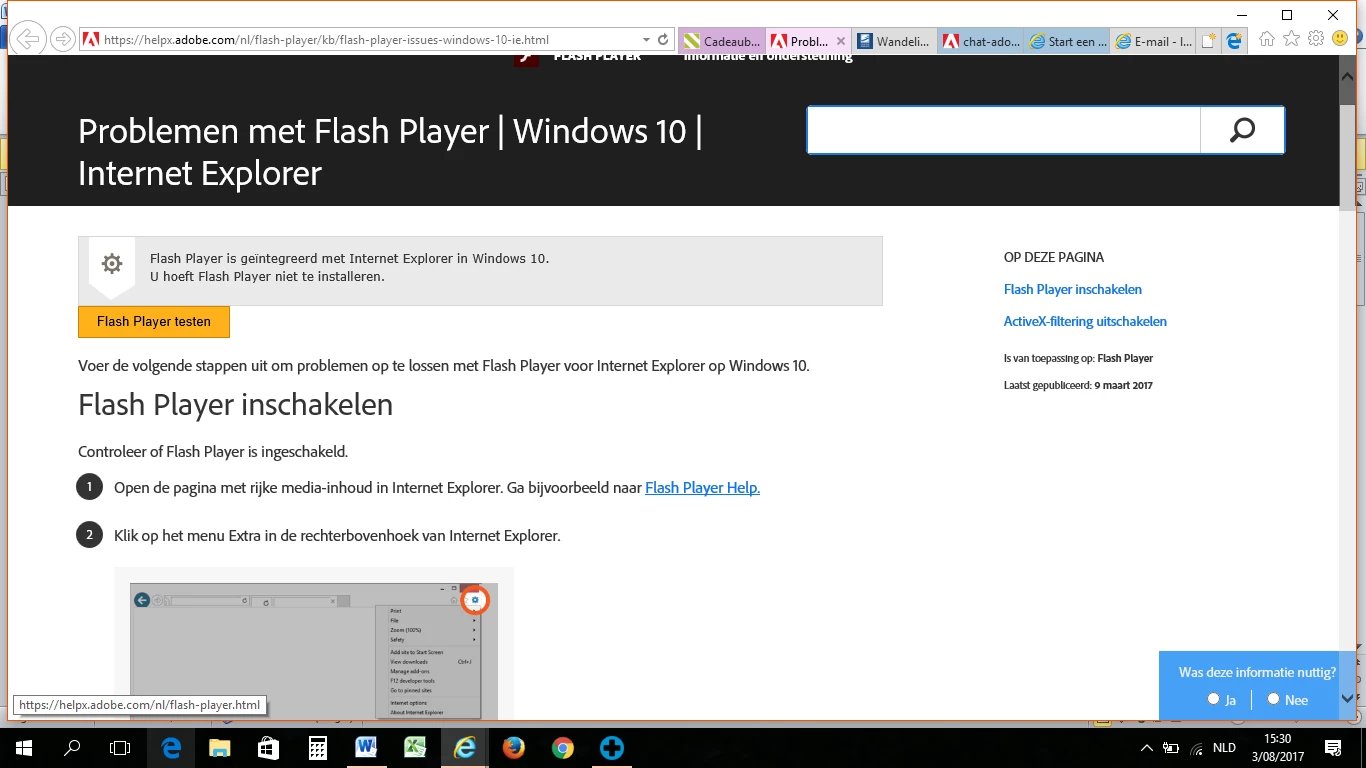
So i can not open the booklet in any way and i'm stuck.
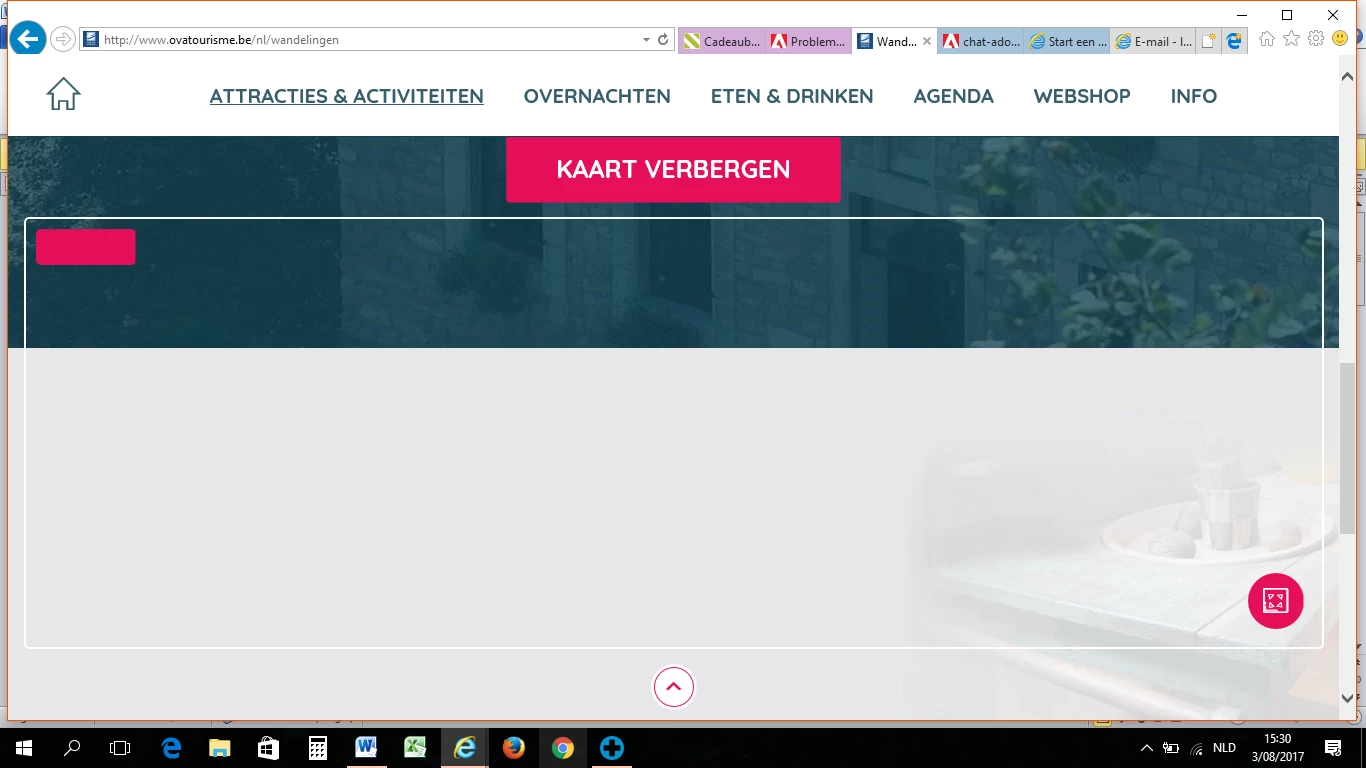
- on another website, a friend of mine sees different tab pages with hiking possibilities, I only see an empty screen...
- On another website, I constantly get the message that internet is not reacting because of a long lasting script.
Al these problems occur in any browser, internet explore, google chrome and mozzilla Firefox.
- The helper from microsoft took over my computer for an hour, tried a lot of things, but concluded that the problem was bigger than expected and could be brought back to flash player.
--> : Oke duidelijk, het probleem wat u heeft is ingewikkelder dan gedacht, ik raad u aan
voor dit probleem contact op te nemen met Adobe, zij kunnen u wellicht verder
helpen. Helaas kunnen we u niet meer terug zetten naar de vorige versie gezien
de return date voor 10 dagen was en dat is nu verstreken, U kunt adobe
contacteren en anders een schone installatie uitvoeren van uw computer (daarmee
raakt u alles wkijt en moet u dus een back up maken)
Hopefully you can help me?
 AdChoices