


New Participant
December 17, 2017
Question

Flash Projector 28 Scaling Exactfit

  • December 17, 2017
  • 1 reply
  • 623 views

i'm using the standalone version of adobe flash player 28

i'm on windows 10

i'd like for the player to scale the swf to exactfit

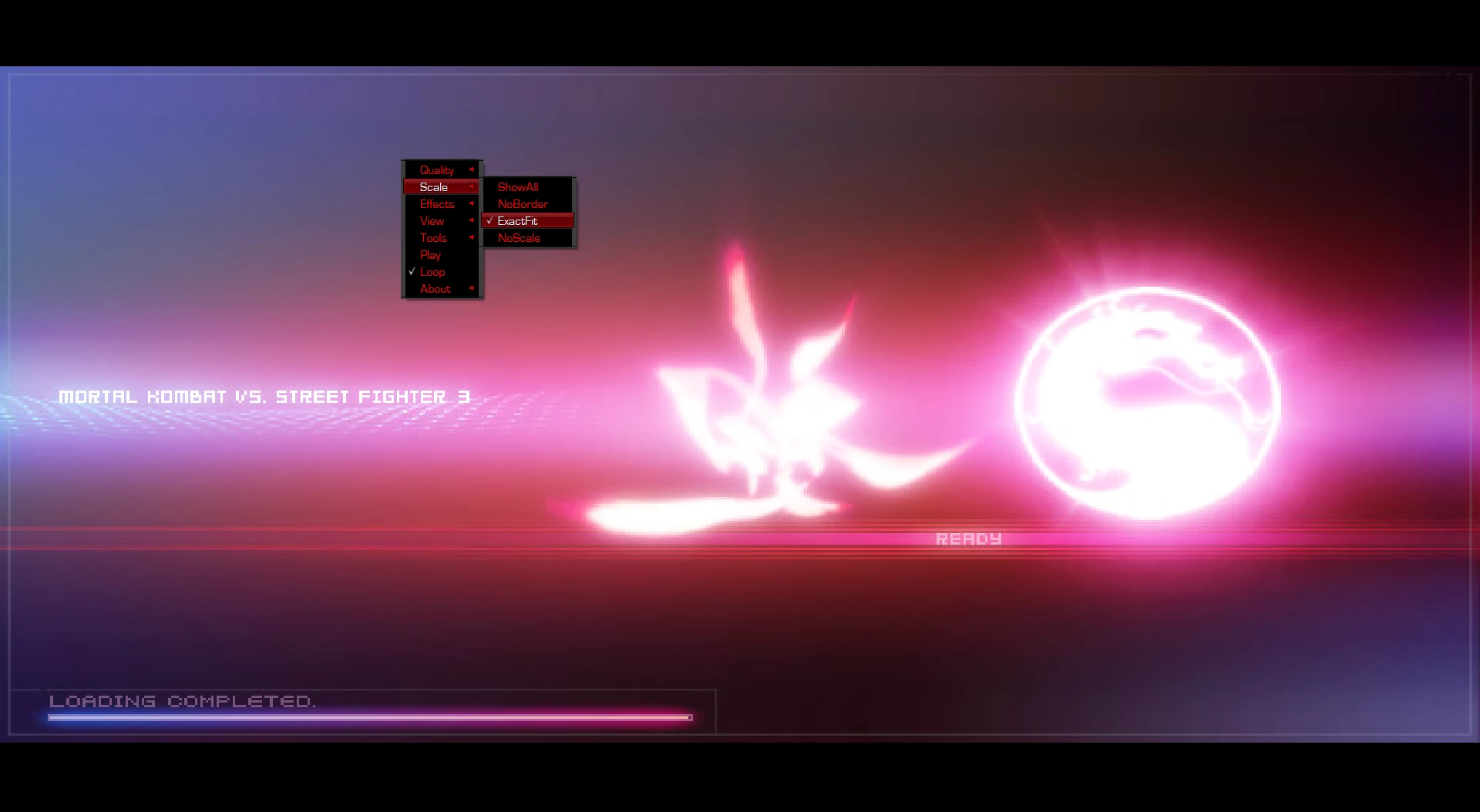
this image is from another flash player
Here's the flash projector 28 version
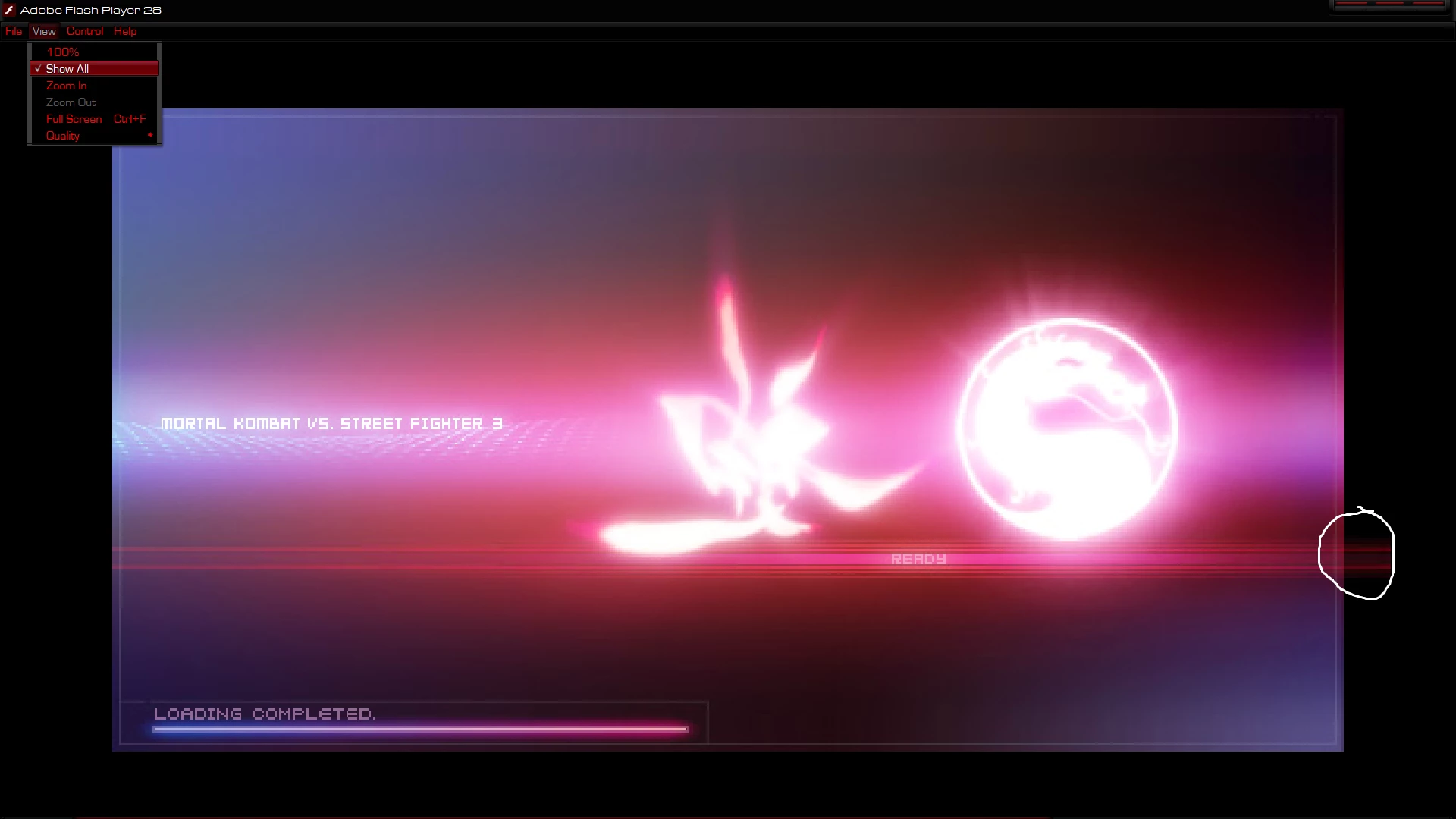
as you can see in the pic, you can see outside the border of the flash movie

unlike the above flash player in which you can use exactfit to fix this issue

the flash projector 28 only has the show all scaling option

so how can i access the exactfit scaling settings on the flash player?

This topic has been closed for replies.

1 reply

_maria_
Community Manager
Community Manager
December 18, 2017

What version of Flash Player is being used in the first screenshot?

New Participant
December 19, 2017

it's not an adobe flash player

it's a different software

_maria_
Community Manager
Community Manager
December 19, 2017

I'm confused.  In your first post you said:

this image is from another flash player

now you're saying

it's not an adobe flash player

it's a different software

Are you comparing the output from 2 completely different products, expecting the same result?

What is the 'other flash player' software you are using?

I recommend filing a bug at https://tracker.adobe.com for the behaviour you are observing.. And please post the exact software you are using.  There's only one Flash Player, saying you're using "another flash player" implies a different version.  You'll also need to provide test content that displays the behaviour in your bug report.