


Participating Frequently
February 3, 2017
Question

Flash Video/Picture display issues - ANY Browser - Mac 10.10.5

  • February 3, 2017
  • 1 reply
  • 798 views

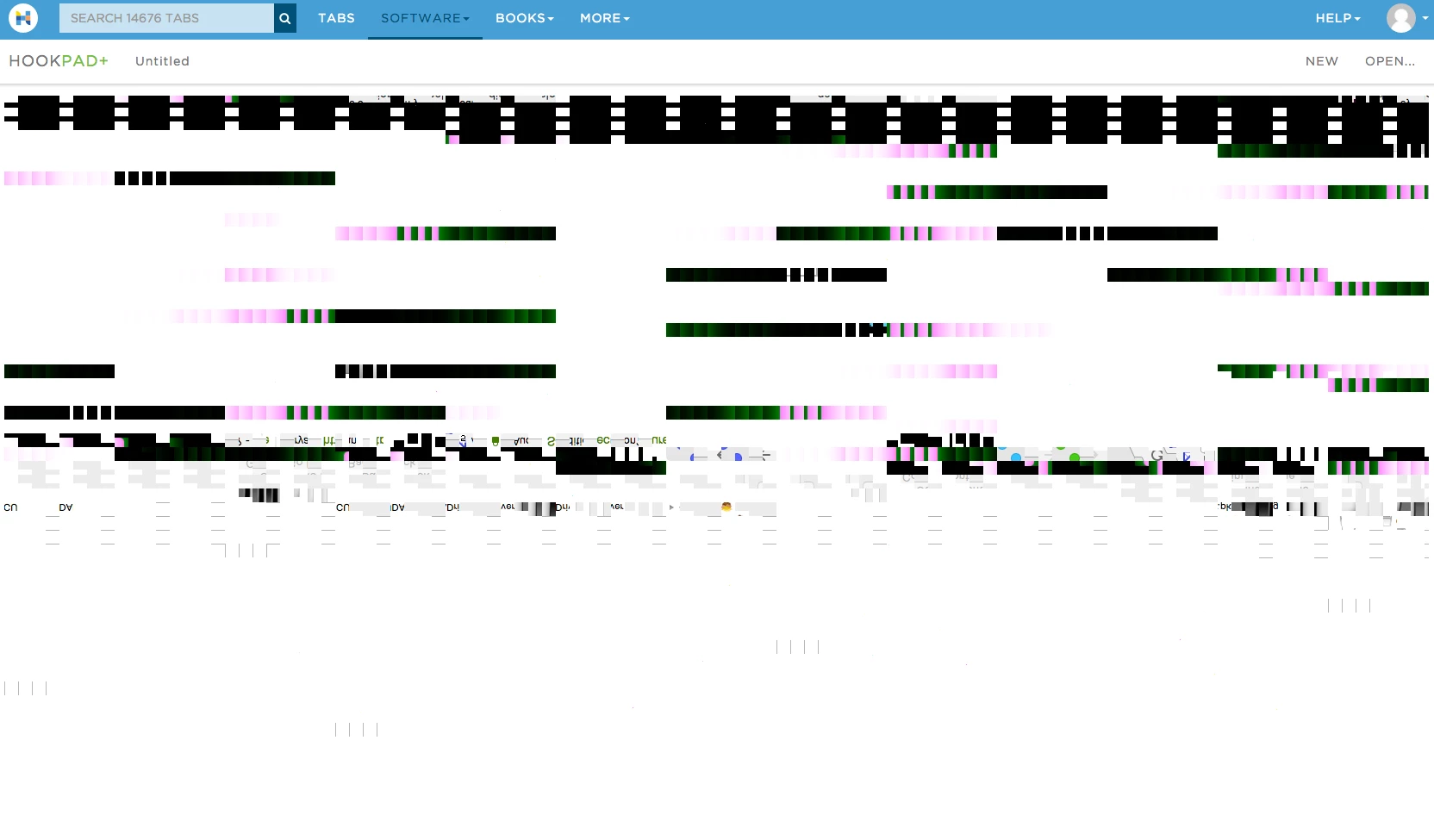
Long title because I really don't know how to describe it.  ANY flash content is distorted and not viewable. 

Example Image:
Here is what I have done:

Installed/Updated Flash Driver - but it was already up to date.

Updated Video Driver - it was already up to date though

Uninstalled EVERYthing - CLEAN uninstall - flash, browsers and reinstalled again, clean

Re-installed the OS.

I dont know what else to do but the ONLY glimmer of hope was when I re-installed the OS things were working OK except flash video (example: comedians in cars getting coffee - ONLY plays audio).  But after about a day or two it all just went bad again

Any help?  Ideas??

Thanks!!

This topic has been closed for replies.

1 reply

jeromiec83223024
Community Manager
Community Manager
February 6, 2017

Well, it looks like the buffer that's drawn to the screen is corrupted.  I'm not seeing widespread reports of this problem.

If you actually power the machine down for a few seconds and power it back on, does the problem go away (at least temporarily)?  That would support the claim that the graphics hardware is getting in a bad state.

The latest available version of MacOS may have updated drivers.  They're all bundled together, so it's hard to say. 

You could try and disable hardware acceleration in Flash Player to avoid the bug, but the browser probably also uses hardware acceleration, so it may not actually resolve the problem.

Directions on how to disable hardware acceleration are in the video troubleshooting guide, here:

https://helpx.adobe.com/flash-player/kb/video-playback-issues.html

rdreanAuthor
Participating Frequently
February 6, 2017

I really appreciate the reply.  However, I've tried what you asked and basically the answer is it does not help. 

I power down. Wait 5 minutes (OR even Overnight and come back the next day.)  Flash in a browser fails - it doesn't work ever no matter how or when I get to it.  I was almost hoping it was a Hardware related issue.  I'd spend $50 to 100 to upgrade from the stock card if that would solve my problem.  If you or anyone thinks its possible I'll try that.  But it just doesn't seem like it would be the culprit.

jeromiec83223024
Community Manager
Community Manager
February 6, 2017

Yeah, I was thinking hardware (heat failure, etc.) when I read your post, but it would probably not be *just* Flash in that instance.  If we were hitting a driver bug, that might put the card in a bad unrecoverable state, but a power-cycle would allow the hardware to fully reset (until you hit that driver problem again).

Does disabling hardware acceleration in Flash Player solve this for you?  We'll use a whole different code path to get pixels to the screen, which bypasses all of the intermediary stuff like the operating system's multimedia subsystem, etc., etc.  If that helps, then we kind of know where to look.

Also, is it just this one site?  Do you have the same problem on stuff like HTML5 streaming content (Youtube)?

Details on the OS, browser, versions, etc. would also be helpful.  If you're on Windows, the dxdiag report from the video troubleshooting guide might be useful too.