Hello guys,
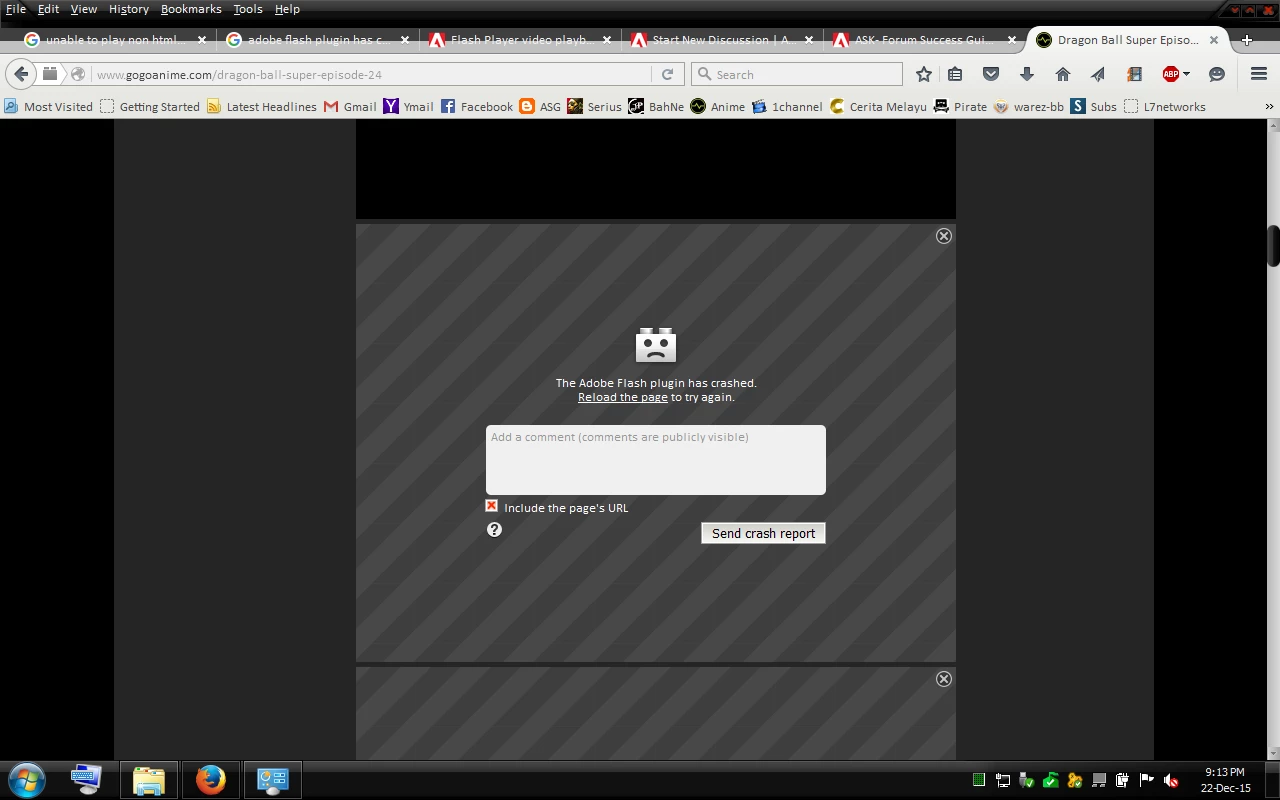
I have finally solved the crash issue and now I can play Non-HTML5 without crashes anymore!! After you said the plugin container might be the cause, I noticed there is no plugin container running in task manager. So I googled about plugin container crashed issue and found solution from this page: Plug in Container and Flash Crashing Issue | Firefox Support Forum | Mozilla Support
The cause is actually due to the protected mode feature of the Flash Player plugin where we need to disable it so the plugin container will not crash anymore. I quoted from the page:
Helpful Reply
This worked 100 % Thanks!
jscher
"
Hi nonsaya, thank you for that.
A common problem on Windows Vista and higher is incompatibility with the protected mode feature of the Flash Player plugin. I recommend disabling it.
See this support article from Adobe under the heading "Last Resort": Adobe Forums: How do I troubleshoot Flash Player's protected mode for Firefox?
Or if Windows gives you problems with permissions, try this way:
(1) In a My Computer or Windows Explorer window, open this folder:
C:\Windows\SysWOW64\Macromed\Flash
If that folder does not exist, then you are using 32-bit Windows, and you can open the following folder instead:
C:\Windows\System32\Macromed\Flash
(Note: This folder exists on both 32-bit and 64-bit Windows, but on 64-bit Windows Firefox uses the Flash player in the SysWOW64 folder instead.)
(2) Check for a file named mms.cfg:
Note: If you do not see file extensions such as .ocx, .dll, .exe, and .cfg on the files in this folder, then Windows may be hiding these from you. In order to work with file names accurately, it is best to unhide the extensions. This Microsoft support article has the steps: http://support.microsoft.com/kb/865219.
(A) If mms.cfg exists, drag it to your Documents folder where you can edit it without being bothered about administrator privileges
(B) If mms.cfg does not exist, open your Documents folder, right-click > New > Text File and name the new file mms.cfg
(3) Open mms.cfg from Documents into a text editor such as Notepad.
Add this on its own line (I put it last):
ProtectedMode=0
Save the file and close Notepad.
(4) Hold down the Ctrl key and drag the mms.cfg file back to the Flash folder to make a copy there, keeping the original in Documents
This change will take effect once the Flash plugin is completely unloaded, which may require exiting and restarting Firefox (allow a few minutes for all the Flash processes in memory to terminate after exiting Firefox). "
Flash Player Protected Mode on 32-bit Firefox is an important defense against malware. You significantly increase your risk of infection by disabling it.
You would be far, far better off moving to either 64-bit Firefox for Windows, which includes a native NPAPI plug-in sandbox (we use Firefox's sandbox instead of the one we had to retrofit to 32-bit Firefox), or to another browser.
You can find the 64-bit Firefox Beta here: https://www.mozilla.org/en-US/firefox/beta/all/




 AdChoices