


October 17, 2014
Question

Flask Player update stops at Step 1 of 3

  • October 17, 2014
  • 2 replies
  • 1548 views

Yesterday an Adobe Flash Player update advice popped up when I opened my browser.

As I am suspicious of Adobe installing unwanted adware I am extra cautious about Adobe updates.
   Version 15.0.0.189  (16-10-14)

Step 1 of 3
    "Options" panel is blank
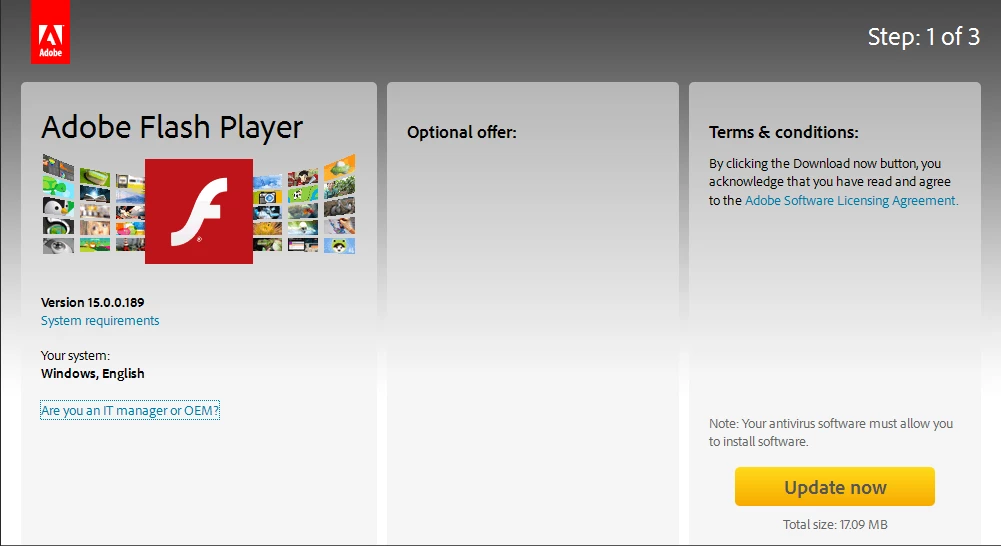

    "Terms and conditions:" (panel 3 of "Step:1 of 3") ... has a link-caption "Adobe Software Licencing Agreement" ...

     https://www.adobe.com/au/legal/licenses-terms.html
    -  which when clicked results in an Adobe error page 404
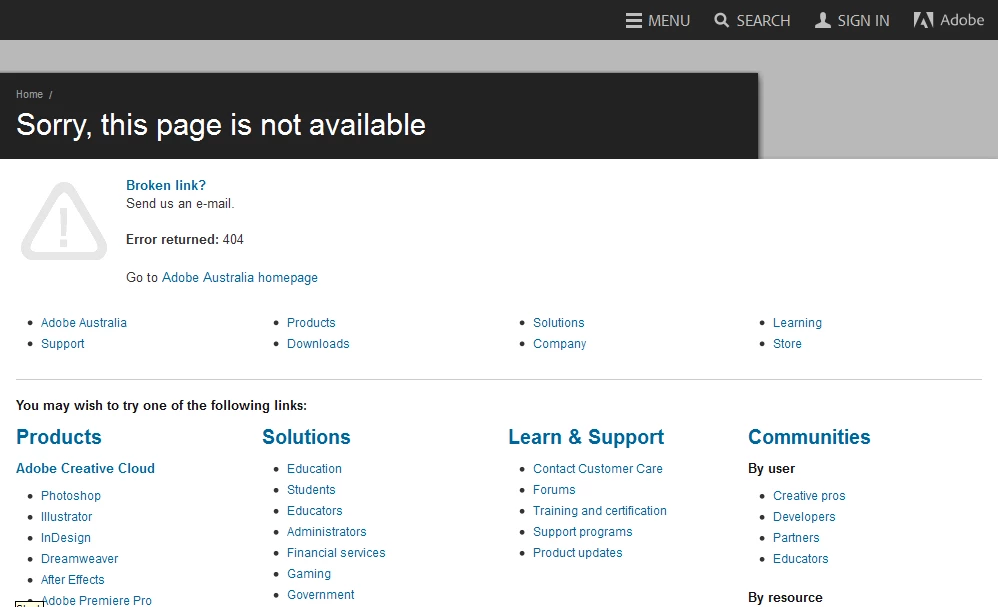
  

Page: 1 of 3
Daringly I clicked on [Update Now]
New page was ...
Adobe in Australia (I am in Australia)
http://www.adobe.com/au/

-  no more wizard pages (2of3, 3of3)
-  no progress bar
-  no finished notice
-  nothing

Checked my browser for plugins and extensions
Plugins:-
-  Shockwave Flash 15.0.0.152
-  I uninstalled "Shockwave" on 30-Aug-2014
-  what is going on here ?
-  No sign of Flash Player ?

Checked Add remove Programs:-


End of episode

What is going on here ?
-  none of it makes sense to me

-  what have I (or not) done wrong ?

-  4 other PCs simply update Flash Player ... and its all over in about 15 seconds max

-  trying to sort this problem has cost me >3 hours of searching the Adobe forum for clues ..... !

This topic has been closed for replies.

2 replies

November 6, 2014

Now Adobe progress screen cannot get past step 2 of 3

This is REALLY annoying

23 days --- 3 weeks and 2 days and this update process is still a farce.

If I was a troll I would vent my spleen here

Adobe!

- I have dumped Reader all together because free PDFXchange Editor is vastly superior and I have purchased their PRO version (which is cheaper than Adobe)

-  McAfee sneakware ... from a so-called reputable organisation.  Are Adobe finances that bad ?

-  sneakware/adware is how struggling developers try to make money

If I could dump Flash I would be long gone

jeromiec83223024
Community Manager
Community Manager
November 6, 2014

The screen you've posted is different than the original screen you posted.

To proceed, open your download folder and run install_flashplayer[xxx].exe. 

jeromiec83223024
Community Manager
Community Manager
October 17, 2014

Yeah, that doesn't look right.  I've notified the web team.  I'm sure they'll investigate and resolve it shortly.

October 17, 2014

Thanks Jeromie,

Do I wait for another email notification ?

_maria_
Community Manager
Community Manager
October 17, 2014

Hi,

Do you have any sort of ad-blocker installed?  Ad-blockers tend to block the 'special offers' content, however, that won't resolve the issue with the missing pages, and Jeromie has indicated he's notified the appropriate folks.

Until the issue is resolved, you can download Flash Player from the link at the bottom of the Installation problems | Flash Player | Windows page.

--

Maria