Answered
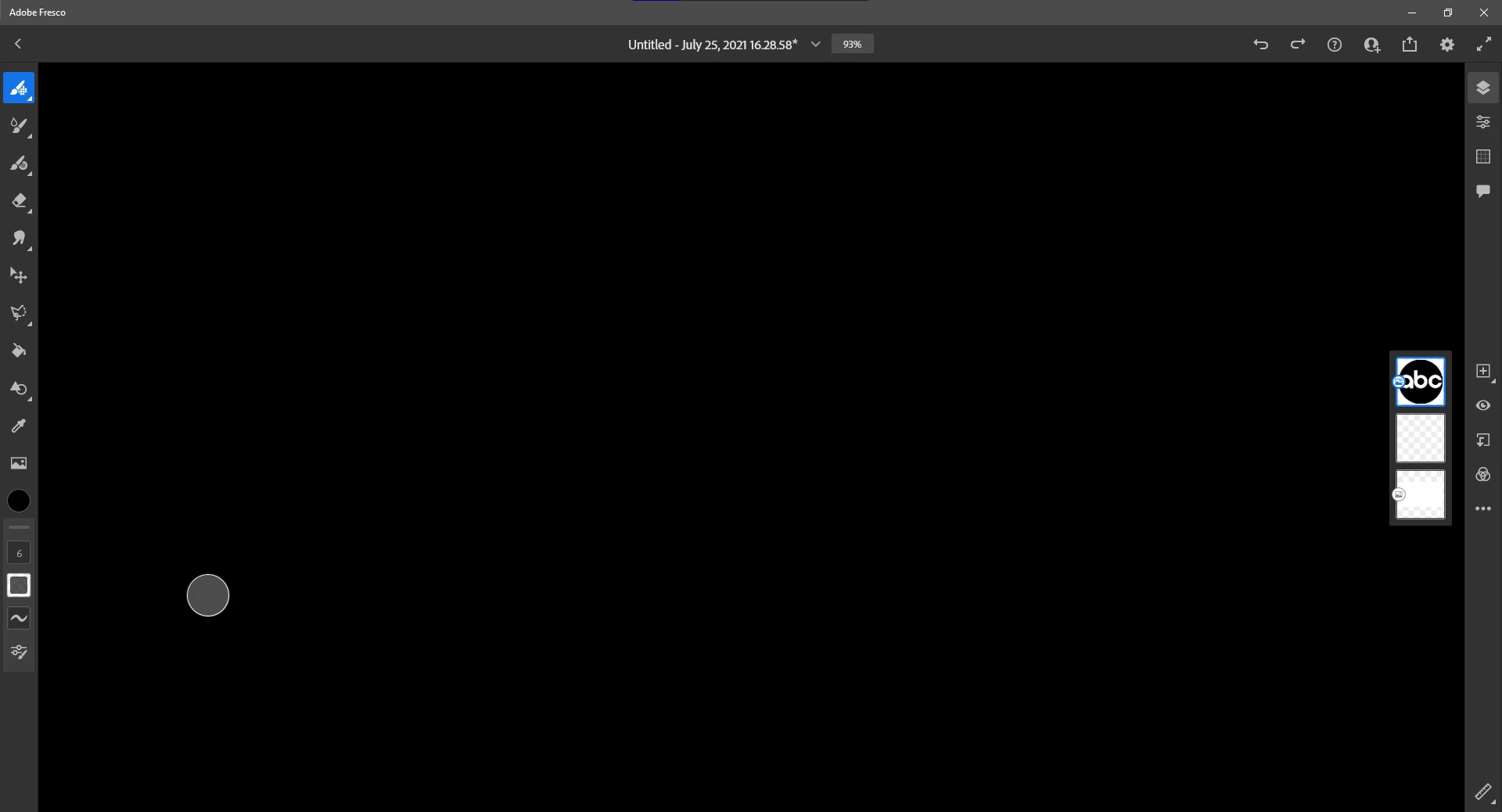
Adobe Fresco (Desktop) complete drawing area blacked out, no images or drawings showing.
The title basically says it all, I have tried:
- Restarting my computer
- Reinstalling Fresco
- Restarting Fresco
- Ending the task in the taskmanager

The title basically says it all, I have tried:
Already have an account? Login
Enter your E-mail address. We'll send you an e-mail with instructions to reset your password.
 AdChoices