
FlexAce
Inspiring
November 30, 2019
Answered

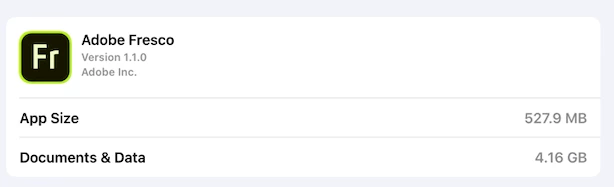
Documents & Data Seems REALLY big?

  • November 30, 2019
  • 1 reply
  • 979 views

New to iPad & Fresco
Looking at the storage on my iPad I noticed the size for Documents & Data seems quite big
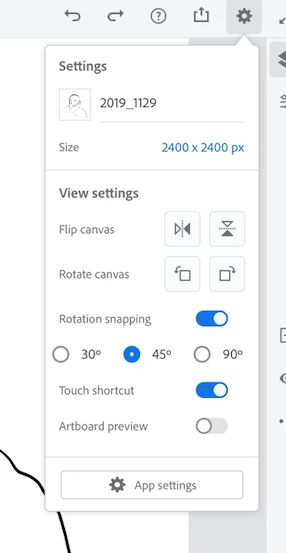
I only have one image with one layer. No cloud files. Nothing deleted.
But, I did download all of the free brush sets
----
Is this normal?
Could it be the brushes?
        If brushes, how do I delete some of them?
This topic has been closed for replies.
Correct answer Sheena Kaul

Hi there,


It toally depends on what brushes have you imported into the app.


For the brush management, please refer the thread: https://community.adobe.com/t5/fresco/import-brushes-to-fresco-and-manage-them-easily/td-p/10662897


Let me know if that's not the case and we can help you troubleshoot the issue further.


Regards,

Sheena 

1 reply

Sheena Kaul
Community Manager
Sheena KaulCommunity ManagerCorrect answer
Community Manager
December 3, 2019

Hi there,


It toally depends on what brushes have you imported into the app.


For the brush management, please refer the thread: https://community.adobe.com/t5/fresco/import-brushes-to-fresco-and-manage-them-easily/td-p/10662897


Let me know if that's not the case and we can help you troubleshoot the issue further.


Regards,

Sheena