
marczellog90733672
Participant
October 30, 2018
Answered

Photoshop CS3 on Mojave installation fails [CS3 is dead & gone]

  • October 30, 2018
  • 4 replies
  • 7500 views

New Macbook Pro.Tried to install Photoshop CS3 and got:
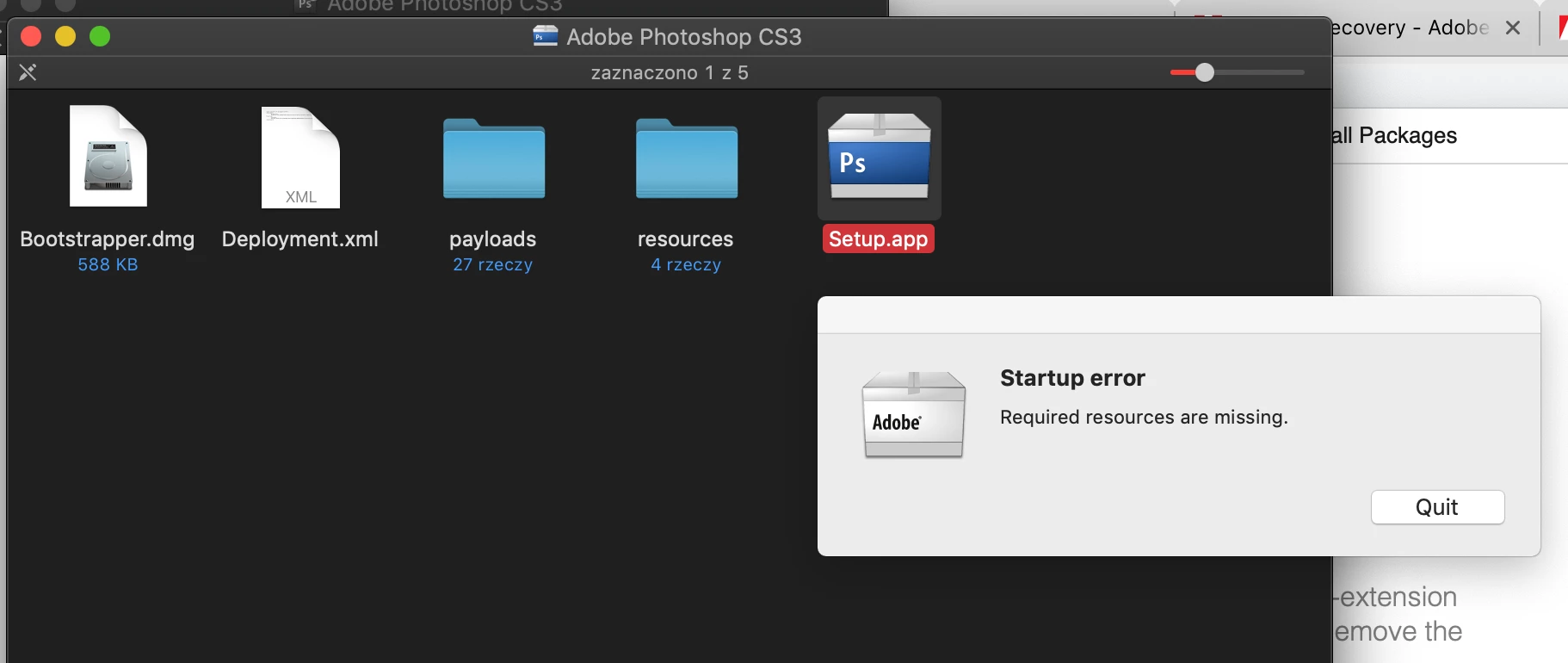
 

Also with newly downloaded installer from Adobe website and my account.


what can I do?


or how can I upgrade to higher version of CS (NOT subscription plan)?

This topic has been closed for replies.
Correct answer John T Smith

Adobe has completely removed all versions of CS3 (and earlier)


There is no more special non-activation version available


CS3 and earlier are completely dead and gone

4 replies

Legend
May 5, 2019

Yes. And no.

jd70566840
Participant
December 7, 2018

...in addition to holding your breath, do the 'workaround' install above while booted into Safe Mode to avoid the Safari Quicklook error.

I also posted the full recipe with links in a reply to original thread (which is pending moderator approval)

Nancy OShea
Community Expert
Community Expert
December 7, 2018

That's great that you found more workarounds for CS3 on Mojave.  Good for you!   Just don't upgrade your OS ever again.  In 2019, Apple will bar 32-bit apps from running on modern Macs.

What Apple's 32-bit app phase-out on Mojave means to you | Computerworld 

Nancy O'Shea— Product User & Community Expert
jd70566840
Participant
December 7, 2018

Success!!! - Photoshop, Illustrator CS3 running on Mojave and here is the recipe:

A tip from this thread (Getting message to close Safari Quick Loo… - Apple Community ) pointed me to reinstalling CS3 while booted into Safe Mode.

And to do the install it was necessary to dig deeper into the installer bundle per this thread (Installing Creative Suite on macOS 10.12 (Sierra) ) and call Setup from the command line....and it worked!!

The other random tip I will share is that if one of the CS3 apps (Illustrator CS3 in my experience) balks when opening and the menus don't appear, just make sure to have the Java preferences pane open when you launch it as in this thread (Illustrator CS3 crashes after Yosemite upgrade )

Hope this helps and good luck!

Nancy OShea
Community Expert
Community Expert
October 30, 2018

Creative Suite is no longer sold or supported.   If you want Adobe products now it's by subscription only. 

Suffice it to say that CS3 is more than a decade old.  Legacy software is fine if you maintain a  virtual machine or 2nd computer with an older OS on it.   But asking CS3 to work with Mojave is an unreasonable expectation.  Apple has made too many changes. 

Nancy O'Shea— Product User & Community Expert
marczellog90733672
Participant
October 30, 2018

thnx although Adobe on the website allowed me to download Photoshop CS3 for Mojave, gave me new registration number etc.

It just simply does not start the installer ;-)

Nancy OShea
Community Expert
Community Expert
October 30, 2018

Adobe gave you a new installer and serial number to replace your old one because the CS3 activation and registration servers are gone; not because you have Mojave.  

Legacy Creative Suite installers don't work with Sierra or High Sierra without workarounds.    You can try it with Mojave but don't hold your breath. 

Installing Creative Suite on macOS 10.12 (Sierra)

Nancy O'Shea— Product User & Community Expert