



해결됨
After exporting PNG from Illustrator, colors appear washed out
When I export JPG colors look the same as the artboard colors but when I export as PNG they look washed out. I'm not sure If it's related to my color settings or assign profile.
I open the two versions of the image in Preview to see them side by side. I took a screenshot from the images (left PNG, right JPG).
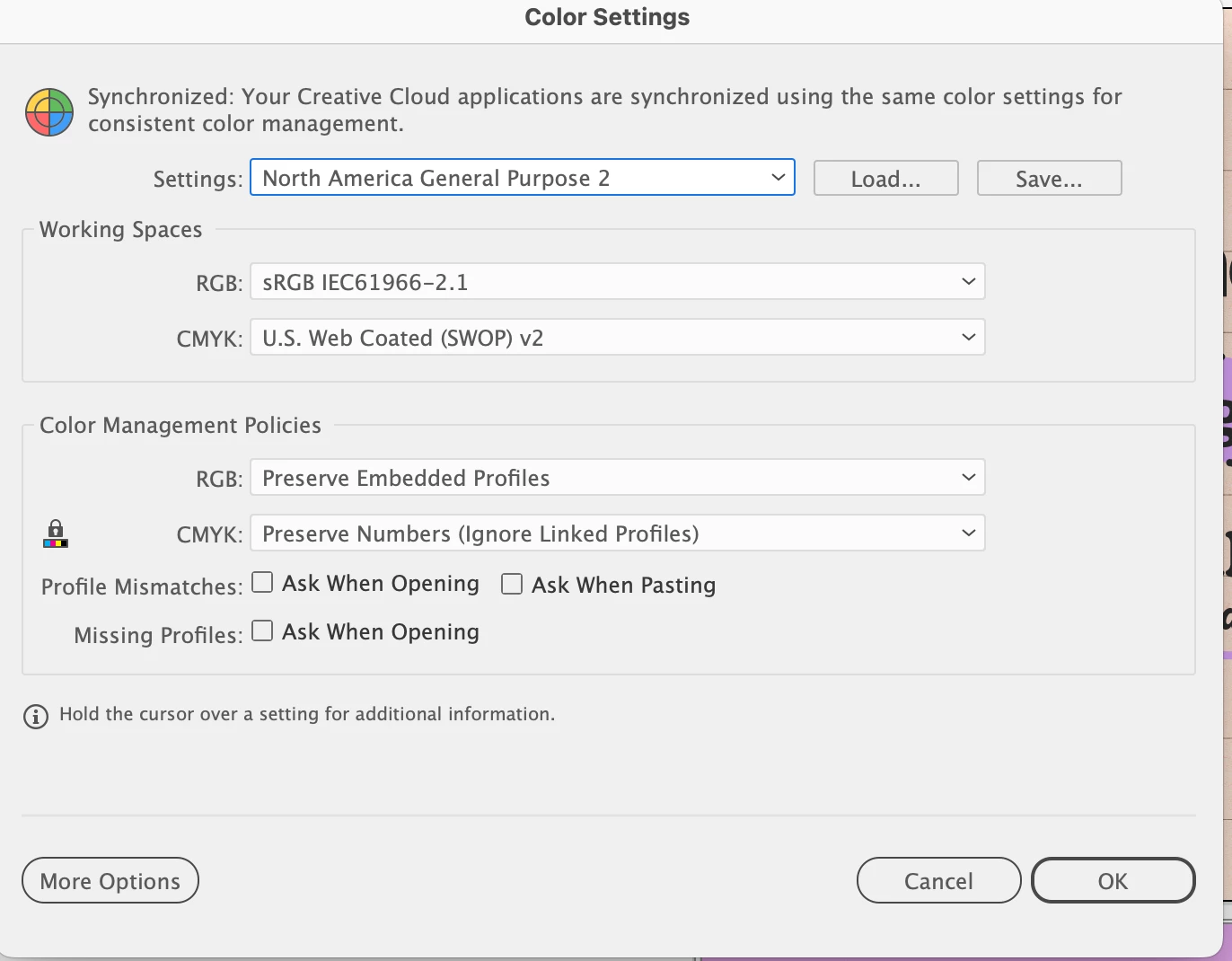
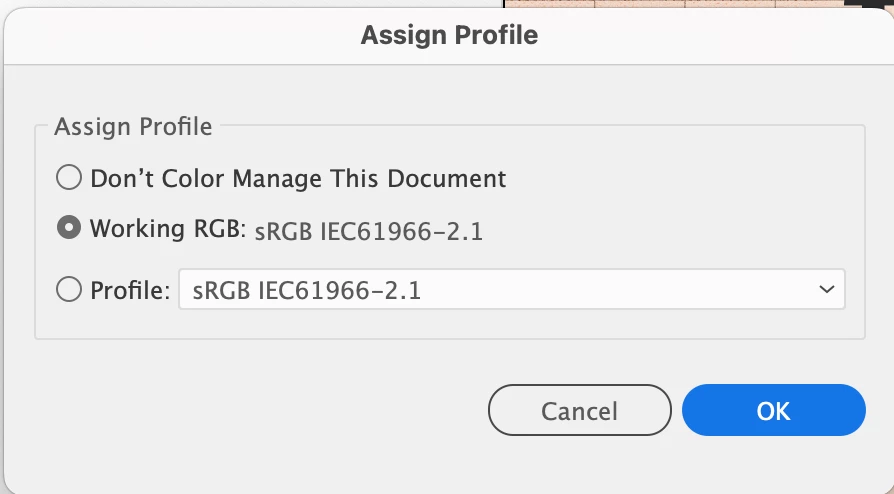
I also reopened the exported images in the same illustrator file and the colors appear the same as in the artwork.
Looked for an answer throughout the community but couldn't find something specific to the situation I experienced. If someone has an idea I would be grateful for that.
 AdChoices