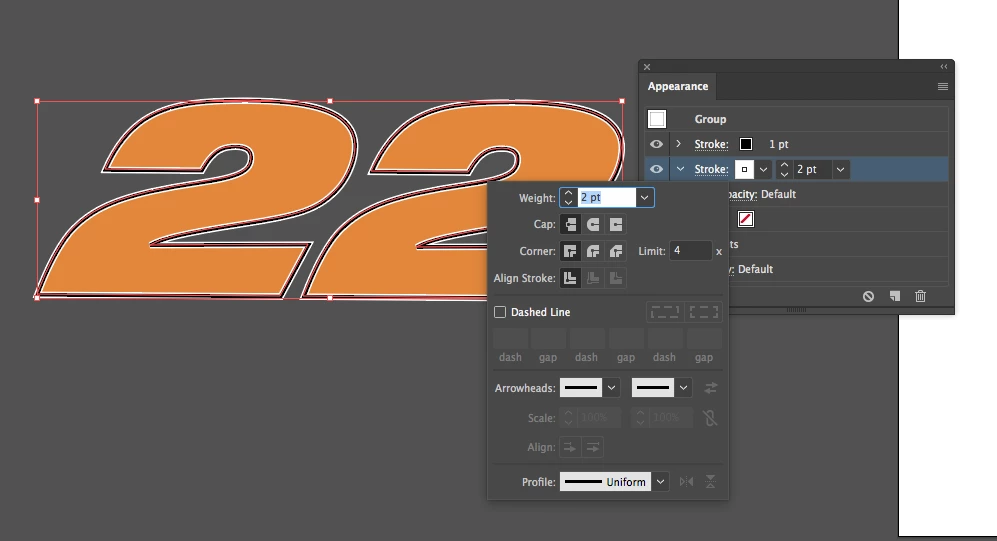
The reason why you can't choose to align the stroke inside is because you applied the appearance set at the group level. Technically it could or should be possible to use it with strokes at the group level, but at the moment it's better to accept that limitation in a good temper, rather than debating why it doesn't work.
As already mentioned, the common workaround is to use the Offset Path effect instead, but it may be hurtful if you were going to constantly change the stroke weight for some reason. If that applies to your needs, you could go another route.
Prior to applying your appearance sets at the group level, you could take your group and – in the Appearance palette – double click the Contents item to get access to the appearance attributes of the single or probaly compound objects inside the group. Then you may set up your appearances. You will realize that the option to align strokes inside is now available.

 AdChoices