Participant
December 20, 2021
Question

AutoCad drawing to Illustrator. Scale.
  • December 20, 2021
  • 2 replies
  • 1919 views

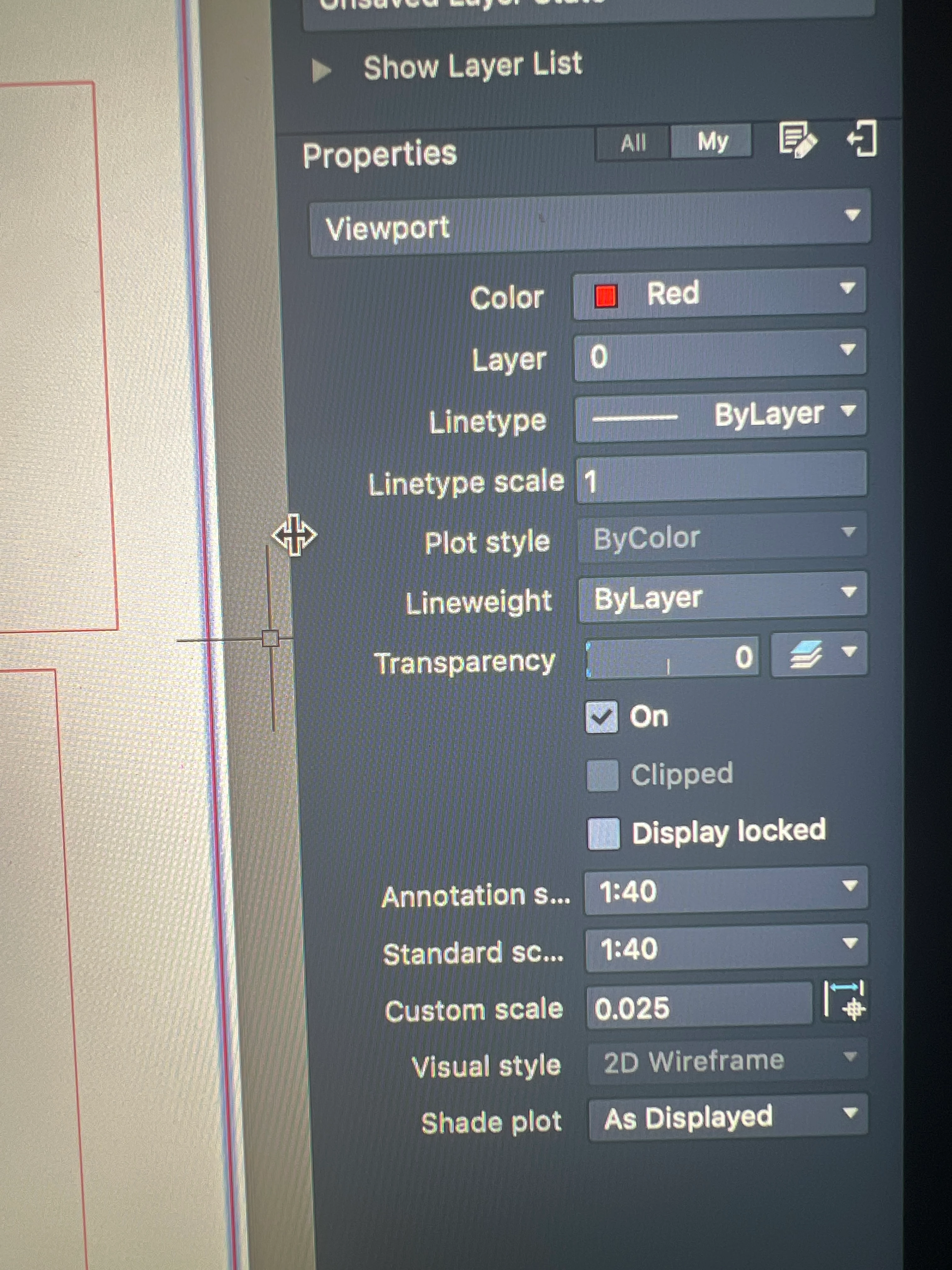
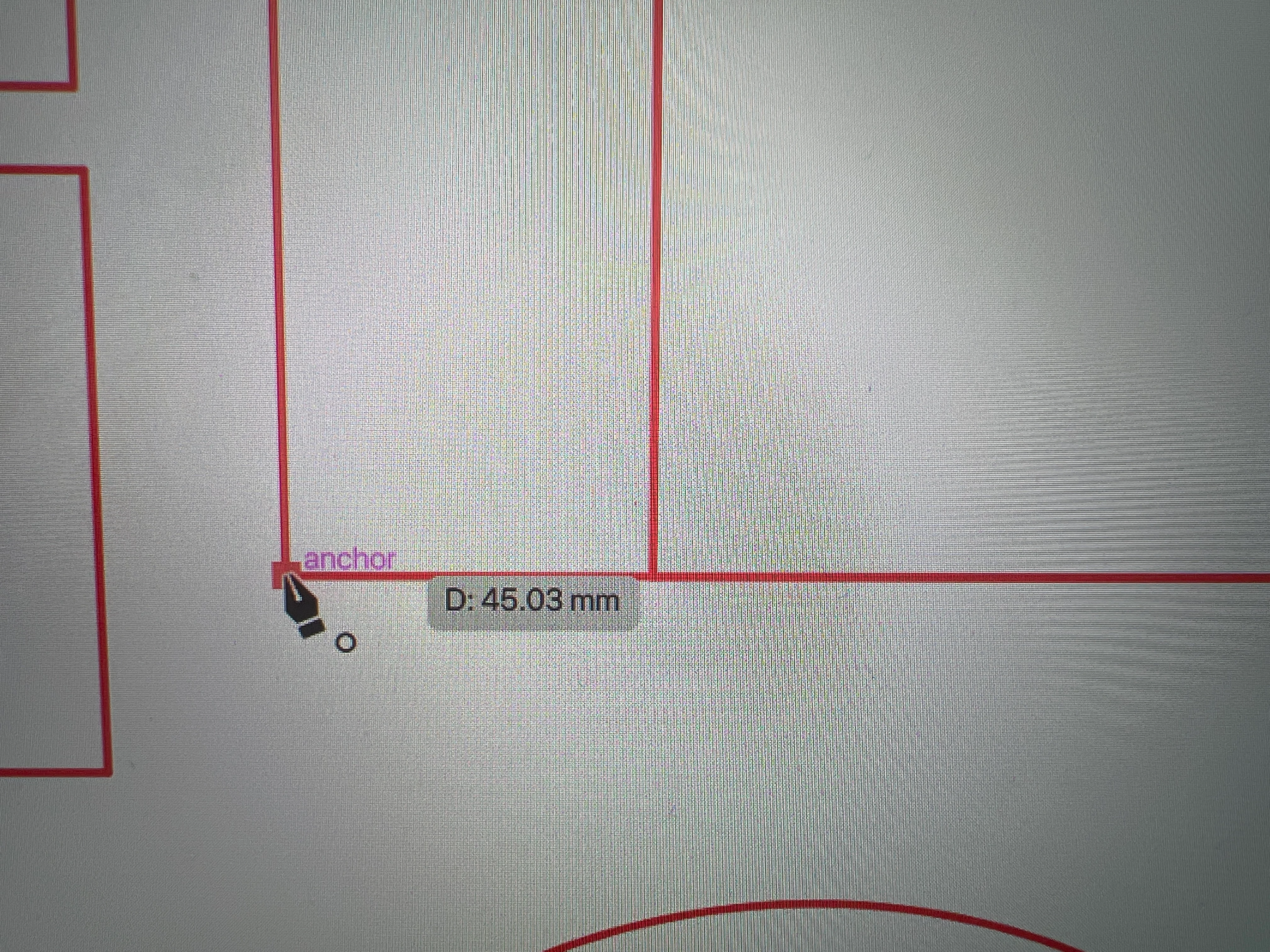
 I'm very new to AutoCAD and Illustrator and am trying to check the scale of my drawing on illustrator. It's supposed to be at a 1:40 scale as i scaled it on AutoCAD (i changed the paper layout to full bleed A1 on print then selected 1:40 scale on the properties tab), but it's not working and I'm not sure where I'm going wrong. The line showing 45.03mm on illustrator is supposed to be 180mm in real life. 

    This topic has been closed for replies.

    2 replies

    Mike_Gondek10189183
    Community Expert
    Community Expert
    December 20, 2021

    Is not clear  if you wnat to open this at 100% in illustrator or 1:40 scale????


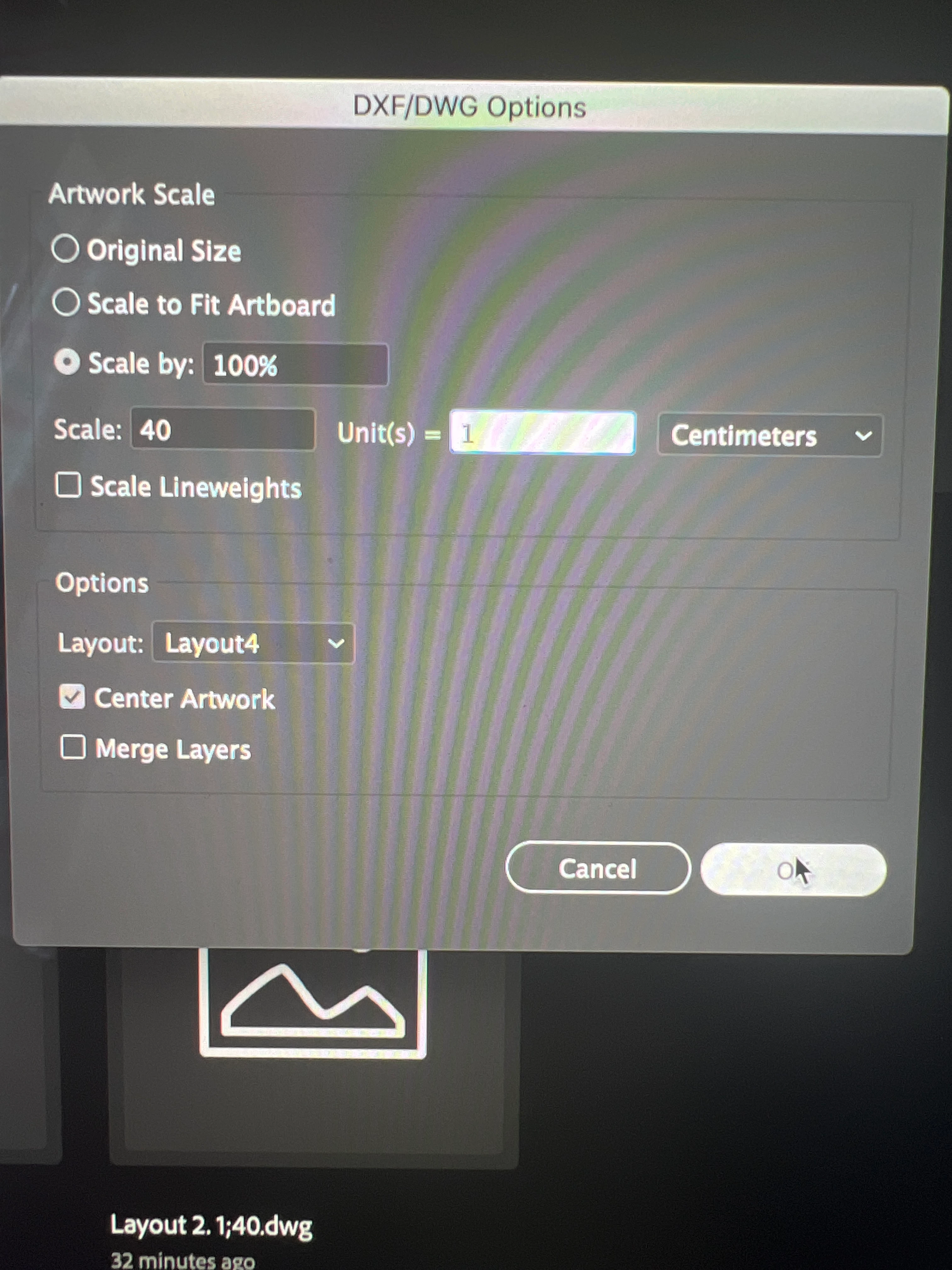
    1/40 = 2.5% so try scale by 2.5% on your existing file

    4 x 45.03 = 180 rounded so maybe try scale by 400% if you want at actual size


    If that does notwork, look very closley at your setting when you export to .dxf in auto cad, the file may not be saving at the scale you think.


    Illustrator on importing .dxf has never been able to automatically guess the units you use, hence the issue you are having. Though the default may be with .dxf into being able to embed what units of scale are used. In either case I am not trying to assign blame, just understanding for why this process has always been tricky.

    Participant
    December 20, 2021

    Thank you so much. Figured it out 🙂

    Ged_Traynor
    Community Expert
    Community Expert
    December 20, 2021

    Moving thread to the Illustrator forum from Using the Community