


- Home
- Illustrator
- Discussions
- bounding box when using perspective selection tool...
- bounding box when using perspective selection tool...
bounding box when using perspective selection tool is offset and prevents actions

Copy link to clipboard
Copied
I working through a Classroom in a Book for CC in Lesson 13. Since starting the section with the perspective tool, I've run into the same problem repeatedly - when I click on a object with the Perspective Selection Tool, the bounding box appears off to the right. I thought it was supposed to despite the picture in the book not showing it like that. Problem is that when I click Transform in the Control panel, and change the 'x' value, my object moves all over the place in seemingly random positions (increasing then decreasing the number does not move it back, but to a new location). I was supposed to resize the object not move it. After many tries, and undoing them, I selected the Select Tool, then the object, then the Perspective Selection Tool. This time I didn't try the Transform link in the Control Panel, but tried moving the anchor points on the object. It worked but as soon as I let go, the bounding box re-appeared off to the right and I had to do this each time I was to scale an object. Now, I'm supposed to choose my object, and go to Object > Perspective > Move Plane to Match Object. When I click the Perspective Selection Tool, the bounding box always shows right where it should be, until I try to do something and then it moves off to the right. This time even going back to the Select Tool is not resetting it. I looked up several forums and have tried what I could find. Going to Object > Transform > Reset Bounding Box resets it but nothing happens when I Move Plane to Match Object and the bounding box immediately re-appears off to the right again. Please help! I've been searching online for quite a while with no solutions. 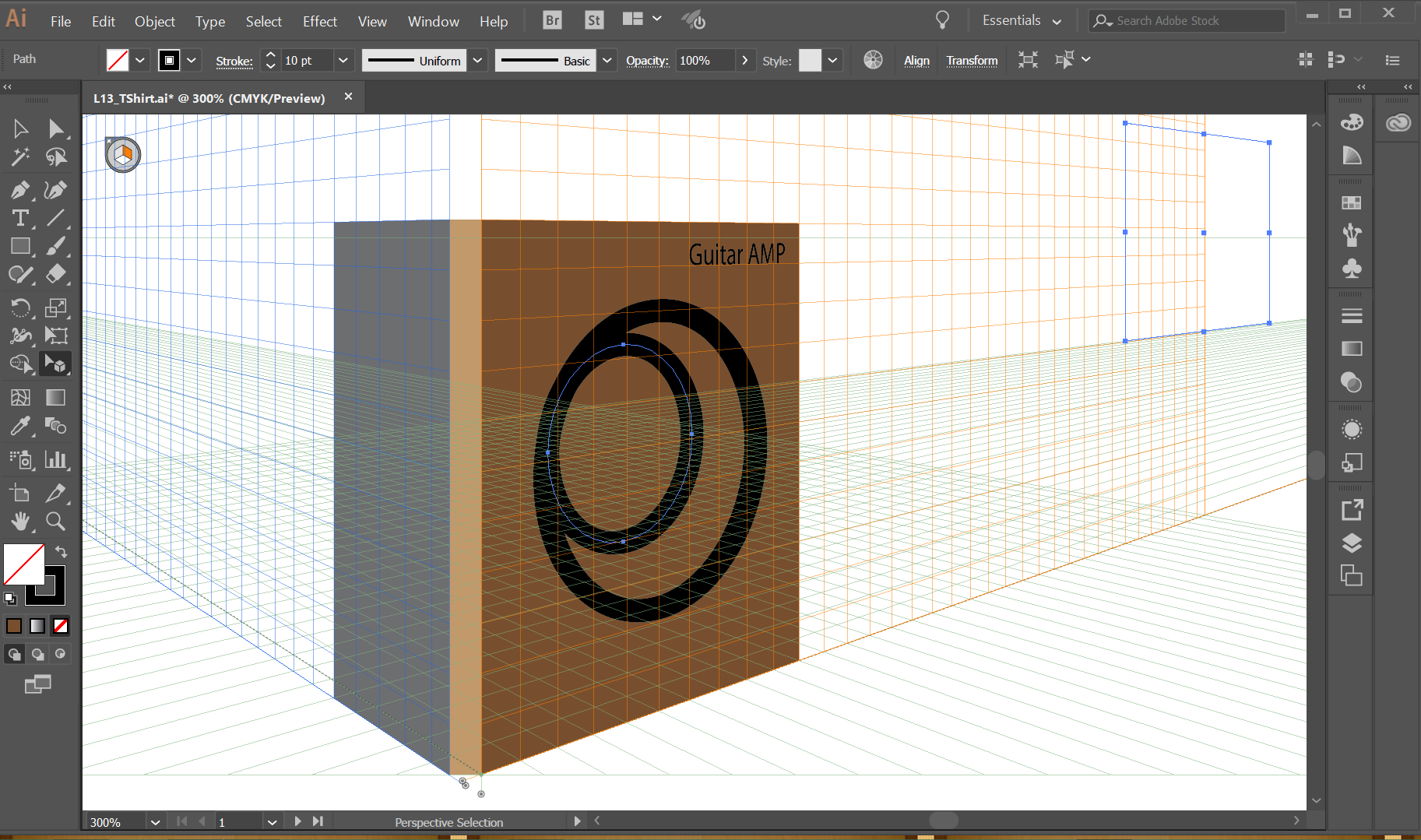



Explore related tutorials & articles
 7
Replies
7
7
Replies
7


Copy link to clipboard
Copied
This issue is happening here and there and there are quite a few threads on it (search for "Bounding box offset")
When did you last restart the computer?
Copy link to clipboard
Copied
Hi Monika - I actually had restarted my computer and then updated Illustrator (it said it needed one) just before starting this lesson. I also had checked several threads and tried their suggestions but nothing had worked. After trying it in a new document as Jane-e suggested, everything worked as expected so I suspect that as Jane-e suspects, that the file is corrupted.

Copy link to clipboard
Copied
I ran into identical issues last night, also in Lesson 13 in Classroom in a Book, using the Perspective Selection tool.
Turning off all the pixel snapping options did not help.
Copy link to clipboard
Copied
I started a new document: Letter, Landscape, and so far am not having the issues. I went back to Lesson 13 and the issues reappear immediately. Last night I got so frustrated that I went to bed and gave up. This issues were not in the 2015 CIB.
I reset Preferences, but I don't think that's the issue, as the problem is still in the Lesson 13 file and not in the new file.
For now, try the exercise in a new document and see if that works. Please post back.
Copy link to clipboard
Copied
Hi Jane-e --thanks!! I did run into some problems in the new document when it decided it was open elsewhere or locked (it wasn't) but I wonder if that is because I tried to duplicate too much from the lesson document. I started a new file again and, lo and behold, NO ISSUES!! Thank you so much for sharing about running into the same problems with that lesson and what you found. Saved my sanity.
Copy link to clipboard
Copied
Hi theresay8795263
I recreated the file looking for why it didn't work and so far have found only two issues with it. I put the Artboards in the exact same place numerically, because the right vanishing point is supposed to be moved to 11". When I turned on the Perspective Grid in my clone of the document, this is where it went. So Brian must have moved it to the first Artboard. It doesn't make any sense that moving it would cause the issues we both saw.
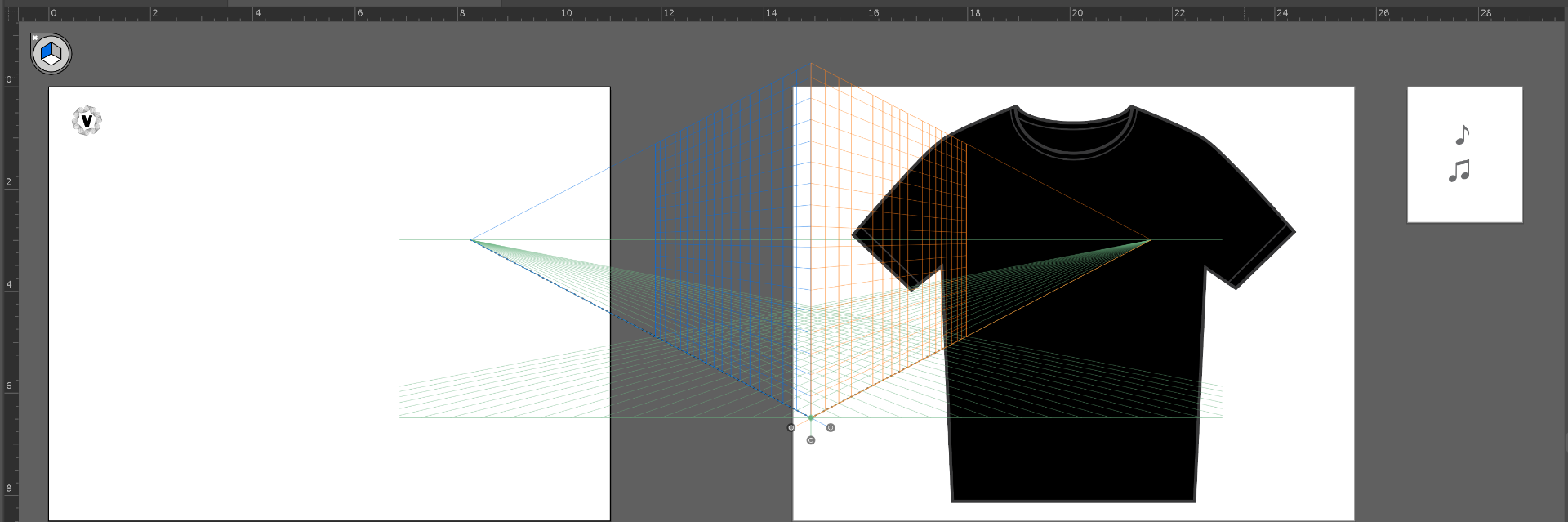
Brian also has four color swatches that are not part of the normal palette. They are not being used, and I can't see how they could cause the problems we are seeing either.
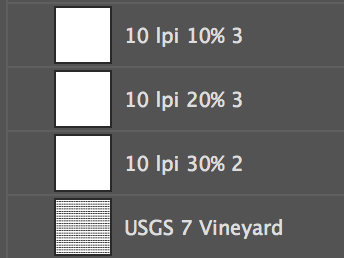
It works as expected in a new document, but does not work either in Brian's original document or the one I recreated using his artwork and symbols. I tried with moving the grid to the first Artboard and with leaving it where it fell. And while I can move the objects with the Perspective Selection tool, I cannot resize them with either the Perspective Selection tool or the Transform panel.

It's time for a bug report!
Copy link to clipboard
Copied
Hi jane-e Once I realized I could do everything that was supposed to be done, I tried the lesson file again. I was able to complete the lesson in his original file BUT only with continual fiddling and trial and error and with the bounding box continuing to go offset. Every once in a bit I would succeed at grabbing onto to it while it was where it belonged and could do the steps. Definitely issues in that lesson. Thanks for the update.


Get ready! An upgraded Adobe Community experience is coming in January.
Learn more
 AdChoices