Participant
February 25, 2023
Question

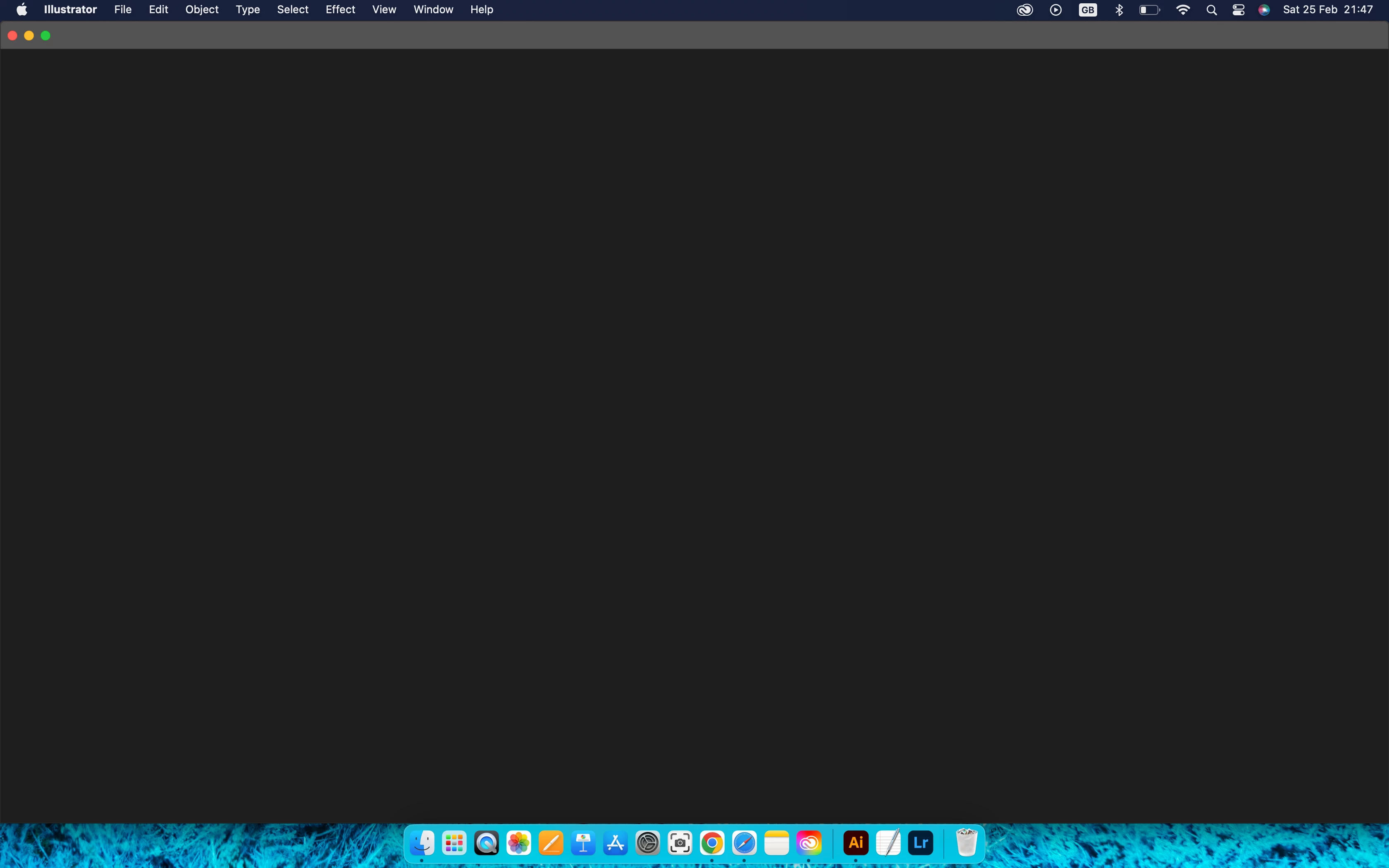
Can not open new file in illustrator for mac, I just installed
  • February 25, 2023
  • 1 reply
  • 1964 views

 This is a screenshot how it looks like straight when I open an Illustrator. 

I hope somebody will help me with it 

This topic has been closed for replies.

1 reply

Monika Gause
Community Expert
Community Expert
February 25, 2023

If you can open the preferences, then there is a quick fix in here: https://community.adobe.com/t5/illustrator-discussions/illustrator-opens-with-blank-window/m-p/9227237 

Participant
February 25, 2023

Thanks for your reply. 

I did try to untick but its still the same. 

Do you have any more ideas how I can fix it? 

Met1
Legend
May 1, 2023

User folders can get corrupted and this is independent from the application you use.


BTW: on the 15 year old Mac that I just retired there were 4 user folders that I set up when installing version CS2 because of that very issue. So: it's actually not "the new default". It's just a standard step when debugging a system.


I don't recall seeing this so often on the forum.

A while ago it was user the Cleaner Tool, more recently it was reset prefs...

I've never actually had to do this, it just does seems that the solution for so many issues after a new update is to install into a new user - this shouldn't be a problem for updates (or indeed fresh installs). And as for debugging a system, this again should be something Adobe should be doing before releasing software. Maybe less new toys and more stability with existing ones. JMHO.