
Colour Swatches saved within objects
Hello, we have an issue at work where files are being inundated with hundreds of swatches (see screenshot) and it is slowing files down immensely. This is also combined with hundreds of brush presets.
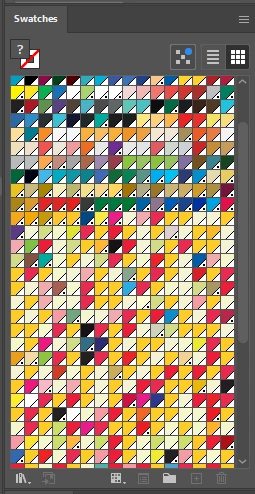
The problem being is that we have illustrator files we use as templates to create our work. But all of our work is now corrupted by these immense amount of swatches and brushes.
We cant use our templates without copying hundreds of swatches and brushes too.
If we delete the swatches, which takes a while to load anyway, then save the file. Even if we copy out of the file at a later date, it REGENERATES all the swatches when copied into a new document?
My question being how can hundreds of swatches be made again by copying an object into a new file?
it feels like a virus these swatches, if you delete them, they just regenerate themselves if you copy an object into a new file.
As you can imagine, this issue replicates itself, as we make more designs and more documents, more corrupted files become sources.
 AdChoices