
Crashing when 3D & Materials opens (after installing Substance 3D Community Assets)
Illustrator has been running perfectly, until this morning when I decided to install some materials from the Substance 3D Community Assets. I got through installing maybe 6 materials into Illustrator and it crashed. Upon reopening Illustrator, and opening 3D & Materials again, it crashed. Over and over. I've system restored, re-installed and done all I can think to try.
I followed the help I could find in the community, and still could not fix my problems:
* https://community.adobe.com/t5/illustrator-discussions/illustrator-crashes-when-launching-3d-and-materials-panel/m-p/14586589
* https://community.adobe.com/t5/illustrator-discussions/crash-after-adding-material/m-p/14358396
I tried moving all the pngs (C:\Program Files\Adobe\Adobe Illustrator 2024\Support Files\Contents\Windows\Material-Resources\Default_Substance_Materials), ended up deleting everything material related. I tried uninstalling and reinstalling without saving the preferences.
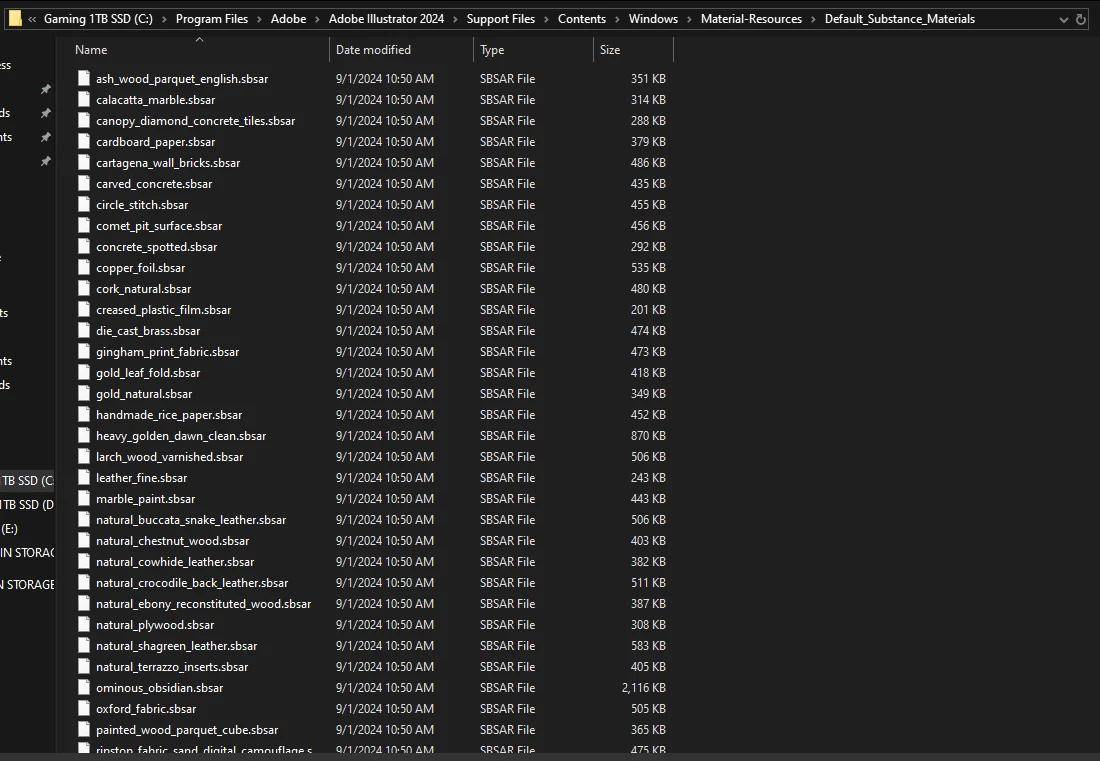
^ moved pngs out, deleted later
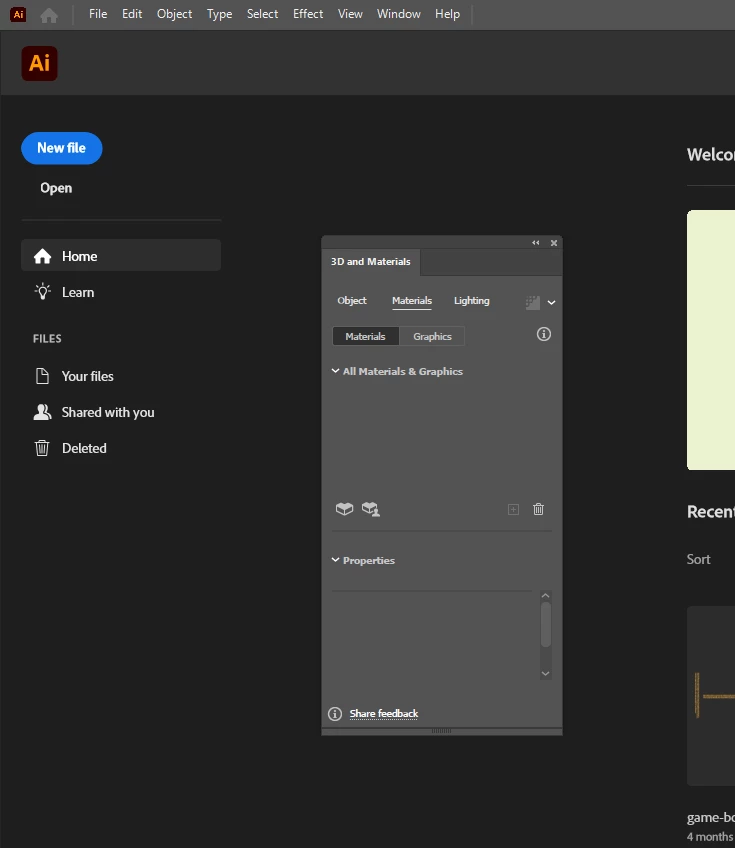
I can open the 3D & Materials panel if I do not have an open canvas I'm working on.
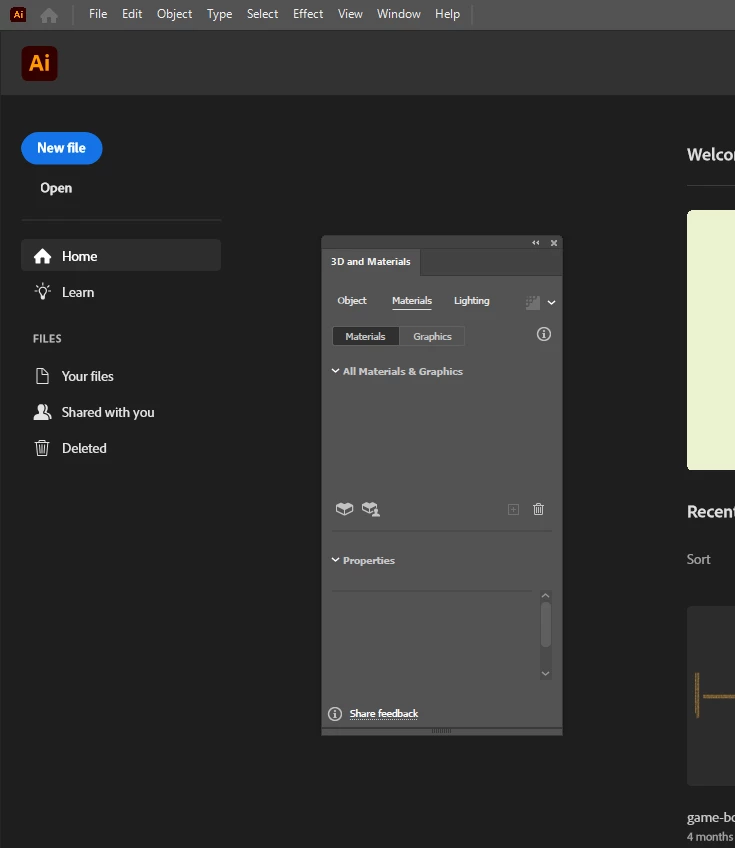
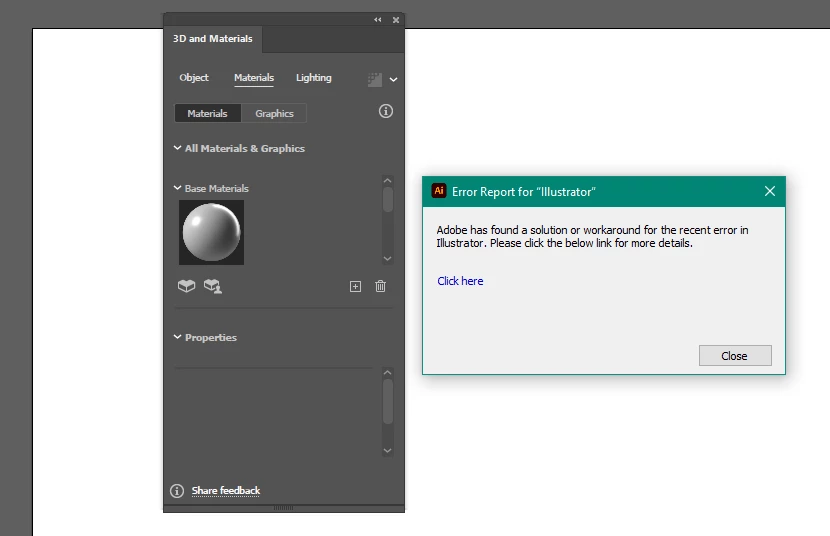
The initial crash offered resolutions for a generic crash, but not one dealing with this panel.
* https://helpx.adobe.com/illustrator/kb/fix-crash-on-launch-issues.html?trackingid=BDDS3HS7&mv=in-product&mv2=ai
Up to date, think the pc can handle it.
Windows 10
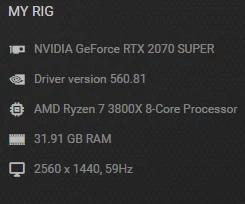

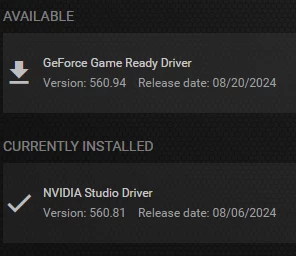
Tried both studio and my normal gaming drivers
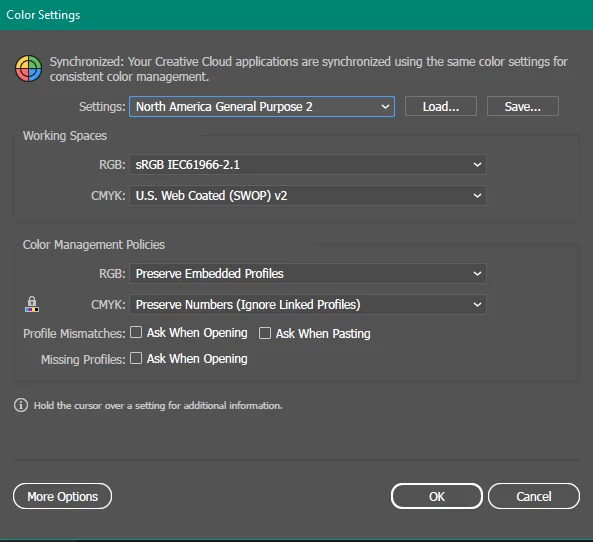
Someone said check the color settings
3D & Materials opens with no canvas just fine.
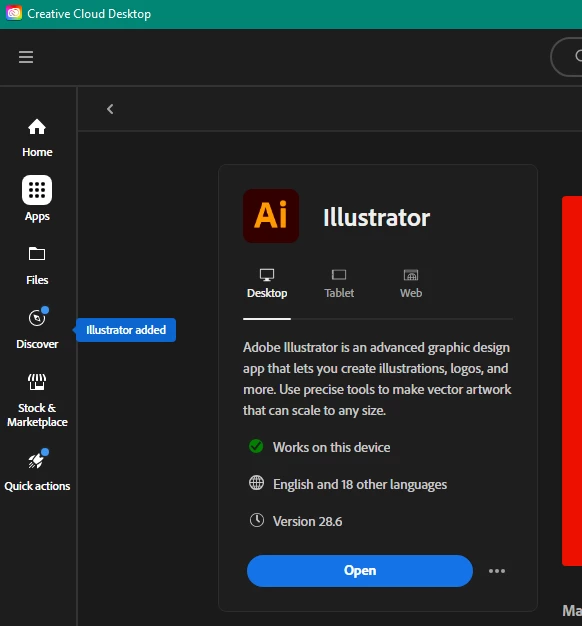
Tried Creative Cloud Cleaner tool on illustrator. Still no fix.
Any help appreciated.
 AdChoices