
Answered
Gradient fade to black without simulating colored paper
I need to create a gradient that fades to black where black is the transparent color. The only way I've been able to do it is set the "Simulate Colored Paper" on the File/Document Setup dialog. I get what I want, which is a gradient like this:
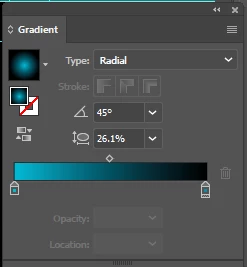
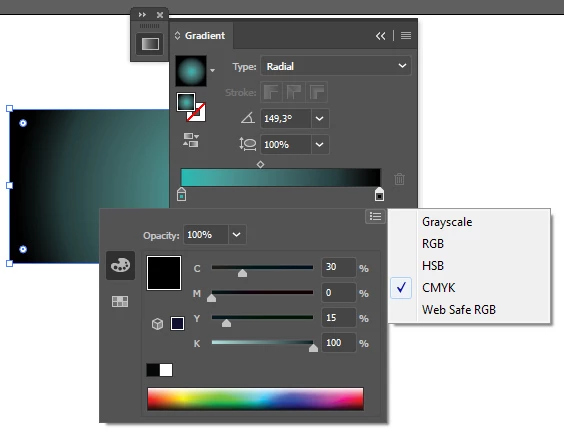
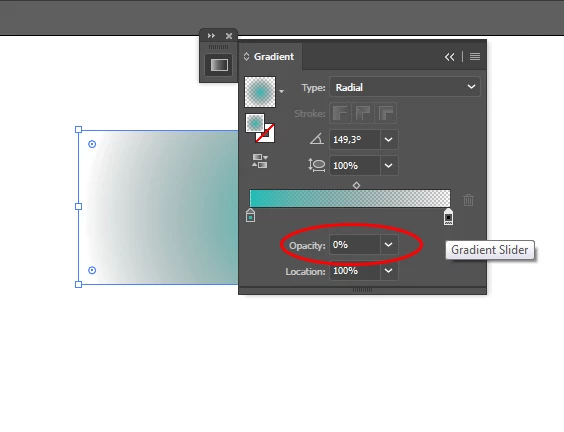
However, since I'm using the simulate command, when I go to print or generate a PDF, the black background isn't there. The best I've been able to do is a gradient like this:

You'll notice the white "fuzz" around the color before it goes to black. How can I produce the first gradient "normally", without using the "Simulate Colored Paper" option?
Thanks,
James
 AdChoices