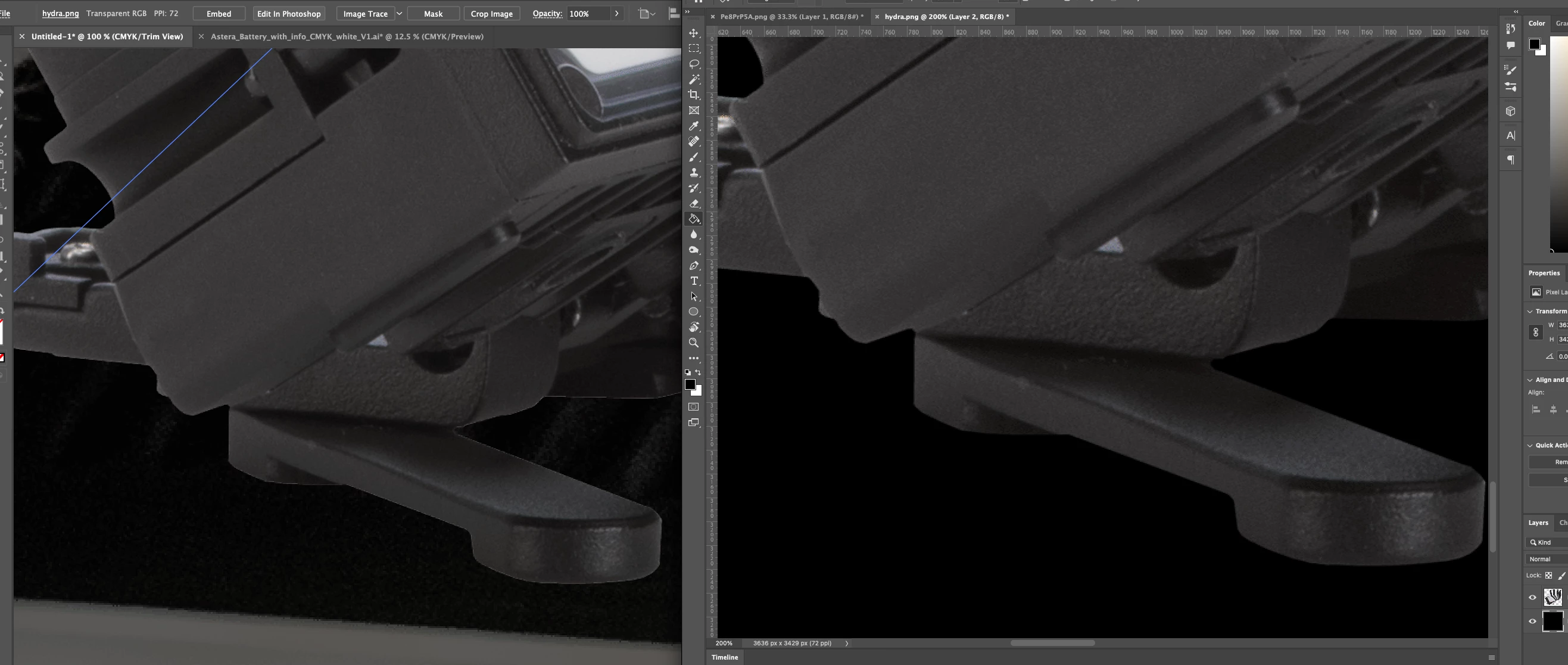
What I would try is going back into Photoshop with your PNG file and doing a "Select Pixels" on that layer. Once the whole thing is selected, I would do Select -> Modify -> contract by 1 pixel. Then, inverse your selection so that when you hit delete, it removes all the pixels out from that previous selection. Hopefully now its cleaner, and you can save the file as a PSD which may help a lot.
If that doesn't work I recommend next steps try Layer -> Matting -> Defringe
If that doesn't help you can try Layer -> Matting -> Remove White Matte
Let me know if that helps!

 AdChoices