


Copy link to clipboard
Copied
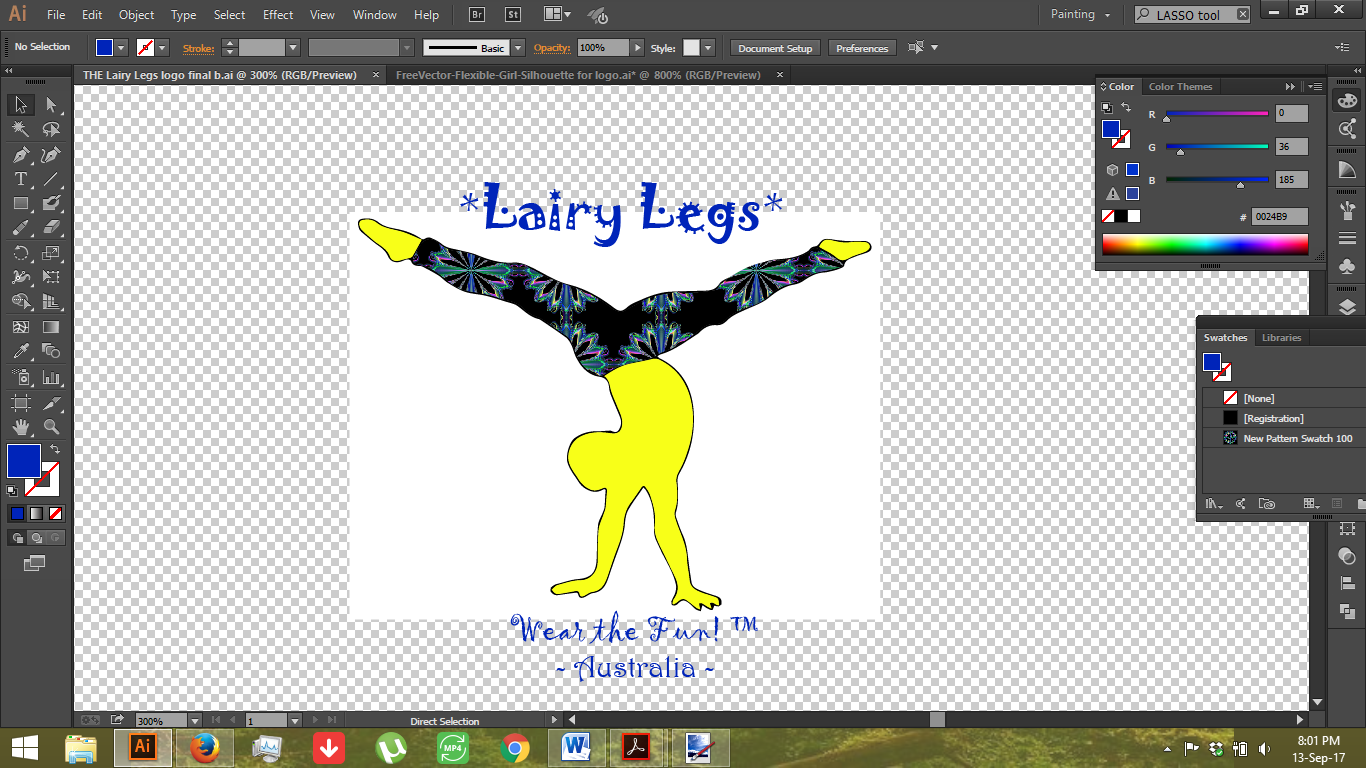
So sorry, I'm a newbie...I'm STUCK!!! Can someone please help me get rid of the white box without changing the quality of the print? Please explain in newbie speak...preferrably step-by-step...I've done pretty good up til this point. I need the outside to be transparent so I can just drop it onto anything without losing any quality no matter the size (hope that makes sense) lol
Cheers,
TJ.


 1 Correct answer
Thanks guys for our time...I ended up using eraser and erasing a lot of the white, then wand which highlighted the remaining white and delete! woohoo it worked! Saved the neighbours and partner from a lot more swearing lol.


Explore related tutorials & articles
 8
Replies
8
8
Replies
8


Copy link to clipboard
Copied
THis is a JPEG or PNG you have placed in Illustrator, right?
In that case you could try and first Image trace that picture. Then Expand and delete the white.
Or delete the white in Photoshop: First make that background into an image layer, then select and delete the white background (try magic wand tool). Then save as a PSD and place in Illustrator.

Copy link to clipboard
Copied
Also, in the Image Trace dialog you can choose "Ignore White" so it automatically removes any white from the image. this is assuming there are no other white areas that you want to retain.

Copy link to clipboard
Copied
As Monika already mentioned, if you have a JPEG or PNG file it is much easier to get rid of the white background in Photoshop. If you have a vector format, just choose the white background by double clicking on it. Keep clicking if it is grouped.
But if you have a JPEG or PNG and you want to "vectorize" your image, you may try this:
1. Open your image in Illustrator
2.Then choose an image and click the button on the top to redraw your image. Then choose the quality as shown on the picture.

3. After the system redrawn your image, click the following button for vectorization.
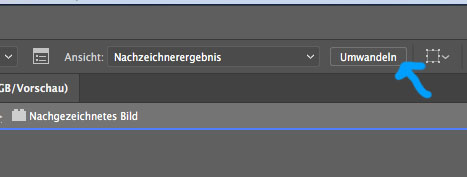
4. After you did this, you can delete the background. To choose it make sure you keep clicking twice on it until you get the background.
Copy link to clipboard
Copied
olga.dav schrieb
Then choose the quality as shown on the picture.
I would always first try the "Auto-Color" option. Usually gives you a pretty good result with much fewer paths, points, colors and tracing irregularities. Only if that fails, try other options.
BTW: this is all pretty well explained in the documentation.
How to edit artwork in Illustrator using Image Trace
even with videos:

Copy link to clipboard
Copied
i think image trace might be barking up the wrong tree if this is an indication:

but of course who knows.
Copy link to clipboard
Copied
There's nothing selected in the screenshot.
Correct answer by
tjnicol
AUTHOR
Copy link to clipboard
Copied
Thanks guys for our time...I ended up using eraser and erasing a lot of the white, then wand which highlighted the remaining white and delete! woohoo it worked! Saved the neighbours and partner from a lot more swearing lol.

Copy link to clipboard
Copied
Unfortunately havent started with illustrator yet as thats my next software to play with, Still trying to get my head round changes in CC with dreamweaver etc: Only way I could advise would be in PS but think you have better advice above - so really pointless me posting  - But a way as first comment to say Hi All.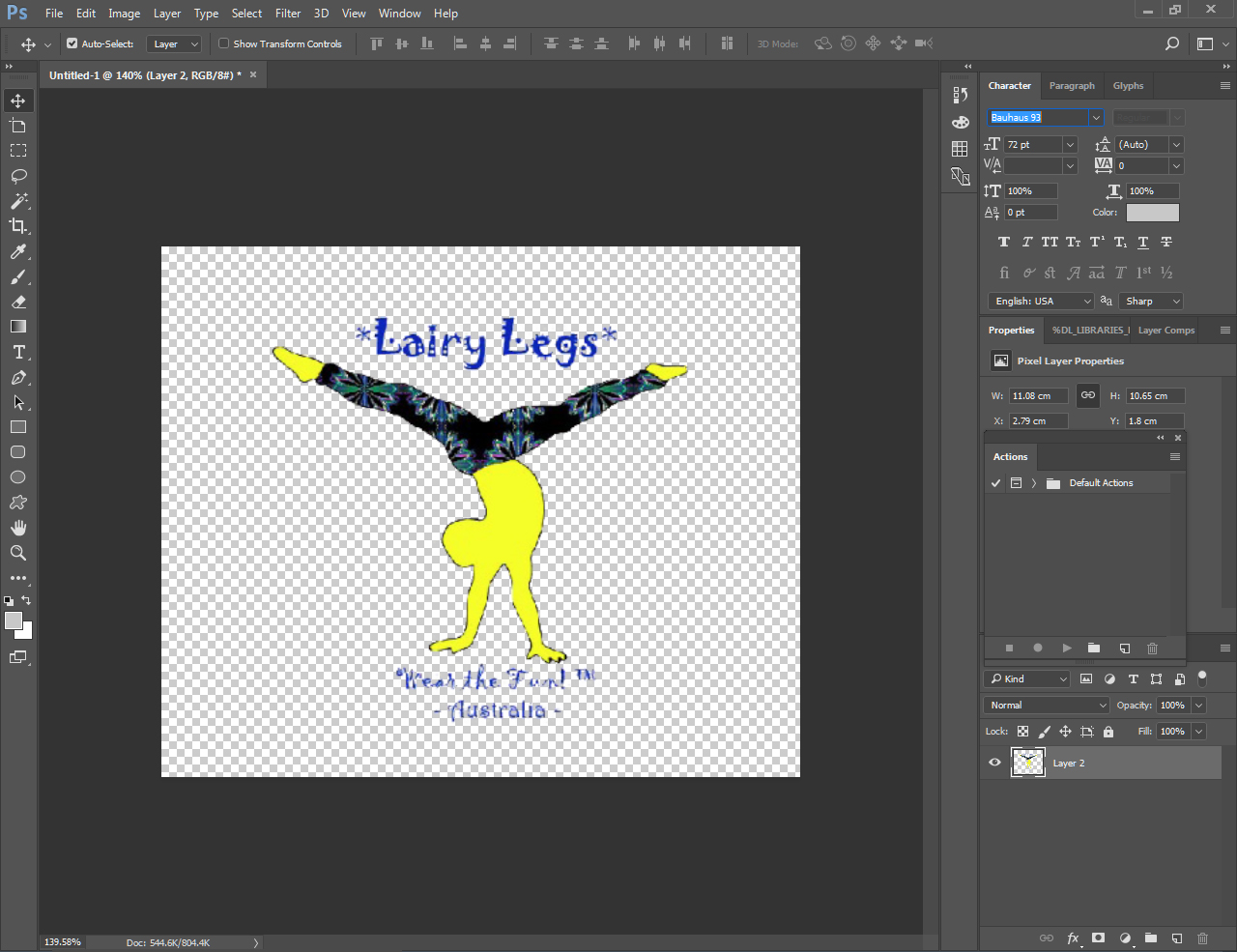


Get ready! An upgraded Adobe Community experience is coming in January.
Learn more
 AdChoices