


해결됨
How can you rotate an "area type" text box with its text in Illustrator?
When you click and drag the text tool in Illustrator, you get an "area type" text box. When you rotate this box, the text will not rotate. How do you do that?
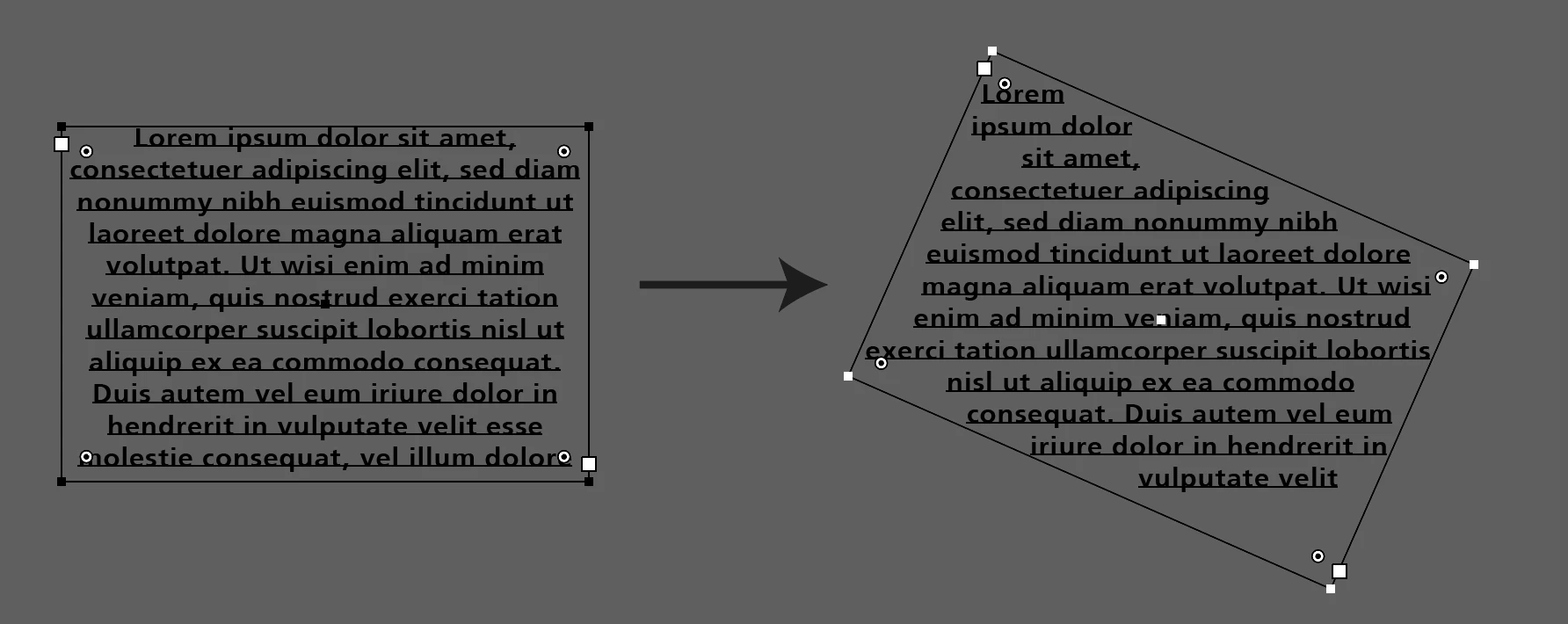

When you click and drag the text tool in Illustrator, you get an "area type" text box. When you rotate this box, the text will not rotate. How do you do that?
Try the rotate tool.
Enter your E-mail address. We'll send you an e-mail with instructions to reset your password.
 AdChoices