Participating Frequently
July 23, 2024
해결됨

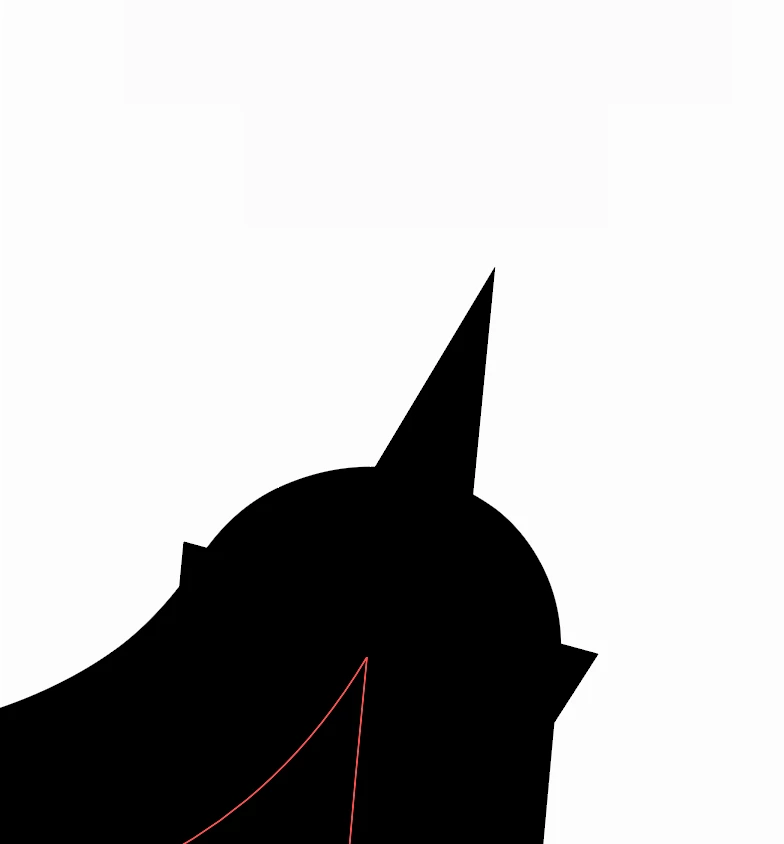
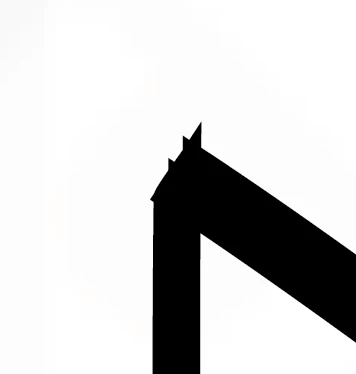
How do i fix the spikes at the end of my brush stroke?

  • July 23, 2024
  • 1 답변
  • 1127 조회

Hi everyone!

This may be an obvious question but i just have no idea where i'm going wrong (still a beginner in illustrator). No matter what brush i'm using, i keep getting these weird spikes at the end of my brush strokes. 
이 주제는 답변이 닫혔습니다.
최고의 답변: Ton Frederiks

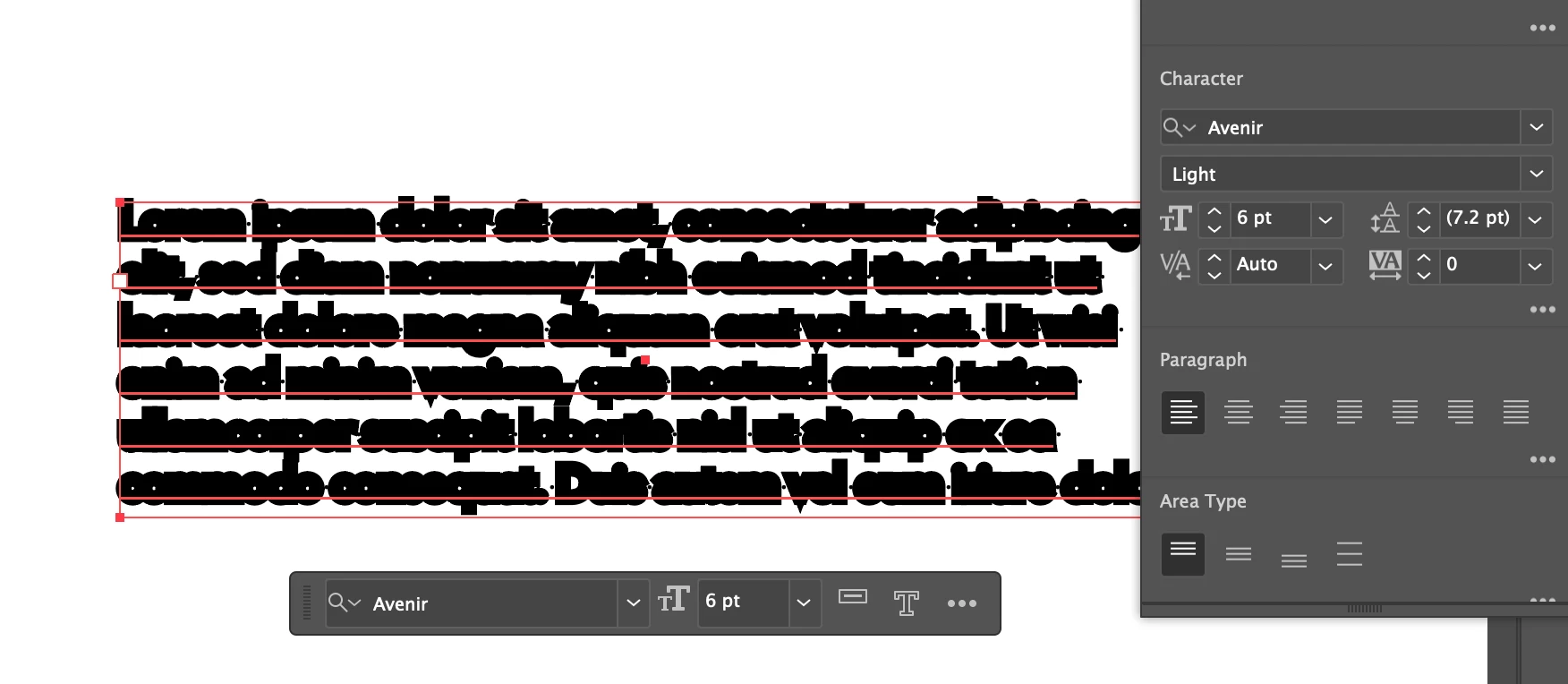
Thankyou so much! This worked, i tried it for the text but this is still happening and when i create new brush strokes. Have i accidentally pressed something thats automatically creating the extra stroke?


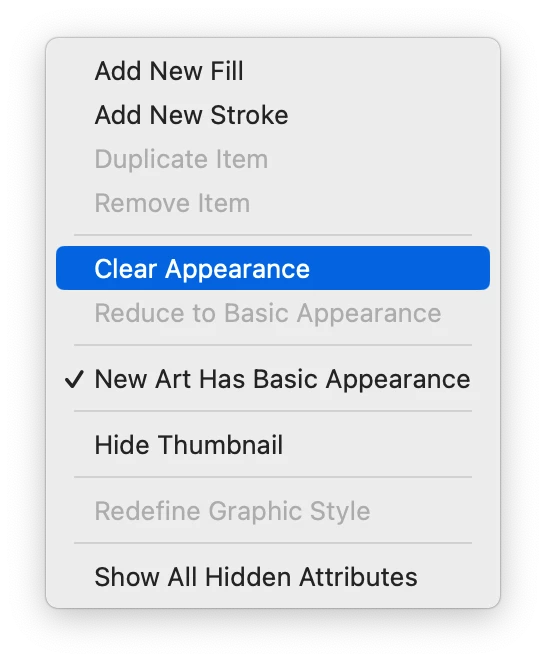
You need to select the layer (click the filled circle next to the art layers name) and clear the appearance in the Appearance panel..

1 답변

Ton Frederiks
Community Expert
Community Expert
July 23, 2024

Try to lower the miter limit in the strokes panel.

edotahh작성자
Participating Frequently
July 23, 2024

Thanks for your reply. I have tried this but nothing changed, this is what my stroke panel currently looks like. Even when i change the cap and corner to rounded it stays the same (i dont want round corners anyways)


Ton Frederiks
Community Expert
Community Expert
July 23, 2024

What do you use for a brush?