Here's a sample with the Shaper tool 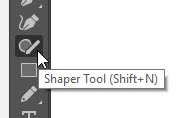
(it might not be showing in your tools depending on your workspace. If not, click the 3 dots at the bottom of your tools to add it):
1. Draw 2 lines with the Shaper tool with the stroke set to have end caps and a weight thick enough for them to show up
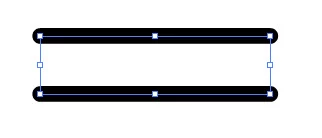
2. Draw a line with the Shaper tool that intersects them
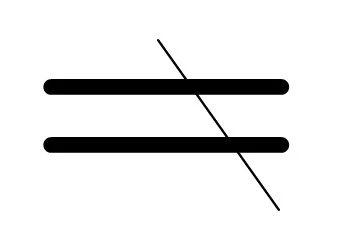
3. Squiggle over the part you don't want still using the Shaper tool
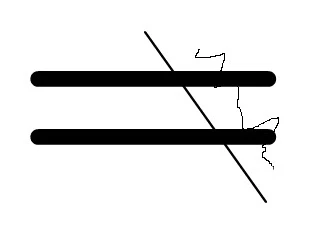
4. to get this (And you can do the same to remove the intersecting line)
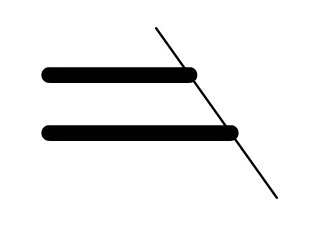
5. But if you want to go back to what you had, double click on it with the Shaper tool still selected to see all the parts
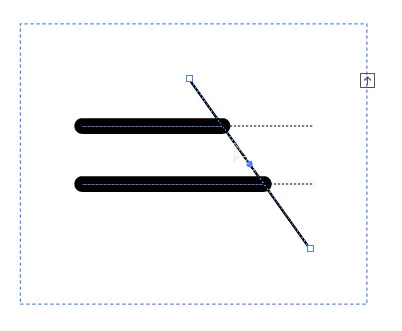
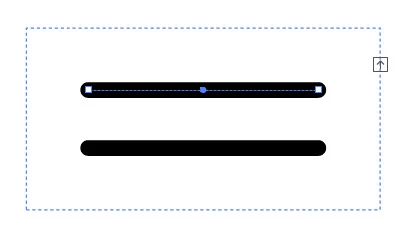
6. You can delete that intersecting line to get the rest of your hidden lines back


 AdChoices