


해결됨
How do I place images into Illustrator that fits into the artboard, and not show up so huge.
How do I place images into Illustrator that fits into the artboard, and not show up so huge? Whenever I place an image that is bigger than the artboard that I am using the image is placed huge and I have to go in and resize it to fit into the artboard appropriately. Is there a way to automatically place images and resize them accordingly? Or a shortcut to resize images too big for the artboard and resize them down to fit appropriately? Thanks.
Example
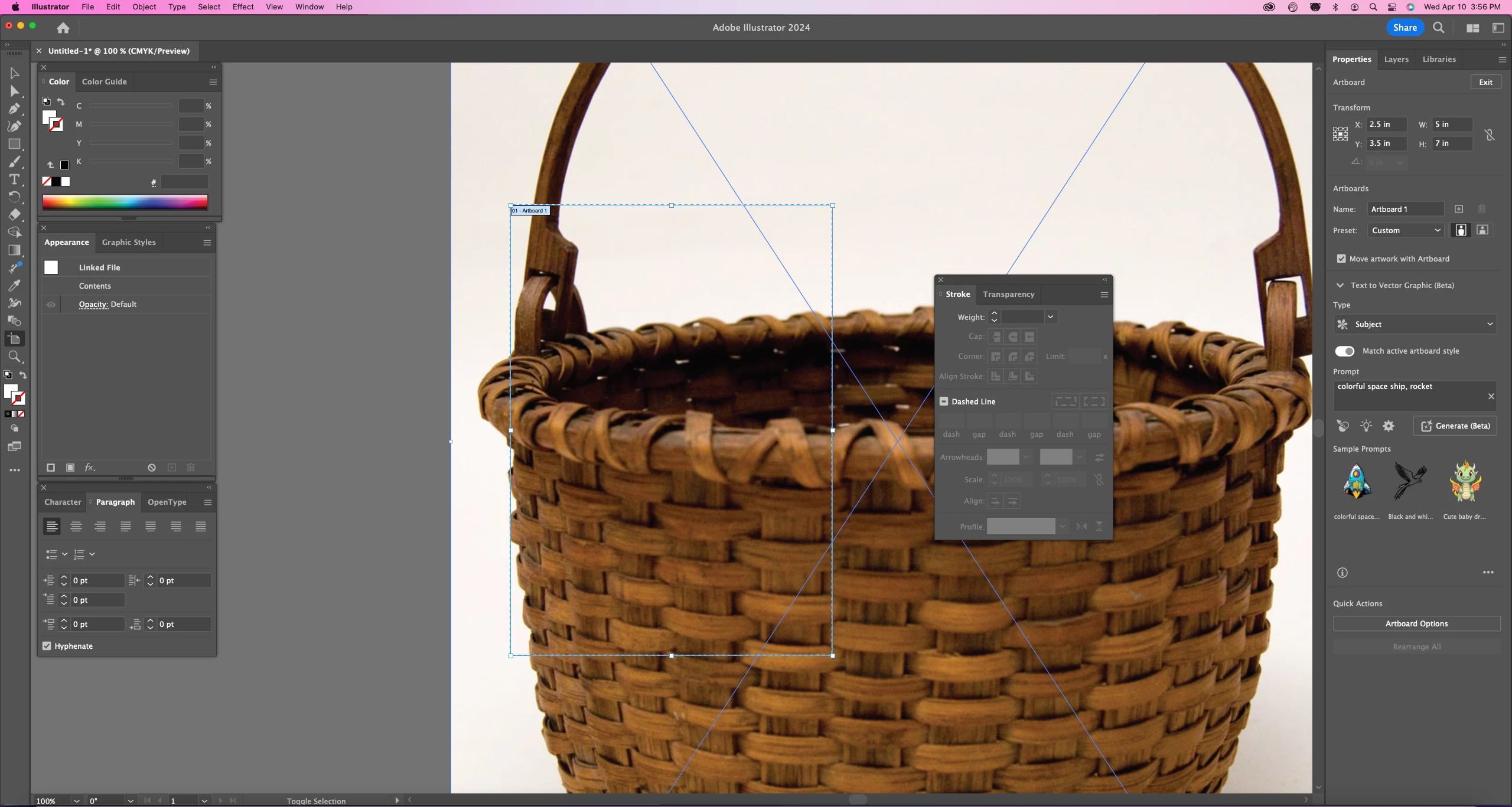
My desired outcome when I place images
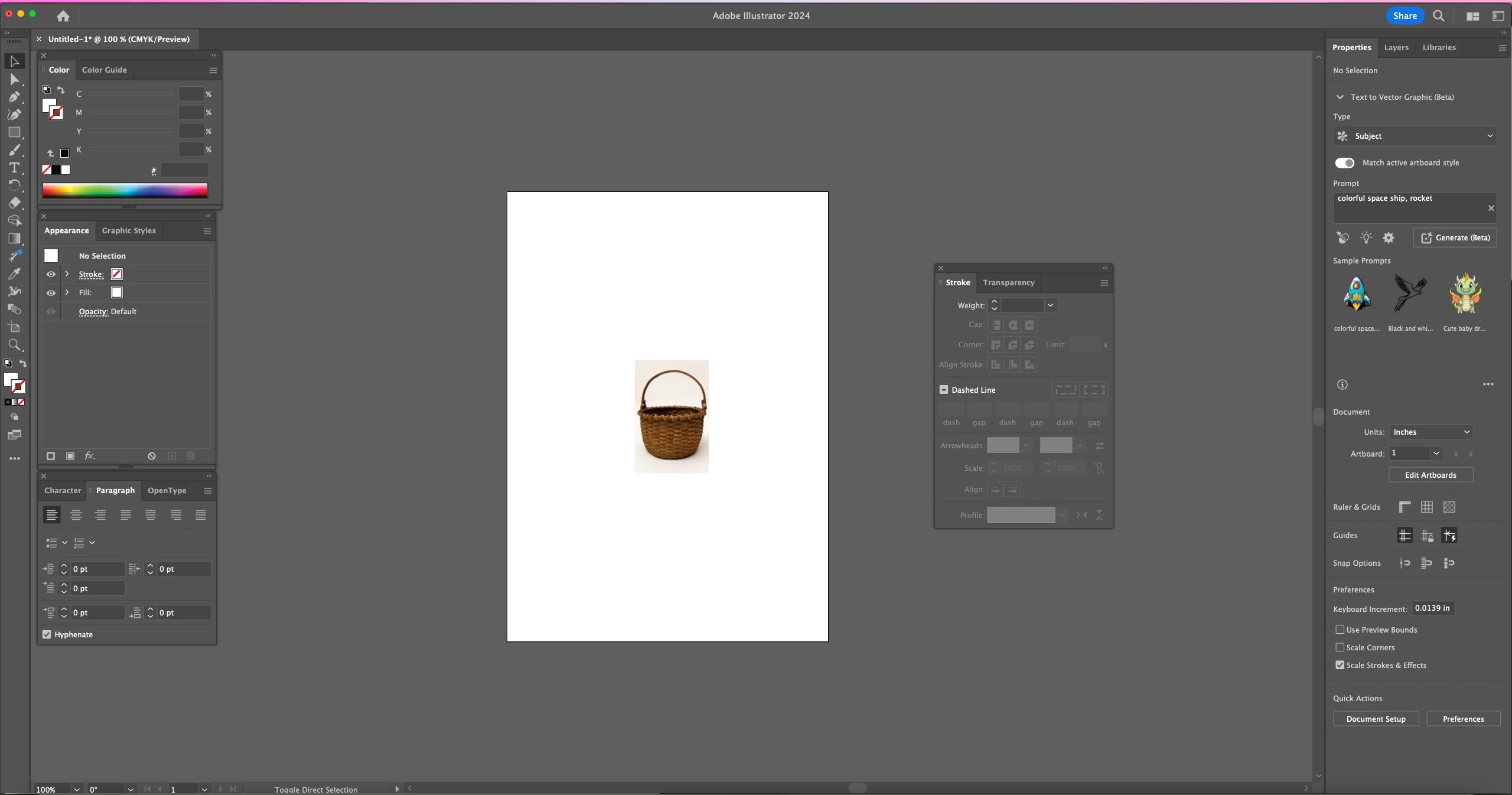
I don't want to have to resize each image individually. Assistance is greatly appreciated, thanks.
 AdChoices