Copy link to clipboard
Copied
Hi, i can't fill that black suit with my custom white pattern.
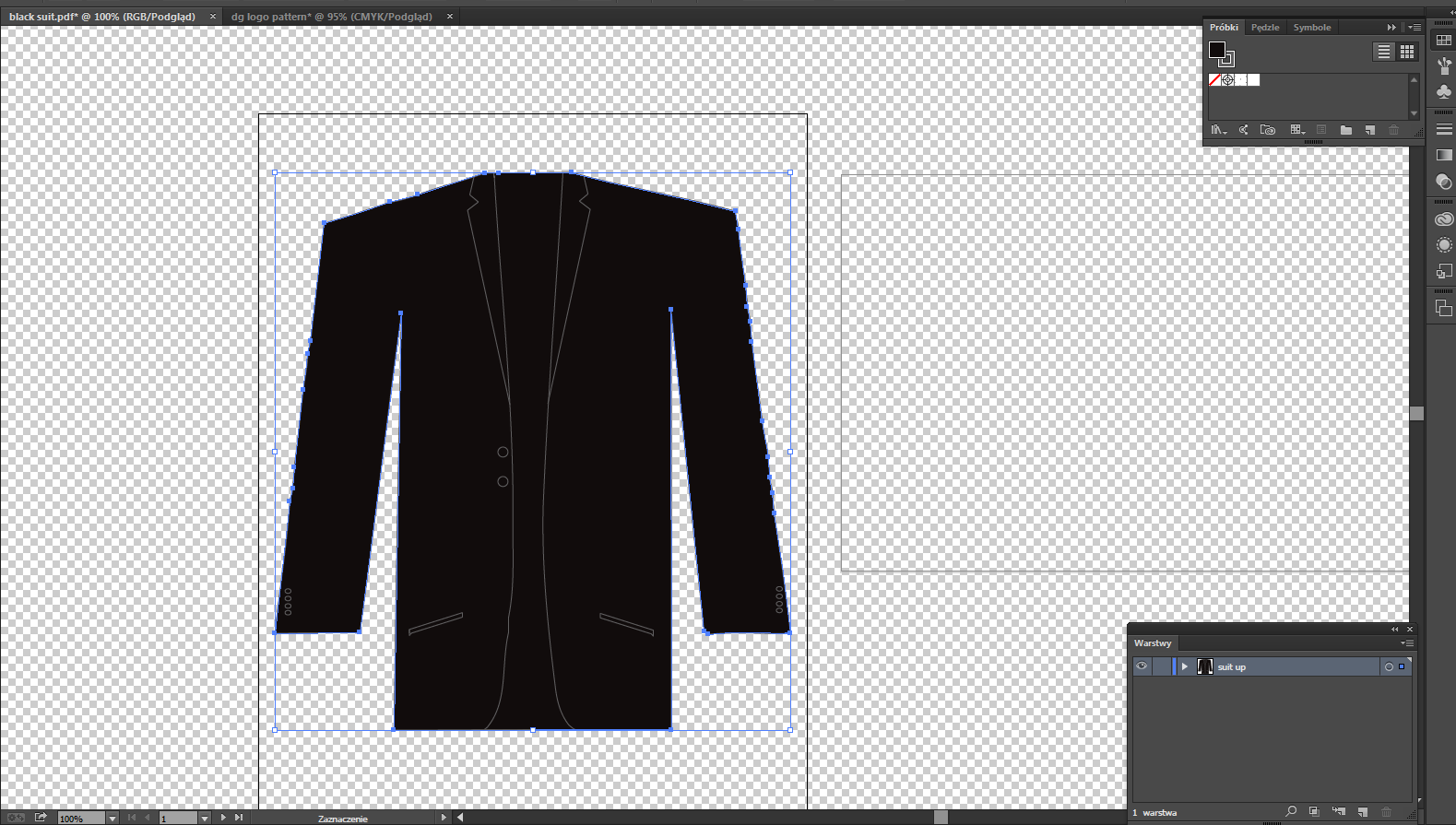
1. Thats black suit which i want to fill with my custom white pattern
2.Then i select it
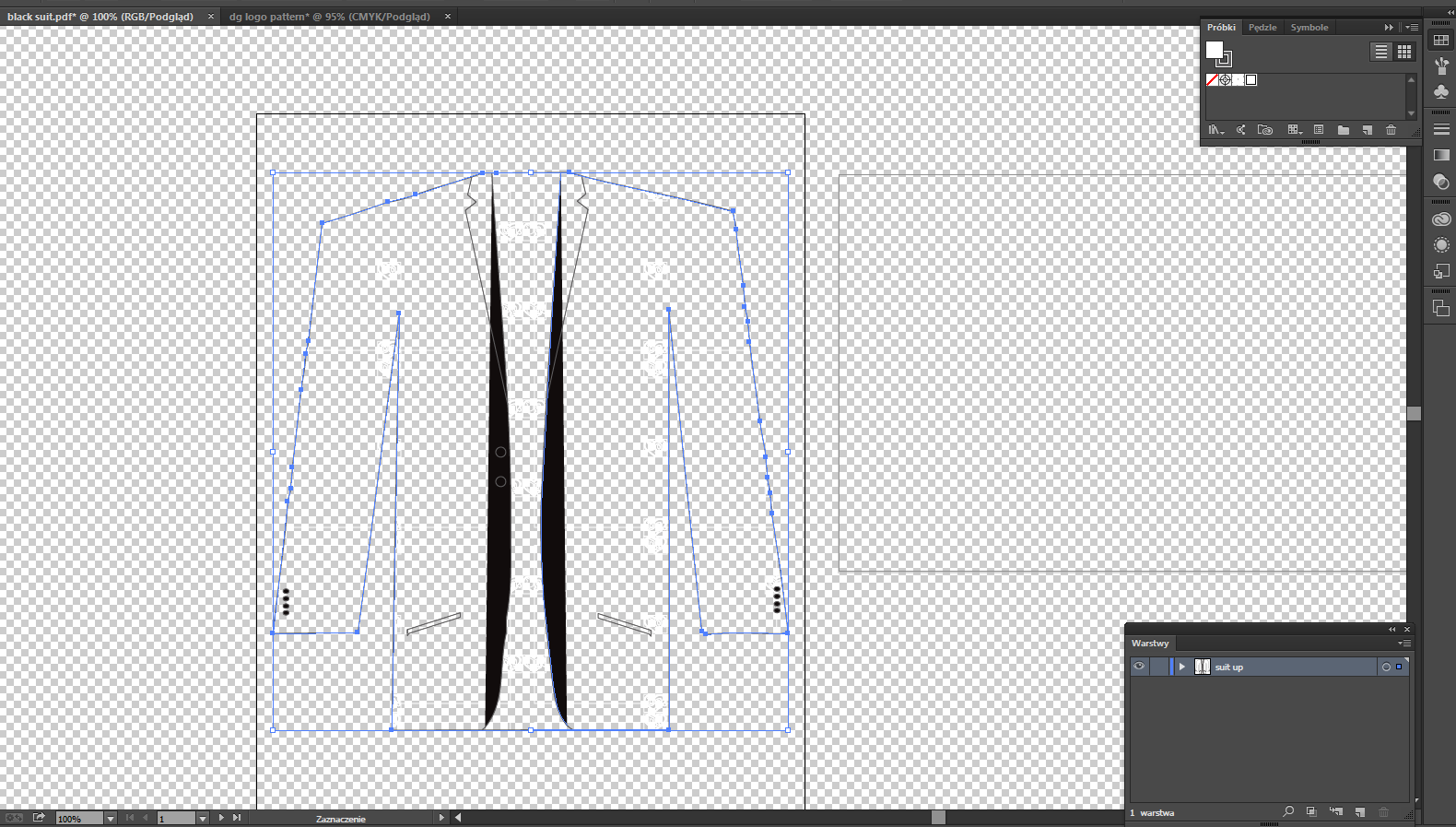
3.Then i click on my pattern from swatches and this happens. Any ideas what im doing wrong? I dont want
to lose black color. I want it all over it (white logos on black color) what im doing wrong? Please help!
Views
Translate
Report
In the appearance panel create a new fill for the object. Apply the pattern to that fill.
So then there should be two fills on the object:
1. Black (bottom)
2. the pattern (top)
Votes
Please check appearance/attributes/blend modes of the white colored objects in your pattern.
And if the black suit was set to overprint - black overprint
Aktualisiert
Or if I misunderstand your question: create a new pattern with black background and your white elements and use this new pattern for your suit.
How can I check appearance/attributes/blend modes of the white coloured objects?
and how can I check if the black suit was set to overprint - black overprint?
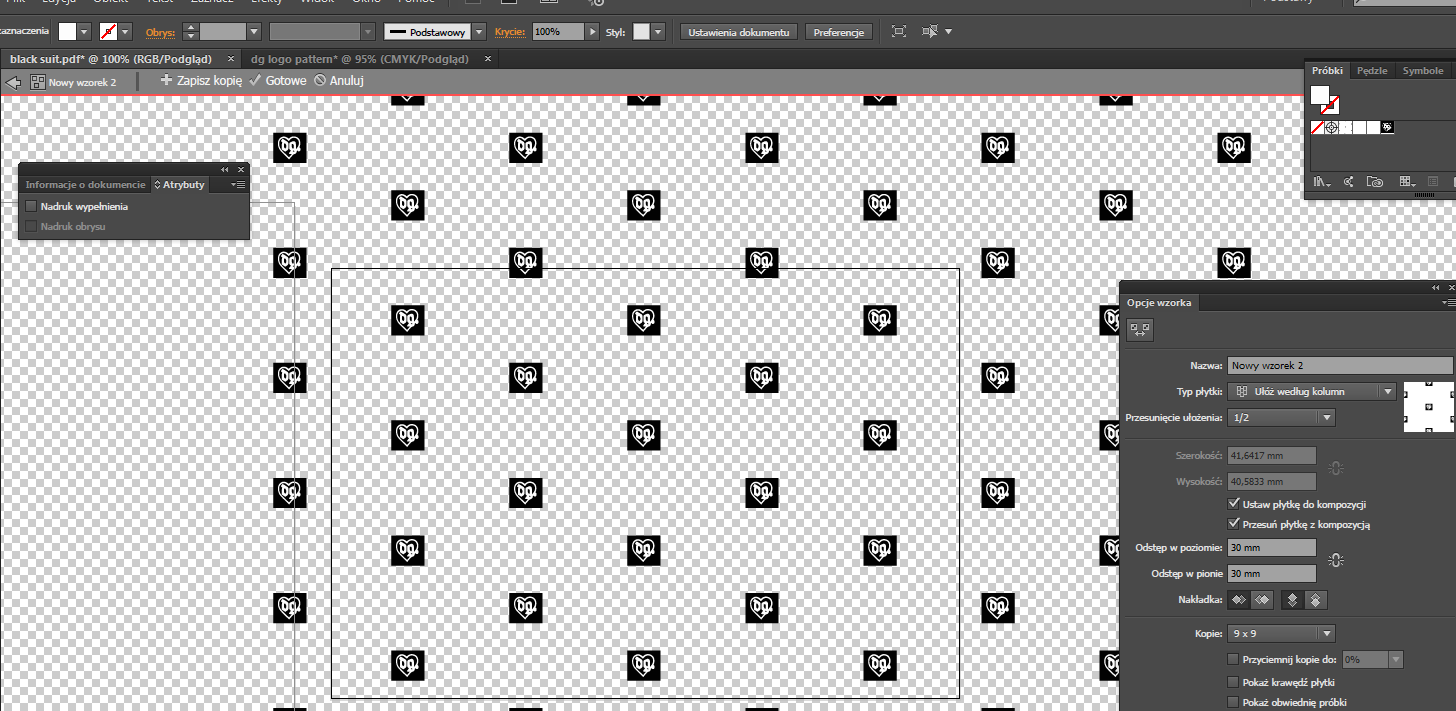
I created a new pattern with a black background
then I used it on my suit and that happened
Sorry, I don't know what I'm doing wrong
never-displayed
Get ready! An upgraded Adobe Community experience is coming in January.







 3
Replies
3
Replies




 AdChoices