


michałj14767724
New Participant
February 1, 2019
Answered

How i can fill black object with white custom pattern?

  • February 1, 2019
  • 1 reply
  • 367 views

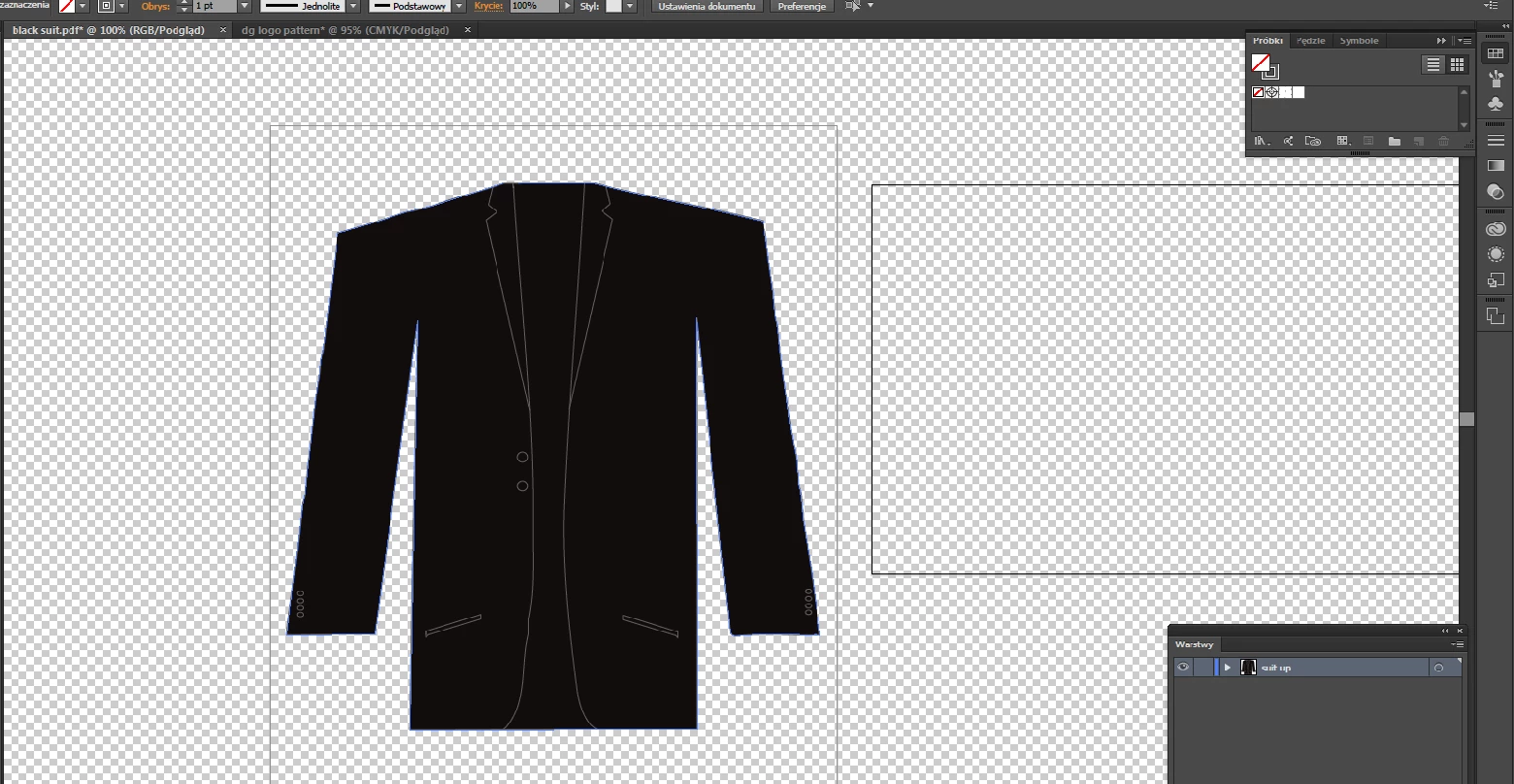
Hi, i can't fill that black suit with my custom white pattern.

1. Thats black suit which i want to fill with my custom white pattern
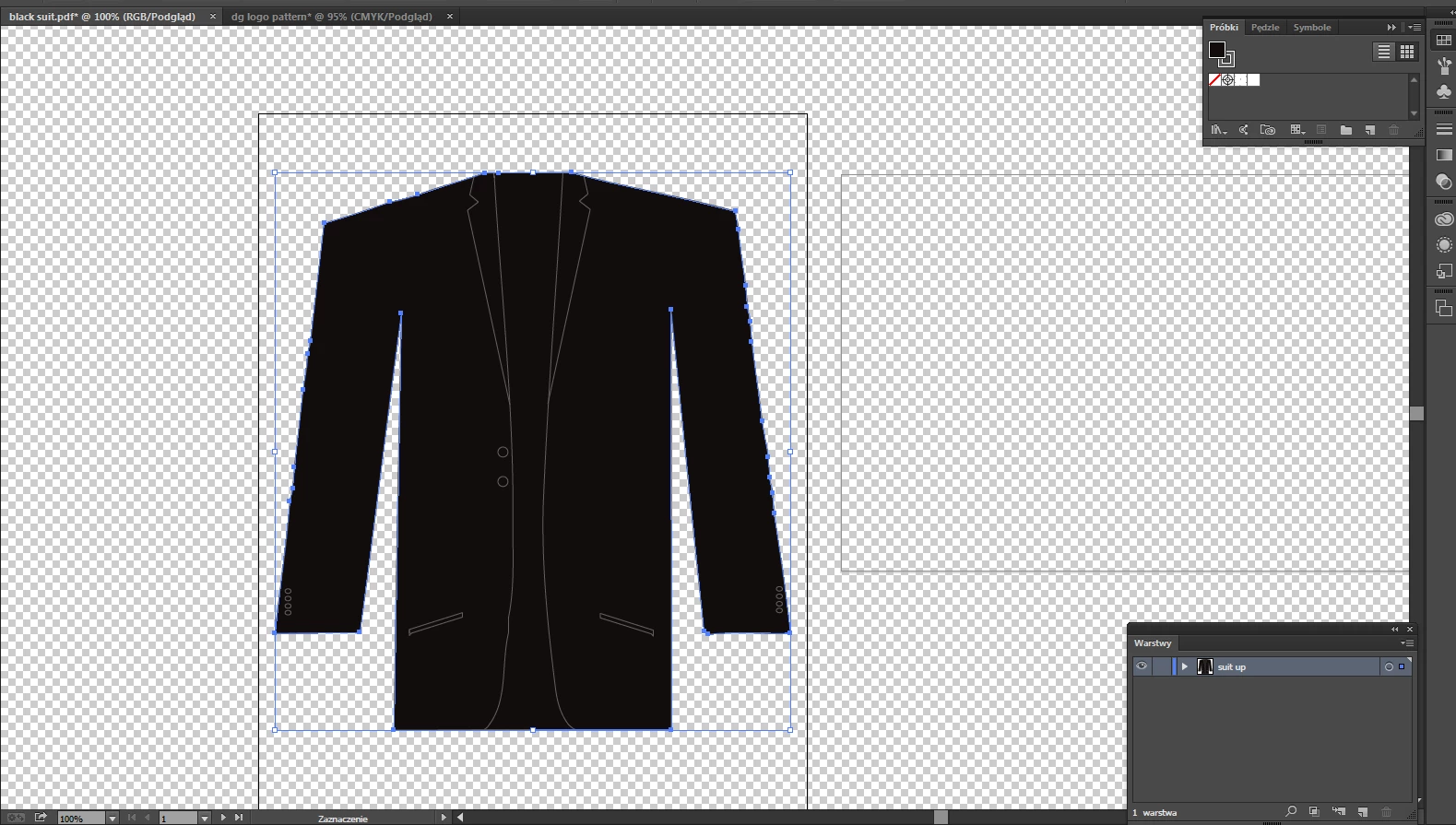
2.Then i select it
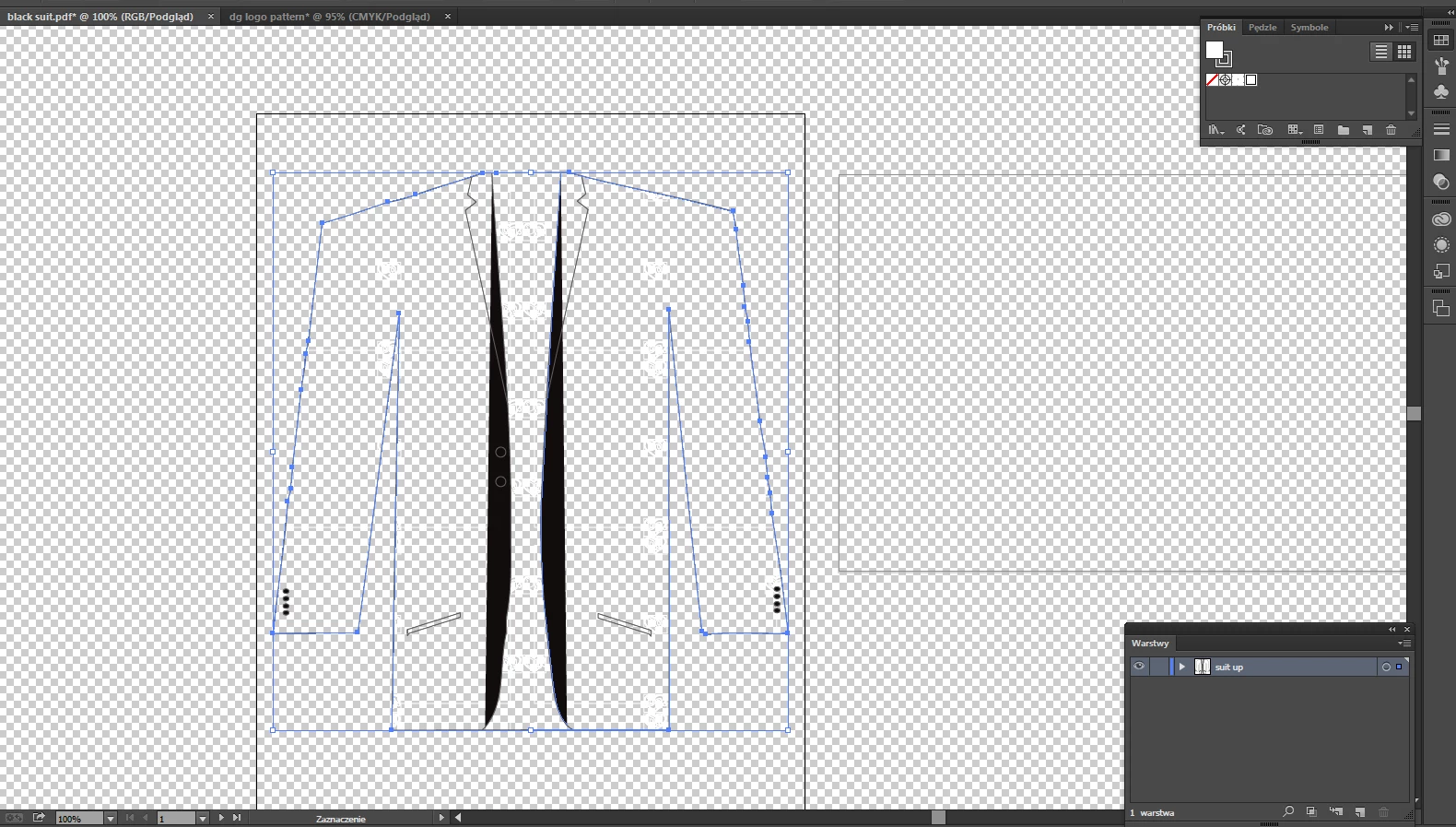
3.Then i click on my pattern from swatches and this happens. Any ideas what im doing wrong? I dont want

to lose black color. I want it all over it (white logos on black color) what im doing wrong? Please help!
    This topic has been closed for replies.
    Correct answer Monika Gause

    In the appearance panel create a new fill for the object. Apply the pattern to that fill.

    So then there should be two fills on the object:

    1. Black (bottom)

    2. the pattern (top)

    1 reply

    pixxxelschubser
    Community Expert
    February 1, 2019

    Please check appearance/attributes/blend modes of the white colored objects in your pattern.

    And if the black suit was set to overprint - black overprint

    Aktualisiert

    Or if I misunderstand your question: create a new pattern with black background and your white elements and use this new pattern for your suit.

    michałj14767724
    New Participant
    February 1, 2019

    How can I check appearance/attributes/blend modes of the white coloured objects?

    and how can I check if the black suit was set to overprint - black overprint?

    I created a new pattern with a black background

    then I used it on my suit and that happened

    Sorry, I don't know what I'm doing wrong

    Monika Gause
    Monika GauseCorrect answer
    Community Expert
    February 1, 2019

    In the appearance panel create a new fill for the object. Apply the pattern to that fill.

    So then there should be two fills on the object:

    1. Black (bottom)

    2. the pattern (top)