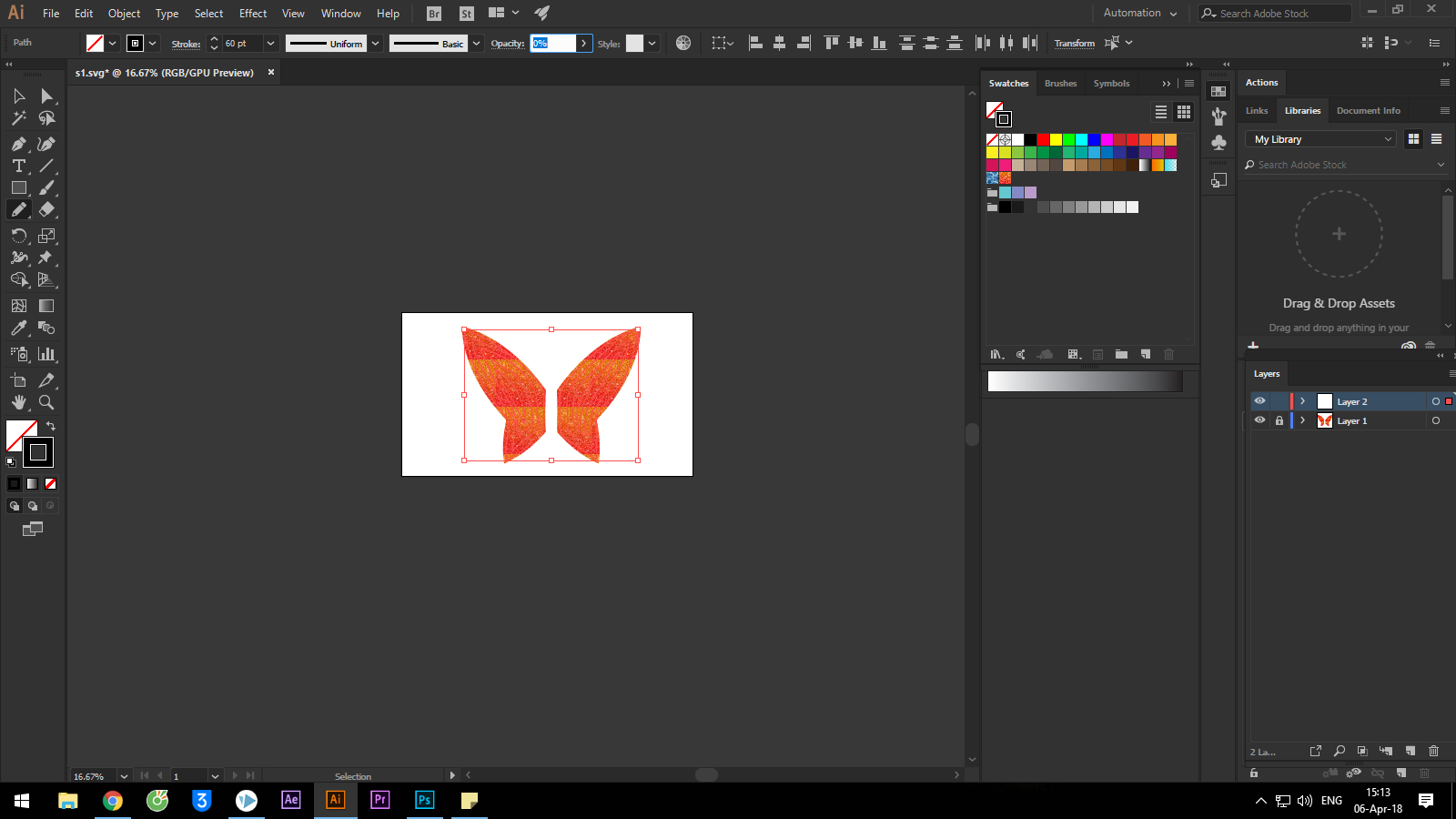
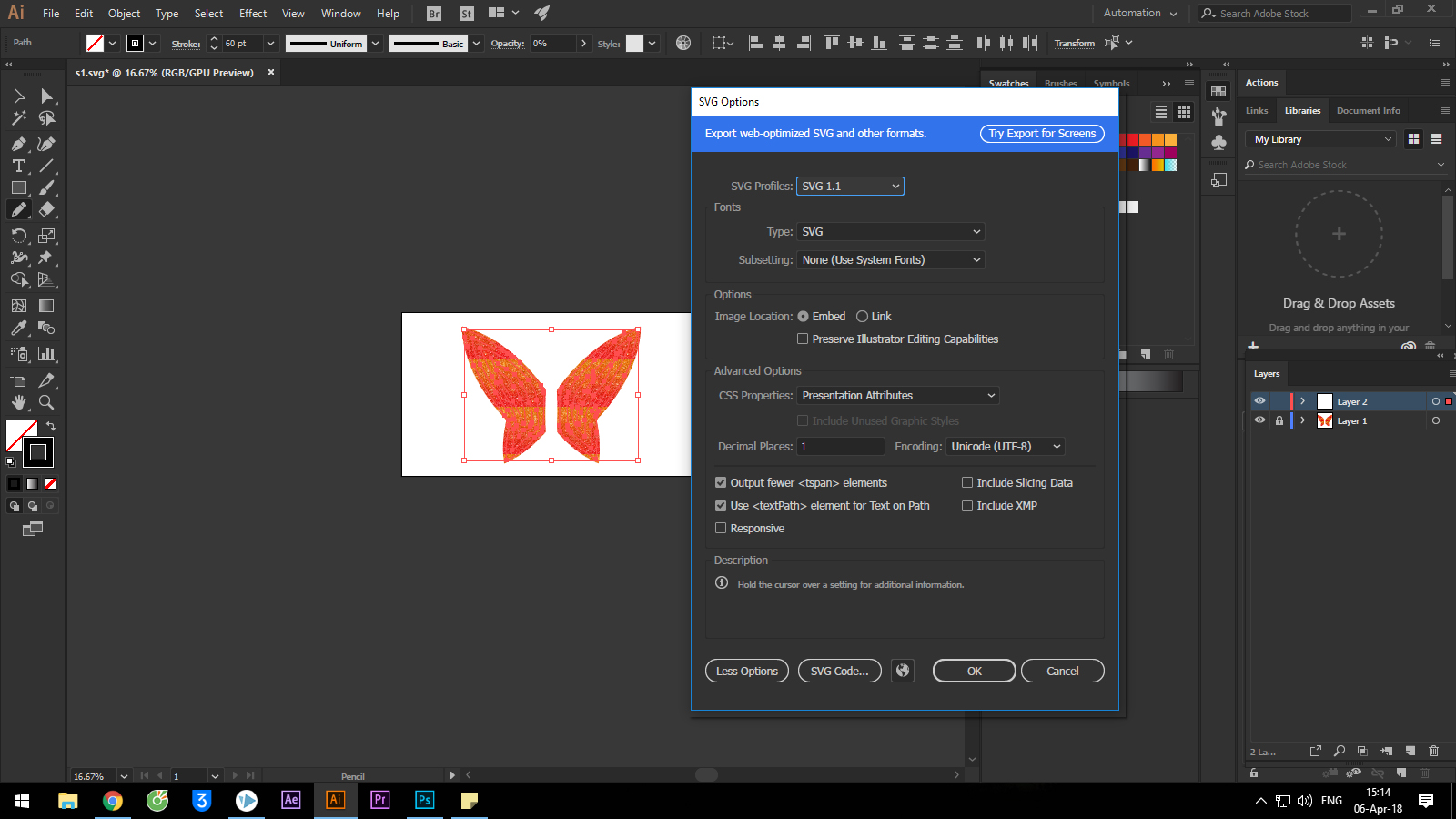
When i creat custom swatches then used to creat with a file vector SVG. But I do not see color of the swatch, but I see only the white in file vector SVG.Please help me this problem
SVGs do not use swatches, they use color codes. If you use specific colors you may have to convert them to process colors and use them in the document so the values are actually available.
Could you please post screenshots to illustrate the issue?
I think the svg file format does not allow for Swatches themselves, but when one opens an svg one can use the Swatches Panel’s command »Add Used Colors« to re-constitute them.
when I import file SVG in videoscribe, file color SVG show only white not color of the swatch I selected in AI. Can You Help me in problem. Thanks You very much.:)
SVGs do not use swatches, they use color codes. If you use specific colors you may have to convert them to process colors and use them in the document so the values are actually available.






 6
Replies
6
Replies






 AdChoices